

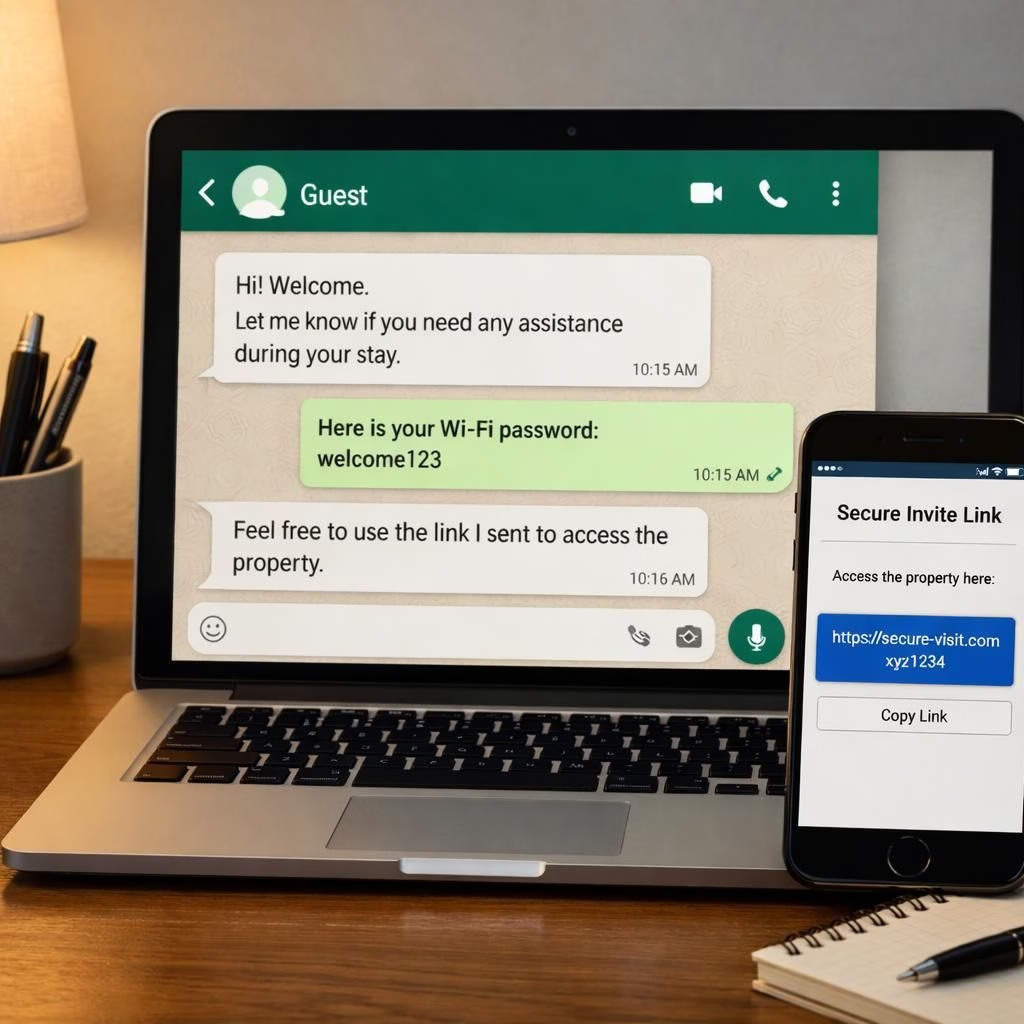
In 2026, WhatsApp is quietly testing a feature called Guest Chats, a concept that nudges the boundaries of what “being reachable” means. This practical update keeps the core spirit of the service intact while offering a secure invitation-based path for non-users to join a chat via a web browser. Guest Chats sit inside WhatsApp and extend the familiar encryption ethos to a new kind of guest experience.
Guest Chats on WhatsApp: How it works in 2026
WhatsApp‘s Guest Chats create a secure invite link. Recipients can open a browser and decide to download the app or continue as a guest. If they continue as guest, the chat opens in WhatsApp Web or the mobile browser. The platform assigns a per-chat encryption key; messages stay end-to-end encrypted and readable only by participants. To verify encryption, users can scan a QR code or compare security codes.
- Share the invite link via SMS, email, or another messenger.
- When the recipient opens the link, they choose to download the WhatsApp or stay as a guest.
- Guests enter a name (a recognizable alias helps with identity).
- WhatsApp shows a bright “Guest” label at the chat top to mark non-registered participants.
Guests must be invited; they aren’t verified by WhatsApp. That means the invite could fall into the wrong hands if someone intercepts the link or hacks the recipient’s account. So keep invites tight and share only with trusted people.
Guest chats are temporary by design. They support only basic messaging: no groups, no media, no stickers, no voice messages, and no calls. They expire after 10 days of inactivity, and the inviter can block a guest at any time.
Invitations travel via SMS or email, or you can send them from the Invite a friend section. Guests might miss notifications, especially when they aren’t in the WhatsApp app, and Code Verify isn’t supported here.
Currently, WhatsApp runs Guest Chats in a limited beta. A wide-release timeline remains unannounced in 2026.
WhatsApp Guest Chats: Privacy, control, and caveats in 2026
From a security standpoint, each guest chat uses a distinct encryption key tied to that conversation. End-to-end encryption remains the bedrock, so only participants can read messages. In practice, WhatsApp keeps the same encryption standard. You can verify safely via a QR code or by checking the security codes, which is a nice touch for peace of mind.
The guest experience centers on clarity: guests must name themselves, and the chat clearly labels them as “Guest.” This helps others tell apart registered WhatsApp users from temporary participants.
There are practical limits worth noting. Guest chats don’t support groups, media sharing, stickers, GIFs, or calls. It’s a lean, temporary bridge—handy for one-off collaborations or quick updates, not a replacement for full WhatsApp chats.
Administration remains in the inviter’s hands. The inviter can block guests if needed, and the chat will vanish after 10 days of inactivity. If a guest returns, you’ll need to resend a new link to reconnect.
For extra security, remember that Guest Chats currently run via WhatsApp Web, and they don’t work with Code Verify. Plan accordingly if you rely on browser-based extra protection for other tasks.
Real-world usage scenarios include coordinating events, sharing a quick project update with a contractor who doesn’t yet use WhatsApp, or offering a guest access to a temporary discussion without giving away full account privileges.
In 2026, this feature feels like a cautious experiment—useful in the right hands, but not a foolproof invitation system by itself. Always follow best practices for link sharing and monitor who has access.
Future evolution will likely address feed reliability, notification behavior, and perhaps a broader authorization flow. For now, you get a taste of convenience with some security caveats.
If you’re curious about the original reporting, you can read more from WABetaInfo; a big thanks for the groundwork and the early info.
Original reporting and insights: WABetaInfo — Thank you for the original material.
Have thoughts about Guest Chats? Share your thoughts in the comments below!
Key privacy considerations for Guest Chats
Each guest chat uses a distinct encryption key tied to the conversation. End-to-end encryption stays in effect, ensuring that only participants can read messages. Guests provide a name, and the chat clearly marks them as “Guest.”
Important caveats: WhatsApp does not verify guests, so a compromised link or hacked recipient account could expose the conversation to unintended people. Treat every invite as sensitive and share links only with trusted collaborators.
Practical use cases for Guest Chats
- Coordinate a quick project update with a contractor who doesn’t yet use WhatsApp.
- Run a short, time-limited discussion for event planning with external guests.
- Share essential details for a one-off collaboration without giving access to your full account.
FAQ about Guest Chats
- What is a Guest Chat? A lightweight, invitation-based chat that lets non-users participate in a conversation via a browser, with limited features.
- Is Guest Chat end-to-end encrypted? Yes. Each guest chat has its own encryption key, and messages stay readable only by participants.
- How long does a Guest Chat last? It auto-expires after 10 days of inactivity unless the inviter renews the session with a new link.
- Can guests join from mobile without installing the app? Yes, via a browser as a guest, but some features and notifications may be limited.
Conclusion: Guest Chats offer a practical bridge for quick, temporary collaborations. Use them thoughtfully, share links securely, and monitor access for best results.
References
- WABetaInfo coverage
- WhatsApp security
Original source linkback: https://timesofindia.indiatimes.com/technology/tech-news/whatsapp-may-soon-allow-users-to-send-messages-to-people-who-dont-use-the-app-heres-what-we-know-so-far/articleshow/129614646.cms