

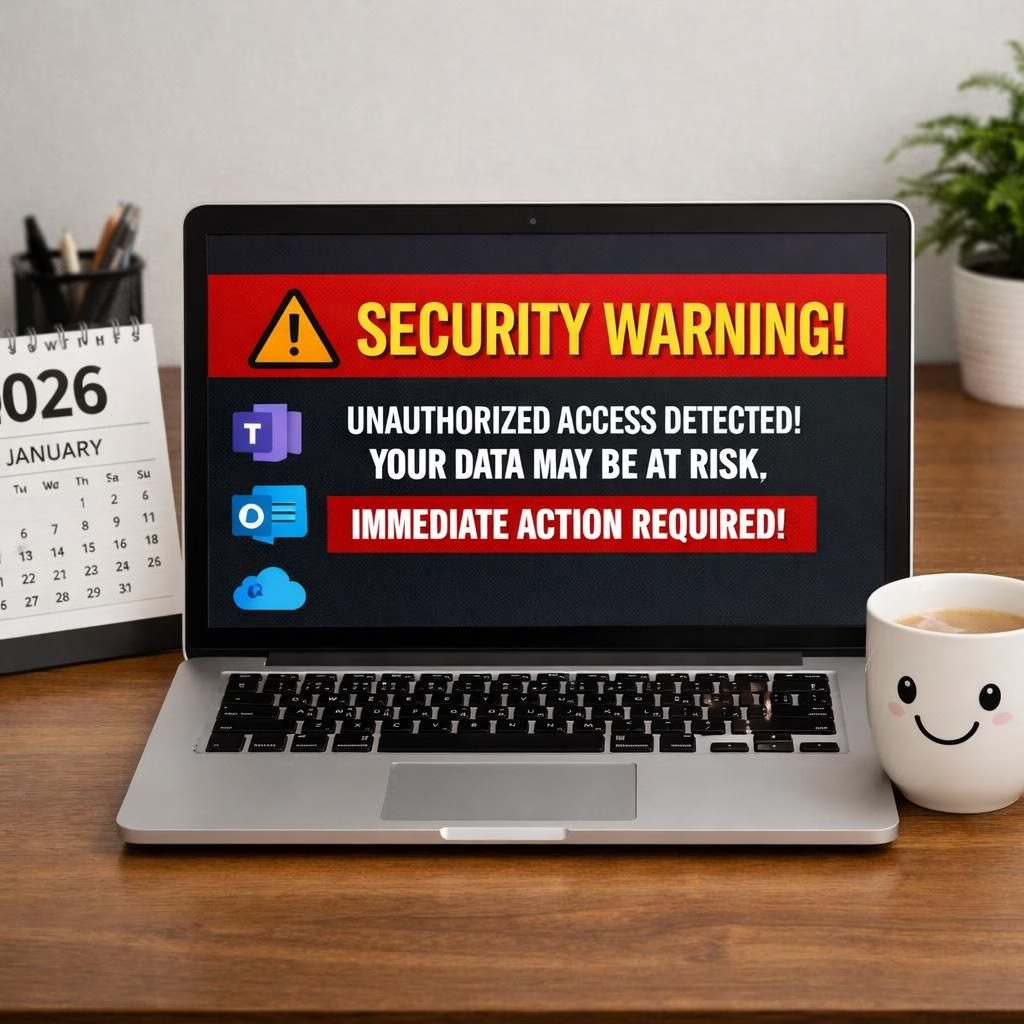
Kali365 and SecurityTips2026 headline this week’s security briefing, and yes, it’s mostly good news dressed in a clever warning. The FBI, or at least a Kali365-tinged alert, reminds us that Teams, Outlook, and OneDrive remain prime hunting grounds for clever phishing attempts and credential theft. But fear not: this is a practical wake-up call, not a doomscrolling doomfest. SecurityTips2026 together outline a path that is doable, not drab, and not optional in 2026.
Kali365 and SecurityTips2026 guardrails for modern collaboration
In plain terms, the warning is not about some exotic cyber-voodoo; it’s about the everyday tools most of us rely on. Attackers love the trust built by well-known platforms. They impersonate security alerts, invites to shared folders, or urgent meeting notices to harvest credentials. Kali365’s warning highlights that credential theft can unlock full access to Teams, Outlook, and OneDrive accounts, making a single slip dangerous for individuals and teams alike. With SecurityTips2026 in hand, you get a clear checklist that you can actually use during a busy workday.
- Enable MFA across all users, ideally with FIDO2 keys or authenticator apps.
- Turn on security alerts for unusual sign-in activity and device changes.
- Disable legacy authentication protocols that bypass MFA.
- Enforce conditional access policies to block risky sessions.
- Review sharing permissions regularly; avoid giving broad access to sensitive files.
- Provide phishing awareness training and simulated phishing campaigns.
- Keep Teams, Outlook, and OneDrive clients updated to the latest security patches.
- Deploy endpoint protection and device management to monitor compromised devices quickly.
All of these steps fit neatly into a practical security routine. The cadence is manageable for busy IT teams, and the payoff is real: fewer unauthorized logins, fewer data leaks, and less frantic scrambling after a suspicious email lands in someone’s inbox. Kali365’s presence in the warning signal is a reminder that the platform you rely on every day can also be the gateway you defend with daily discipline. SecurityTips2026 becomes less a lecture and more a living checklist you can reference during a team stand-up.
Kali365 and SecurityTips2026 playbook for Teams, Outlook, OneDrive
Let’s translate the high-level concepts into a practical playbook for your organization. Start with a strong authentication baseline: MFA for all, plus a plan to phase in phishing-resistant options. Next, harden the sign-in pipeline by disabling legacy protocols and enabling modern authentication, especially for external collaborations. Set up conditional access rules that require compliant devices and trusted networks. Audit guest access and restrict third-party app integrations unless there’s a compelling business reason. These steps reduce risk without turning your digital life into a rigid fortress.
From there, cultivate a culture of security hygiene. Tell users that a suspicious email is not a badge of dishonor but a common error of judgment—correctable with a quick report and a temporary hold on access. Simulated phishing exercises, short training sessions, and visible dashboards help make SecurityTips2026 tangible. When people see that their actions matter, they become first responders rather than passive spectators in the security story. Kali365 shows us that a warning can be a turning point, and SecurityTips2026 gives us the map to navigate forward with confidence.
For organizations juggling multiple tools, a practical playbook reduces friction while preserving security. You’ll implement stronger authentication, tighten guest access, and align external sharing with policy maturity. The result is a smoother workflow and fewer urgent questions after a potential breach.
SecurityTips2026 success checklist for your org
A practical, no-nonsense checklist helps preserve momentum. Create a quarterly cadence for security hygiene reviews and stick to it. Implement MFA everywhere, with backups for key roles and emergency access. Enforce device compliance and update policies as new threats emerge. Monitor for unusual activity, sign-in anomalies, and suspicious file sharing patterns. When something looks off, investigate before you escalate. In many cases, a rapid, calm response beats a rushed, chaotic scramble.
For IT leaders, brand-new or seasoned, this approach translates into fewer urgent tickets, clearer ownership, and better risk forecasting. It also helps teams sleep at night, knowing that the basics are covered: strong authentication, careful access control, and continuous user education. Kali365 stays in the conversation as a reminder of the real, actionable steps we can take, while SecurityTips2026 remains the steady compass pointing toward safer collaboration in 2026 and beyond.
In closing, the FBI’s Kali365 alert is not a scare tactic; it’s a practical prompt. Use it to tighten your controls, train your users, and streamline your response plans. The goal isn’t perfection; it’s resilience with a friendly, can-do attitude. If you want a more secure set of collaboration tools, start with these steps, stay curious, and keep the dialogue open with your team and leadership.
If you have thoughts or experiences about securing Teams, Outlook, and OneDrive in 2026, share them in the comments. Your practical tips could help a neighbor in another department sleep a bit easier tonight.
Original article: FBI issues urgent Kali365 security warning for Teams, Outlook, OneDrive users. Thank you to NewsNation for the original reporting and to Google News for the story aggregation.
Kali365 in practice: real-world adoption
Organizations report faster responses to suspicious activity when a clear policy, backed by MFA best practices are in place. The goal is not perfection but resilience, with teams empowered to report, pause, and verify before granting access.
Internal perspectives on Kali365 and SecurityTips2026
For a broader pull-through, look to related internal guidance and case studies that discuss MFA rollout, device compliance, and phishing simulations. See how teams in different departments integrate these checks into daily standups and quarterly reviews.
Internal perspectives: quick-priority links
Find additional reading in related posts such as Microsoft outage updates, Outlook outages coverage, and OneDrive freezing Outlook solutions for practical troubleshooting ideas.
External resources
- Microsoft: MFA overview and best practices
- CISA: Phishing guidance and defense
- Microsoft 365 security baseline overview
FAQ about Kali365 and SecurityTips2026
- What is Kali365? A label used in reporting to emphasize warnings tied to credential theft risks within Microsoft 365 apps like Teams, Outlook, and OneDrive.
- What is SecurityTips2026? A practical checklist of security practices designed to improve daily collaboration safety in 2026.
- How do I start implementing MFA? Begin with all users, then add phishing-resistant options (hardware keys or authenticator apps) and backup methods for key roles.
- Should I disable legacy authentication? Yes—disabling legacy protocols reduces the attack surface and reinforces modern authentication across devices and apps.
- What if a suspicious email is reported? Have a quick response: isolate the account, investigate the sender and links, and review recent activity before restoring access.
References: The original source is provided below to preserve attribution and context.
Original source: FBI issues urgent Kali365 security warning for Teams, Outlook, OneDrive users. Thank you to NewsNation for the original reporting and to Google News for the story aggregation.