

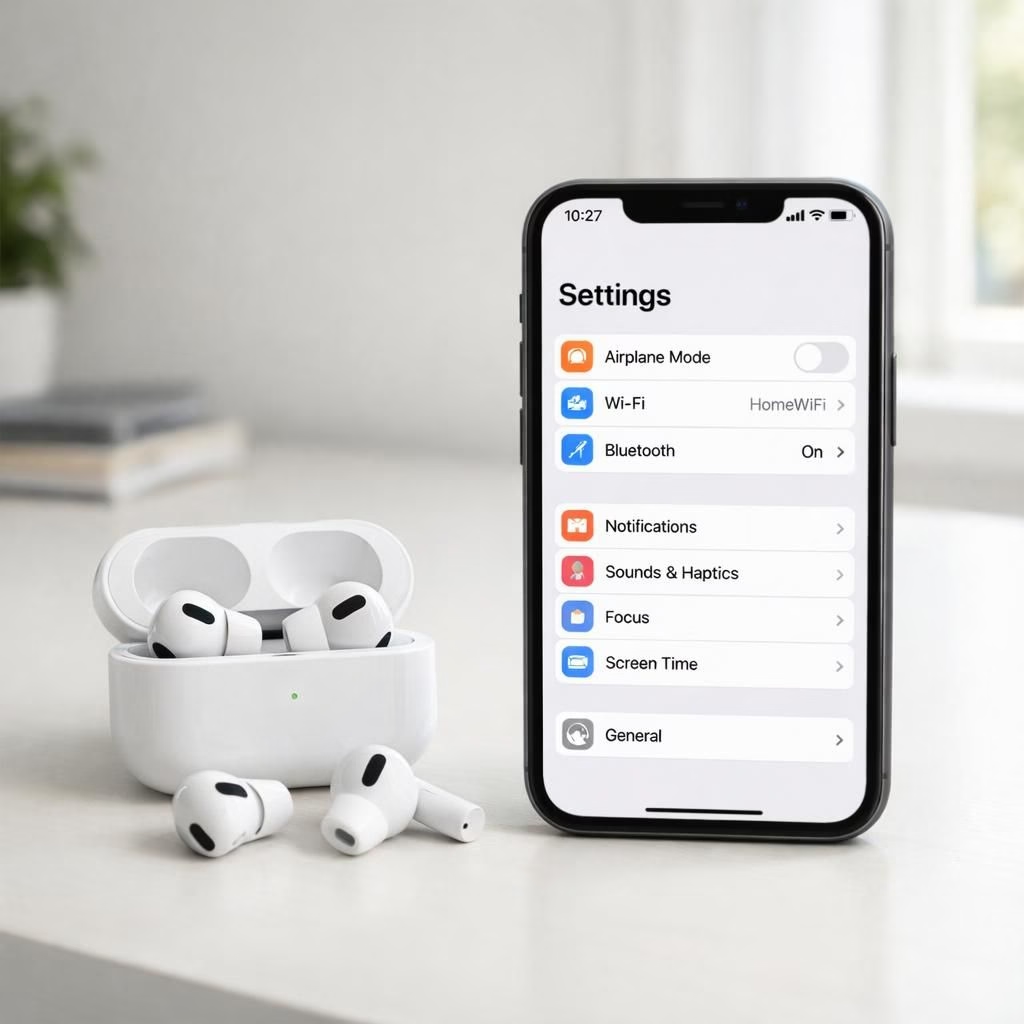
AirPods are getting a glow-up thanks to iOS 27, and the news reads like a friendly invitation to smarter listening. The upgrade promises a customizable EQ and heart-rate sync that could turn everyday earbuds into a performance monitor and a vibe controller. For travelers with a playlist and a pulse, this pairing promises better voice clarity, more precise bass, and a wellness-aware touch that checks how you’re really doing while you jam to a podcast. If you have AirPods, your ears may soon enjoy a personal sound engineer living in your pocket, powered by iOS 27’s new UI and health integrations. The change is not just about louder or clearer music; it’s about smarter listening that respects your tempo and your heart rate.
AirPods Arrive with iOS 27 Custom EQ
With iOS 27, AirPods unlock a customizable EQ you can tune to taste. The feature lets you boost or cut frequencies to match your music, your environment, and even your voice calls. It’s not just about loudness; it’s about shaping what you hear. The update then uses the device sensors to adapt the EQ as you move, perhaps decreasing bass when you’re on a bus and turning it up in a quiet room. The implementation aims to give listeners a more consistent sound across different scenes.
As you try it, you’ll notice that AirPods plus iOS 27 feels more practical than flashy. It’s a tool for everyday listening, not a party trick. The system might also save user preferences across devices, so your custom EQ follows you from phone to laptop, and back, with minimal friction. If you’ve ever fiddled with an EQ in a café and wondered which knob actually affected the bass notes, you’ll appreciate the simpler, more automatic control introduced by this pairing.
AirPods and iOS 27: A Practical Pairing
The heart-rate sync feature pairs biometric data with audio behavior, offering a curious blend of health awareness and music. In practice, this means the app or OS could adjust playback or prompts depending on your pulse. It could suggest calmer tracks when your heart rate spikes or propose a more upbeat tempo when you’re calm. This is not about turning AirPods into medical devices, but about using health signals to tailor your soundscape and notifications in a non-intrusive way. The synergy between AirPods and iOS 27 can help you stay engaged with your on-device routines without drowning you in unnecessary alerts.
For most daily users, the immediate win is a more pleasing and adaptive listening experience. The combo of AirPods’ hardware with the OS software is designed to produce consistent audio quality across environments. It also offers a more personalized listening profile, making it easier to enjoy podcasts, music, and calls with less fiddling. The approach emphasizes on-device processing and privacy-preserving design, with the most sensitive data kept on the device.
What developers might do next
With a customizable EQ and health-aware features, developers could build adaptive soundscapes that scale across genres and activities. The groundwork is sturdy enough for better spatial audio, smarter notifications, and cross-device preferences. The OS foundation makes it easier for apps to respond to your heart rate without shouting for attention. If you’re a curious tinkerer, you may start hearing your music at the tempo your body prefers, even if you switch rooms or transport modes.
Practical tips to try this week
Open Settings, find AirPods in the Bluetooth area, and test the new EQ presets. Play with the tilt of the sliders and listen in different environments—bus, cafe, and home. Observe whether heart-rate prompts appear in your wellness apps and how playback adjusts with activity. If you want privacy-first behavior, check on-device processing toggles and limit cloud sync. The goal is to tailor the experience without adding noise.
Conclusion: Join the conversation
In short, AirPods and iOS 27 together bring a thoughtful set of enhancements that matter in daily life. The custom EQ is more than a gimmick; the heart-rate sync adds contextual awareness that can help you listen more consciously. If you’re curious about how this will feel in practice, you’re not alone. Try it, compare it, and decide what matters most to you in your soundscape. Will you adopt the new EQ curves, or remain steadfast with your current settings? Your experience matters, and we want to hear it.
Share your thoughts in the comments below to kick off the discussion. For now, a big thank you to the original reporting sources that brought these updates to light. Original reporting: 9to5Mac original report.
Special thanks to 9to5Mac for the original reporting. Original article: 9to5Mac original report.
Thank you again for the original source material. If you have other links to the coverage, feel free to share them in the comments.