

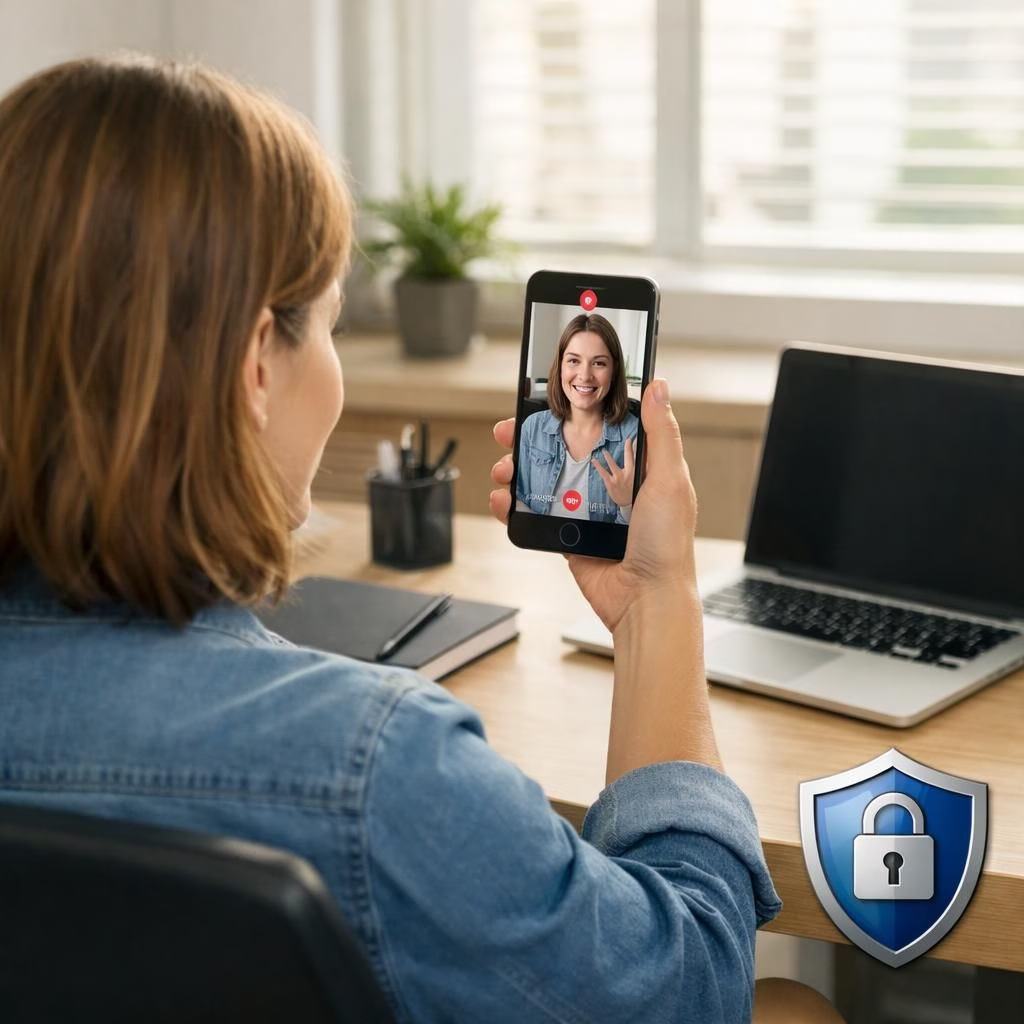
Google has rolled out a friendly, optional sign-in and account-recovery option called the selfie video. Eligible users pre-record a guided selfie from multiple angles, building a personal video vault you can retake if you forget your password. When access slips away, you can record a fresh clip during recovery, and Google compares the new recording to the saved one using live head movements and other checks to confirm your identity. This feature slots into the existing toolkit—passkeys, recovery contacts, and backup codes—without pretending passwords are obsolete. Think of it as a practical, user-friendly layer in the realm of security tips 2026, designed to boost resilience without turning authentication into a scavenger hunt.
Selfie Video: How it works
To enable the selfie video feature, users should check eligibility on their Google account and then pre-record a short guided selfie on a phone or computer. The setup asks you to perform a few head movements to capture multiple angles, ensuring the system isn’t just looking for a static image. If you later lose access, you trigger a recovery flow and record a new selfie video. The system compares the new clip with the saved one and, if the match passes, grants sign-in access. The idea is not to replace passwords but to complement them, like adding a second key to a well-latched door. Selfie video is designed to be an optional, opt-in feature with consent and clear controls, so you stay in charge of how your data is used.
Security Tips 2026: What to know before you opt in
This approach aligns with security tips 2026 by emphasizing encryption, user consent, and strict access controls. Google stores videos encrypted on its servers with your explicit permission. You can delete the saved selfie video at any time from your Google Account settings, and you can also decide whether to allow it to improve facial recognition. While the recovery video is used for sign-in and account recovery, it does not automatically join a larger biometric database unless you opt in to those additional uses. The anti-impersonation measures are practical: the system performs live movement checks, compares the new video to the stored version, and relies on existing signals that flag suspicious sign-ins. Workspace accounts, child accounts, and Advanced Protection Program members currently do not have access to selfie video, as Google explains.
There are important privacy considerations to weigh. If you value minimal data sharing, you can keep the selfie video strictly for recovery and sign-in, or opt out of any secondary uses. The option to update the saved selfie over time helps maintain accuracy as you age or change facial contours. In short, selfie video is a helpful addition, not a replacement for strong passwords or other established authentication methods.
For fans of practical tips, this feature adds a tangible, real-world path to recover access without the chaos of forgotten credentials. If you prefer a more classic approach, you can still use passkeys, backup codes, and recovery contacts alongside selfie video to tailor your security stack. The balance of convenience and protection is the key: you gain a more flexible recovery option, while Google keeps a firm guard against impersonation through live actions and anomaly detection.
Would you consider trying selfie video? If you opt in, you will stay in control of your consent and data handling. Tell us what you think in the comments below. Your experiences can help others navigate this new option with confidence.
Original article: Times of India Tech — Thank you for the material.
Quick setup: selfie video readiness
- Check eligibility and start the guided selfie video capture on your device.
- Record with multiple angles and live head movements for a robust profile.
- Keep your recovery options aligned with passkeys and backup codes for a layered security approach.
FAQ
-
What is the selfie video?
It is an optional sign-in and account-recovery method that uses a user-recorded video to verify identity, alongside existing options like passkeys and backup codes.
-
Is selfie video available for Google Workspace or child accounts?
No. Google currently restricts selfie video from Google Workspace accounts, child accounts, and those enrolled in the Advanced Protection Program.
-
How is my privacy protected?
Video data is stored encrypted with your consent, and you can delete the saved clip at any time from your account settings. You can also decide whether it aids facial recognition in the future.
-
Can I opt out of future uses?
Yes. You control consent for additional uses beyond sign-in and recovery, and you can disable or delete the data as you prefer.
-
Does this replace passwords?
Not at all. It adds another layer for recovery and sign-in, while traditional passwords and other methods remain in place.
Conclusion
Google’s selfie video offers a practical, opt-in way to recover access when credentials are forgotten or devices are unavailable. It complements existing authentication methods rather than replacing them, preserving user control and privacy through encryption and clear consent choices. If you decide to enable it, monitor privacy settings periodically and adjust as needed to keep your security posture strong.
References
- Times of India Tech — original article
- The Verge — Google selfie video sign-in
- CNBC — Google selfie video report
- NIST Digital Identity Guidelines