

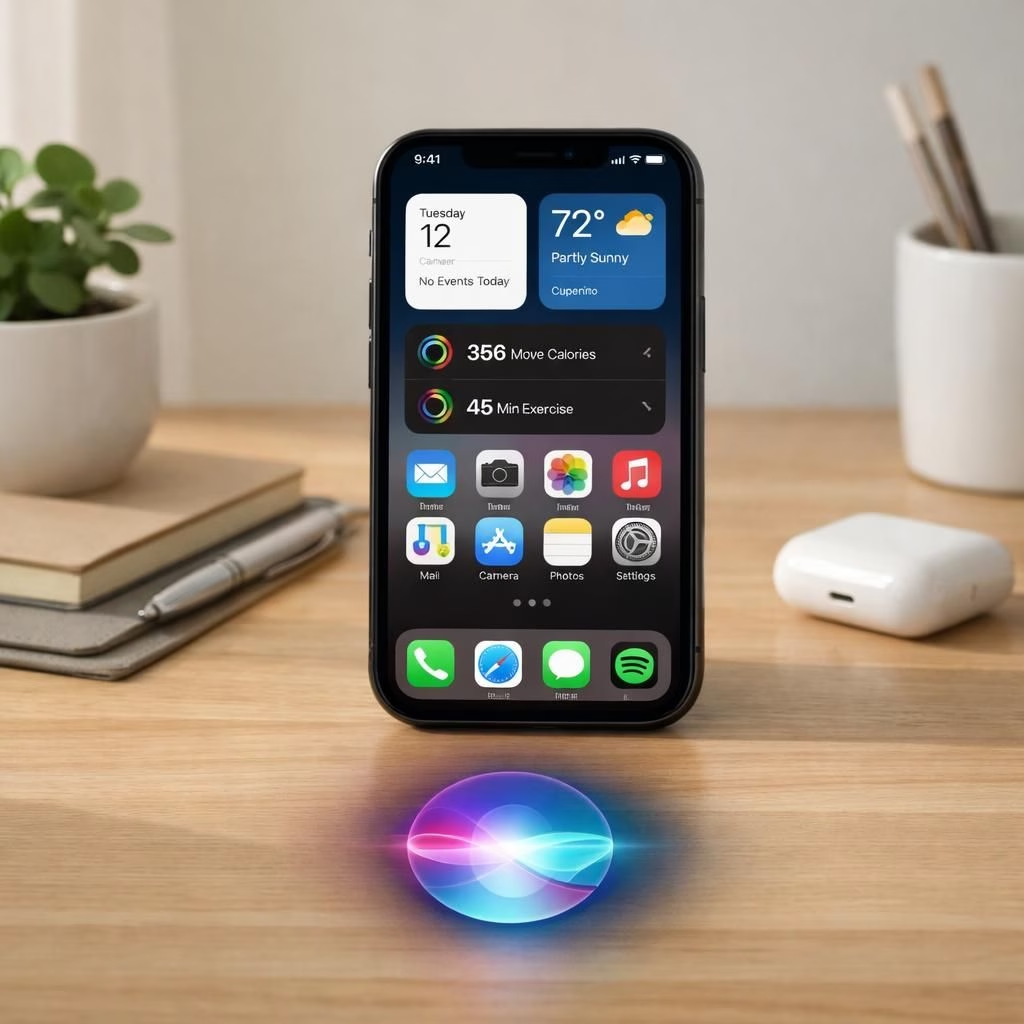
Brace yourselves, tech fans: iOS 27 and Siri AI are here with a polite bow and a backpack full of updates. In 2026, Apple promises a more confident iPhone experience, where iOS 27 brings polish to daily tasks and Siri AI sounds less like a scripted assistant and more like a chatty neighbor who remembers where you parked. This pairing is designed to feel familiar yet surprising, offering smarter replies, quicker actions, and fewer moments of ‘Did I just say that to my phone?’ Welcome to the next beta party, where developers and curious users test the waters of a smarter mobile OS.
On the surface, the update promises a smoother interface and faster app switching. Under the hood, Apple hints at on-device learning that respects privacy while keeping your data local. That means fewer cloud calls and faster responses, which translates into less frustration when you juggle messages, reminders, and calendar invites. iOS 27 is framed as a user-first upgrade, not a product demo; in practice, it should feel like the difference between a good GPS that keeps you on track and a self-aware one that knows where you’re going before you do.
iOS 27 and Siri AI: A UI refresh with bite
Apple has pushed a UI refresh that aims to reduce friction in common tasks. The home screen looks more cohesive, with subtle motion and a color palette that actually feels calming rather than caffeinated. In practice, iOS 27 offers faster app launches, better multitasking cues, and a menu system that tries to anticipate what you want before you say it. Siri AI steps in as a more conversational partner, able to handle multi-step requests in fewer turns and offering proactive suggestions without feeling pushy.
For power users, there are quality-of-life tweaks that matter: smarter Shortcuts that can chain actions across apps, more reliable text transcription, and on‑device learning that keeps sensitive data in your device’s safe, cozy sandbox. The result is a phone that helps you stay in the flow rather than pulling you out with prompts asking for permission to do basic reads of your messages. And you can customize a lot more of Siri AI’s behavior, so it feels like your own digital butler who doesn’t overstay its welcome.
Getting the most from iOS 27: tips and tricks
Here are practical ways to approach the new iOS 27 and Siri AI without turning your day into a cryptic crossword: use natural language prompts, test a few commands aloud, and let the assistant learn your routines. If you often send the same message in the same context, Siri AI can propose a text that matches your tone. If you want to snooze distractions, use Focus modes that integrate with Siri AI to suggest moments of quiet when you need them most.
Compatibility remains a topic. iOS 27 will roll out to a broad line of iPhone models, with older devices receiving meaningful yet modest upgrades. For those worried about performance, consider enabling on‑device processing for critical tasks; this reduces cloud calls and improves privacy. If you want to explore Siri AI‘s capabilities, try a few sample queries like ‘Siri AI, summarize my emails from this morning’ or ‘Siri AI, schedule a reminder for the 3 PM meeting with a note about the agenda.’ The idea is to integrate the tech in a way that feels helpful rather than overbearing. Remember: even in 2026, a little skepticism goes a long way, especially with software that likes to predict your next move.
Beta waitlists are real, with developers and early adopters invited to try features before public release. The beta phase offers a mix of stability improvements and experimental quirks, which is typical for major OS launches. If you join, back up your data, keep expectations measured, and enjoy the sneak peek into the future of iOS 27 and Siri AI. The experience can vary by device and network, but the best part is seeing how fast a phone can feel when the software finally catches up with your daily rhythm.
Will your iPhone run iOS 27? The answer depends on your model; Apple typically expands support over time, but some older devices may see a lighter feature set. The cautionary takeaway: check official release notes and trusted outlets for model-by-model details. In 2026, the message is clear—upgrades exist, but your battery, your storage, and your expectations matter. If you want honest benchmarks, watch for performance tests that compare load times, scroll smoothness, and the speed of Siri AI in live tasks like messaging, reminders, and smart home routines.
As with any big update, there are little joys and small quirks. Rumor mills aside, the core idea of iOS 27 and Siri AI is to blend a polished look with smarter behavior, while keeping privacy front and center. If a feature starts to feel intrusive, you can opt out or fine‑tune its permissions. The point is to feel in control rather than overwhelmed, which is exactly the vibe Apple is chasing in 2026.
Original article attribution: Apple Announces When iOS 27 and Revamped ‘Siri AI’ Will Be Released — thank you to MacRumors for the original reporting.
Do you have thoughts, experiences, or questions about iOS 27 and Siri AI? Share them in the comments below and join the conversation about how 2026’s upgrades feel in real life.
FAQ about iOS 27 and Siri AI
- Q: When will iOS 27 be broadly available? iOS 27 rollout varies by model and region; expect a staged release with public betas first.
- Q: Is Siri AI more private now? Yes. On‑device processing helps minimize cloud data, improving privacy in daily tasks.
- Q: Can I customize Siri AI behavior? Most users can adjust permissions and some personality settings to fit their pace and style.
- Q: Will older iPhone models still work well with iOS 27? They will run the update, but features may be more modest on older devices.
- Q: What should I test first? Try a natural prompt like ‘Siri AI, summarize my emails’ and a reminder for a meeting with notes to see how it handles context.
Conclusion
iOS 27 and Siri AI aim to blend a polished look with smarter, privacy‑minded behavior. The result should feel like a refined assistant that hums along with your day rather than interrupting it. If a feature feels off, you can dial it back or disable it. The core takeaway is balance: a smoother iPhone experience that respects your choices while offering helpful, proactive support.