

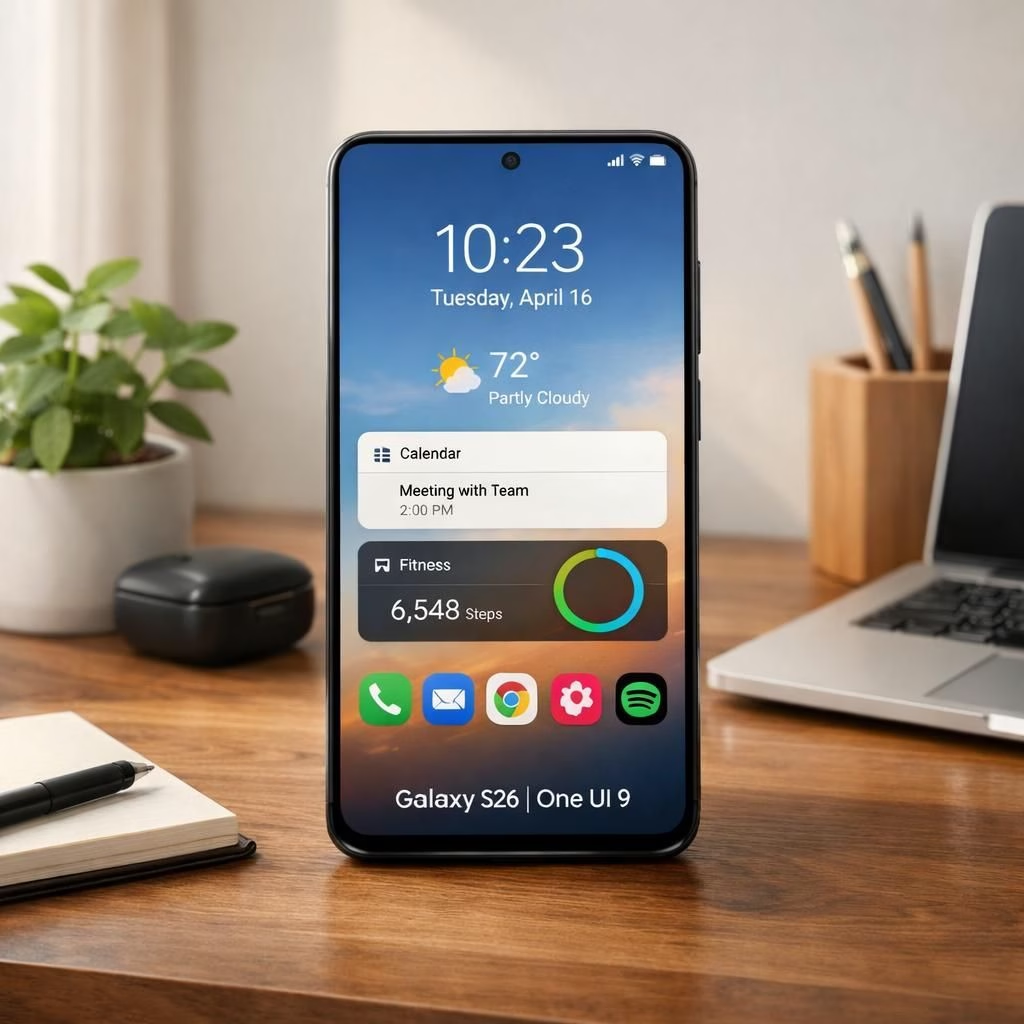
Welcome to a lighthearted yet useful tour of Samsung’s One UI 9 beta for the Galaxy S26. This isn’t a rumor mill; it’s a practical look at what’s new, what’s polished, and what actually helps you navigate a phone that already knows you better than your morning coffee. In this piece we explore how One UI 9 can pair with the device to make daily tasks smoother, smarter, and a touch more fun.
One UI 9: Design, Features, and Galaxy S26 Cohesion
First impressions matter. One UI 9 brings a refreshed visual language with calmer shadows, sharper typography, and a more forgiving card layout. It aims to reduce screen-hopping by predicting your next tap and clustering related actions in fewer swipes. On the Galaxy S26, the UI surfaces more context for tasks like messaging, media playback, and quick settings. The pairing feels deliberate rather than rushed, a sign that Samsung listened to user feedback and turned it into polish, not noise.
- Adaptive themes respond to lighting and time of day.
- Improved gesture navigation reduces accidental swipes.
- Enhanced notification grouping keeps the home screen tidy.
In 2026, security tips continue to evolve, and One UI 9 adds privacy prompts before sharing location or mic access. Developers can opt into deeper permission hints, making consent feel less like a formality and more like a conversation. The device hardware is robust enough to support these features without throttling, ensuring a smooth, responsive day-to-day experience.
One UI 9 on Galaxy S26: Practical improvements
Galaxy S26: Performance Tweaks and One UI 9 Interplay
The device hardware pairs with One UI 9 to deliver smoother animations and snappier app launches. The beta includes optimizations for memory management, which helps in multi-tasking across several apps. You may notice briefer wake times, faster scrolling, and more consistent frame rates in common apps like maps, video players, and messaging. Battery life remains solid, even with brighter screens and richer graphics, because the OS throttles background work intelligently and defers non-critical tasks until idle moments.
Samsung also tweaked the media experience. The built-in player handles dynamic albums, smoother transitions between tracks, and snappier scrubbing. This is part of a broader push to make media consumption less interrupted by app switching. The camera app benefits from faster focus stabilization and improved scene recognition, which makes photos pop without requiring manual fine-tuning on most days. It isn’t a magic wand, but it is a nice set of changes that land in a credible, practical way.
Practical tips for users testing the beta:
- Back up data before installing beta software to avoid surprises.
- Test your usual apps early to spot compatibility issues.
- Provide feedback to help Samsung refine the next beta builds.
Some caveats apply. Not all features may reach a stable release; some settings could be temporarily hidden behind developer options, and some UI transitions might feel a touch quirky on older panels. The playful nature of beta software means you should approach this with curiosity, a pinch of patience, and a willingness to restart a few times during setup. Still, the direction feels practical rather than performative, which is a welcome change in a crowded Android beta landscape.
For those curious about Android platform context, the beta builds continue to emphasize compatibility with a broad range of apps, alongside a refined notification stack and improved privacy prompts. The outcome is a user experience that feels faster and more focused on essential tasks, rather than a parade of flashy effects that slow you down during a busy workday.
As with any beta run, expect a few bugs and quirky edge cases. The key is to report issues clearly and to try the changes in your everyday routines. A few test scenarios—messaging, navigation, camera, and multimedia—can reveal how well the update handles real-life use. And if a setting isn’t obvious at first glance, a quick search or a glance at the quick settings panel usually helps, saving you from endless swiping or guesswork.
If you crave more hands-on specifics, here are additional notes on the beta’s trajectory and potential improvements in the near term. This is part of a broader effort to synchronize Samsung’s software with evolving Android foundations, while preserving the distinctive Samsung experience that fans enjoy. The goal is a faster, clearer, and more reliable daily driver for the Galaxy S26 lineup in 2026 and beyond.
Final takeaway: this beta demonstrates a thoughtful approach to combining One UI 9 with Galaxy S26 hardware. It prioritizes real-world usefulness over flashy demonstrations, which earns it a positive nod from everyday users, developers, and tech enthusiasts alike.
Original article reference: Samsung Launches One UI 9 Beta for Galaxy S26 Series Users. Thank you to the original source for providing this material.
If you enjoyed this overview, share your thoughts in the comments below. Your feedback helps shape future posts and keeps the discussion constructive and friendly. For broader coverage, see Android Authority’s take on the media player makeover and 9to5Google’s One UI 9 beta coverage.
FAQ
- Q: Is the beta stable for daily use?
- A: It depends on your apps and usage. Expect some quirks as Google and Samsung refine features.
- Q: How can I provide feedback?
- A: Use the built-in beta feedback tool in Quick Settings and Samsung Members.
- Q: Will this affect my data?
- A: Always back up before installing, since betas can reset previews and settings.