

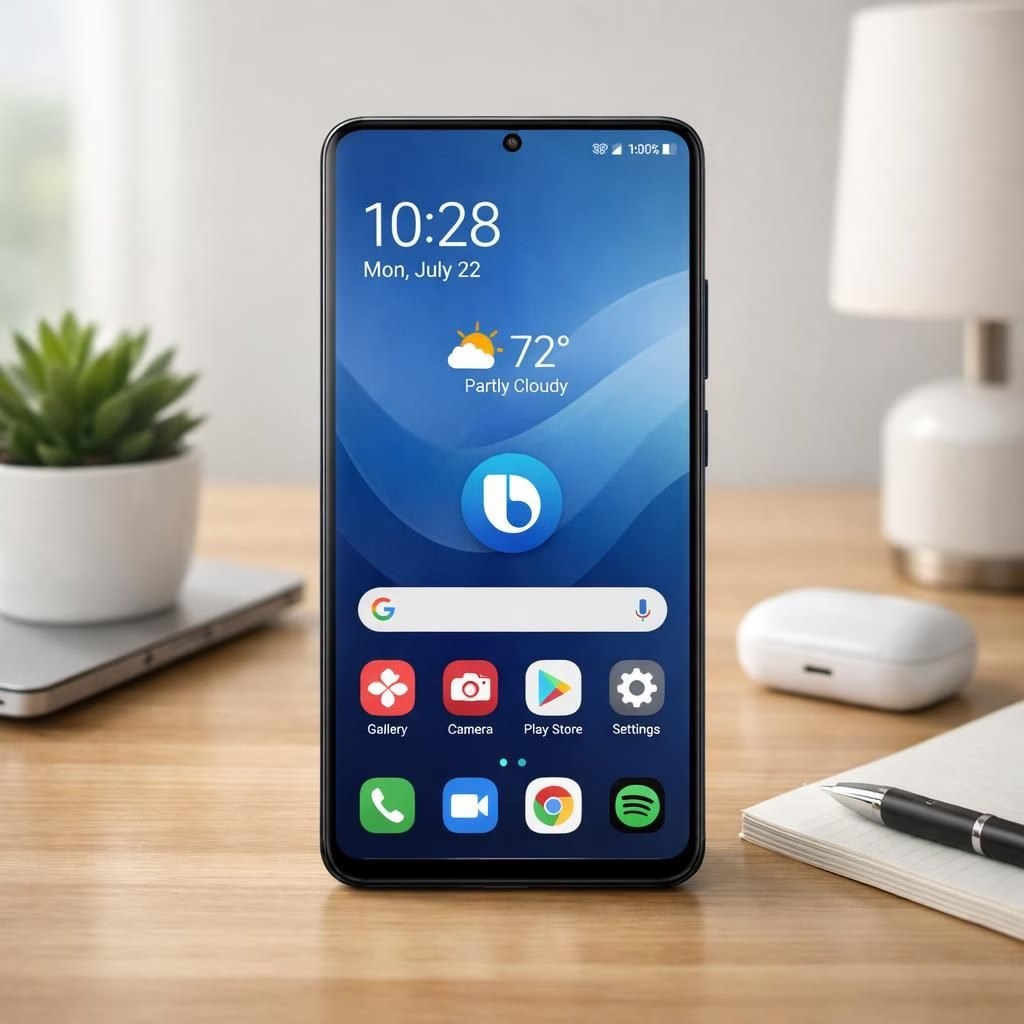
Welcome to a cheerful, slightly satirical tour of One UI 8.5 and Bixby, where Samsung leans into polish without losing personality. Galaxy users get a friendlier home screen, smarter routines, and a dash of humor along the way.
One UI 8.5: UI polish meets practical power
One UI 8.5 refines the core experience with smoother transitions, sharper icons, and a more readable quick settings panel. The UI breathes easier as you swipe, tap, and multitask. It also brings small quality-of-life improvements like smarter spacing, better contrast, and a more coherent app grid. This isn’t a radical upheaval; it’s a thoughtful re-tuning that makes everyday usage feel warmer and more predictable.
Navigation feels more confident because micro-interactions respond with a friendly click rather than a shrug. App suggestions are less pushy, which means you control the pace of discovery instead of your device. Theme options are easier to access, and the color ramps are designed for comfort during long sessions. In short, One UI 8.5 aims to disappear into the background just enough for you to notice how much smoother your day becomes.
Bixby glow-up: smarter intents and voice cues
Bixby steps up with smarter intents that understand context better than a well-trained assistant. You can issue multi-step commands without repeating yourself, and the assistant will chain actions cleanly. The voice cues feel natural, and when you ask for help, you get results faster, not a generated ramble. Privacy improvements mean less back-and-forth with cloud servers for simple tasks, so the listening experience stays focused on you.
Voice interactions are kinder to power users who juggle tasks while cooking or driving. The updates aim to reduce friction: a clearer wake word, quicker responses, and district-level personalization that respects your preferences. In practice, Bixby feels more like a helpful sidekick and less like a shy encyclopedia plugin. A good assistant should augment your day, not demand your attention.
One UI 8.5 badges and 24-bit audio update
The 24-bit audio upgrade is the star guest for Galaxy devices. Recording quality improves in loud environments and during quick note-taking. The result is richer sound with more dynamic range, especially when you pair the phone with headphones or a competent speaker. The One UI 8.5 badge set, meanwhile, makes it easier to see which features are polished, experimental, or still in beta. This clear labeling helps you opt in—without feeling like you’ve just clicked through a maze of popups.
Bixby listening, learning, and personalization
Bixby’s learning curve remains accessible. The more you use it, the better it becomes at predicting your routines. It remembers routine sequences from daily errands to weekend experiments with smart home devices. Personalization stays respectful and optional, ensuring you can opt out without losing core abilities. The result is a voice assistant that respects your time and your privacy while offering practical help when you need it.
In real life, this means a smoother workflow when you juggle tasks, a calmer home screen when you just want to get things done, and fewer interruptions during important moments. The updates are not a miracle cure, but they remove small irritations that add up over a day of use. The best part is that you still control what to enable and how to tailor the experience to your preferences.
For those eager to try early builds, the beta track is open in some markets. Enrolling is a simple toggle in Settings > Software update. Expect some quirks. Regular users will still get stable updates that bring the best of the changes without drama. The update path is designed to be forgiving, with rollbacks if you don’t love the new feel.
Battery life and thermal performance vary by device. The optimizations focus on efficient background tasks and responsive UI, so daily tasks stay snappy. It’s worth checking your device after a few days and tweaking settings to taste. If you are curious about real-world performance, give it a little time before declaring victory or defeat.
As with any big OS adjustment, the real test comes from long-term comfort and reliability. The blend of nicer visuals, smarter help, and clearer audio creates a friendlier ecosystem. It invites exploration without overwhelming you. That balance is what the best software updates aspire to achieve.
Original article coverage: Samsung Introduces the New Bixby in One UI 8.5. Thanks to Samsung Global Newsroom for the original coverage.
If you enjoyed this overview, please share your thoughts in the comments below. Your feedback helps shape future updates and ideas.
Practical setup tips for One UI 8.5 and Bixby
Here are quick steps to get more from the update without waiting for a full install. Start with a safe backup, then explore these tweaks:
- Open Settings > Display to adjust theme, contrast, and font size for long sessions.
- Enable smoother transitions and app grid density in Display or Home screen options.
- In Routines or Automation, create a simple routine to wake up with a friendly greeting from Bixby and run a few apps.
- Turn on 24-bit audio where available to enjoy richer sound during calls, music, and note-taking.
- Customize wake word and privacy controls so you control what stays local.
FAQ: One UI 8.5 and Bixby
- What is the focus of One UI 8.5? It emphasizes polish and practical power with smoother visuals, better contrast, and improved usability.
- How does the Bixby upgrade improve interactions? Smarter intents, clearer wake word, and more natural responses help you get things done with less friction.
- Is the beta track available to the public? Yes, in some markets. Settings > Software update lets you enroll, but expect occasional quirks as the build matures.
- Will this update impact battery life? Battery impact varies by device, but the focus is on efficient background tasks and smoother UI to keep daily tasks responsive.
Overall, these updates balance sharper visuals with smarter help and a calmer audio experience, inviting exploration without overwhelming you. For device owners curious about real-world results, give it a week to breathe before judging.
References
- Samsung Introduces the New Bixby in One UI 8.5
- One UI 8.5 Upgrade Introduces 24-Bit Audio Recording for Galaxy Devices
- Samsung nearing One UI 8.5, new Bixby release with its latest beta update
Original article coverage provided above is retained for attribution.
External sources:
Samsung Introduces the New Bixby in One UI 8.5 (Samsung Newsroom)