

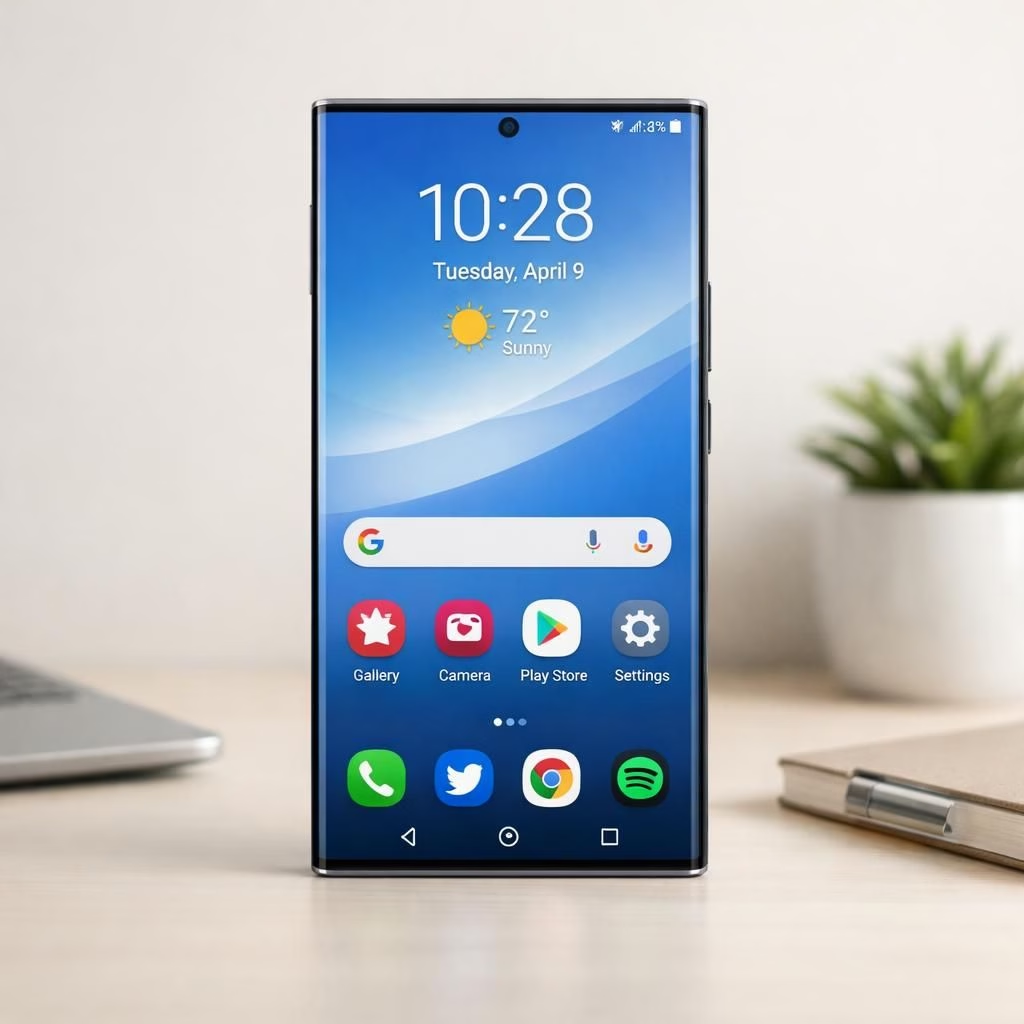
One UI 9 on Galaxy S26 Ultra is more than a marketing line; it’s a thoughtful polish that actually improves day-to-day life. The idea behind One UI 9 is to deliver a smoother, more responsive experience without turning the phone into a labyrinth of settings on Galaxy S26 Ultra.
One UI 9: benefits for the Galaxy S26 Ultra
One UI 9 brings practical improvements that show up in real use. You’ll notice snappier app launches, smoother transitions, and a more cohesive look that feels modern without shouting. The Galaxy S26 Ultra benefits from a calmer home screen, where gestures and quick settings respond with less hesitation, especially during long days of swipes and taps on a big, bright display.
The multitasking story is real, not hype. One UI 9 enhances memory management and smarter task switching. On the Galaxy S26 Ultra, you’ll find improved split-screen behavior, session persistence across apps, and a more forgiving recent apps view. It’s about keeping the right app ready when you need it, and letting the rest nap—an elevator-pitch confidence boost rather than a hype train that oversells the promise.
One UI 9: practical improvements in daily tasks
Now, the specifics. One UI 9 introduces AI-assisted features that feel useful, not intrusive. You’ll see smarter suggestions in messaging, better image recognition for search and captions, and context-aware actions that nudge you toward the right button rather than the loudest one. The Galaxy S26 Ultra gains these tricks without turning into a parade of prompts. It’s a quiet upgrade that respects your workflow, and that’s refreshing in 2026.
The browser experience is just as important as home screen polish. Samsung’s One UI 9 update brings enhanced multitasking to the browser, making it easier to compare pages side-by-side or copy information between tabs. External outlets note these changes as practical enhancements that save time and reduce friction during daily browsing on the Galaxy S26 Ultra.
For context, sources such as GSMArena and YugaTech have highlighted how meaningful refinements in a software update can translate to real-day usability gains, rather than flashy features with little practical impact.
Beyond the surface: what a real user can expect with One UI 9 and Galaxy S26 Ultra
There are small, meaningful changes that matter. The Internet App has been renamed to Browser, aligning the name with function and expectations. The Galaxy S26 Ultra, with One UI 9, offers clearer navigation, better in-app search, and subtle performance improvements that cut down on daily jank. This is the kind of polish that adds up over a day of light and heavy use alike.
If you’re curious about the release cadence, the first One UI 9 build appeared on devices like the Galaxy S26 Ultra, as reported by SamMobile. This isn’t a single blockbuster drop; it’s a staged rollout that invites early feedback, bug hunting, and a few memes about beta software in the wild. Expect iterative updates that gradually refine what you already do well, rather than rewriting your routine from scratch.
Power users will notice better theming options, refined notifications, and a more cohesive app ecosystem. The result is a device that feels more integrated, less disjointed, and more in control of your day. It isn’t a radical rewrite; it’s an upgrade that respects existing workflows while adding smart helpers to speed things up. In short: the Galaxy S26 Ultra remains the same great hardware, but with a more confident software partner in One UI 9.
In the broader landscape, this reflects a 2026 trend toward polish and efficiency over flashy gimmicks. One UI 9’s philosophy appears to be: offer meaningful improvements that prove their value over time, and let AI do the heavy lifting in background tasks while you focus on what matters. The Galaxy S26 Ultra benefits from that approach, translating technical progress into tangible day-to-day wins. The result is a more balanced, calmer user experience that still respects the power under the hood.
As we wrap up, remember these early builds are the opening act, not the finale. If you own a Galaxy S26 Ultra, you’ll likely see incremental updates that refine the One UI 9 experience over the coming months in 2026. For broader One UI 9 ecosystem context, keep an eye on official release notes and trusted outlets. In the end, the Galaxy S26 Ultra benefits from a softer, more integrated software approach—faster, smarter, and more reliable without trying to be your personal assistant in every moment.
Original article: Breaking: First One UI 9 build appears for the Galaxy S26 Ultra. Thank you to SamMobile for the original coverage.
We’d love to hear what you think about One UI 9 on the Galaxy S26 Ultra. Share your thoughts in the comments below!
Frequently asked questions
- What is One UI 9? It’s Samsung’s software layer update that adds smarter suggestions, improved multitasking, and a more cohesive app experience on compatible devices like the Galaxy S26 Ultra.
- Will the Galaxy S26 Ultra get more updates over time? Yes. Samsung typically rolls out iterative updates that refine features and fix bugs after the initial release.
- How can I check for updates? Go to Settings > Software update > Download and install, and ensure you’re on a stable connection.
- Are there any tips to keep the upgrade running smoothly? Maintain free storage, disable unused animations if helpful, and review app permissions to minimize background tasks that could slow things down.
Conclusion
For the Galaxy S26 Ultra, One UI 9 offers a practical, user-first upgrade path that prioritizes speed, consistency, and a clean aesthetic over spectacle. The result is a more confident device that feels faster in everyday tasks and less frazzled by background activity. If you’re waiting for the next wave of tweaks, you’re likely to see steady refinements that keep the experience fresh without compromising reliability.