

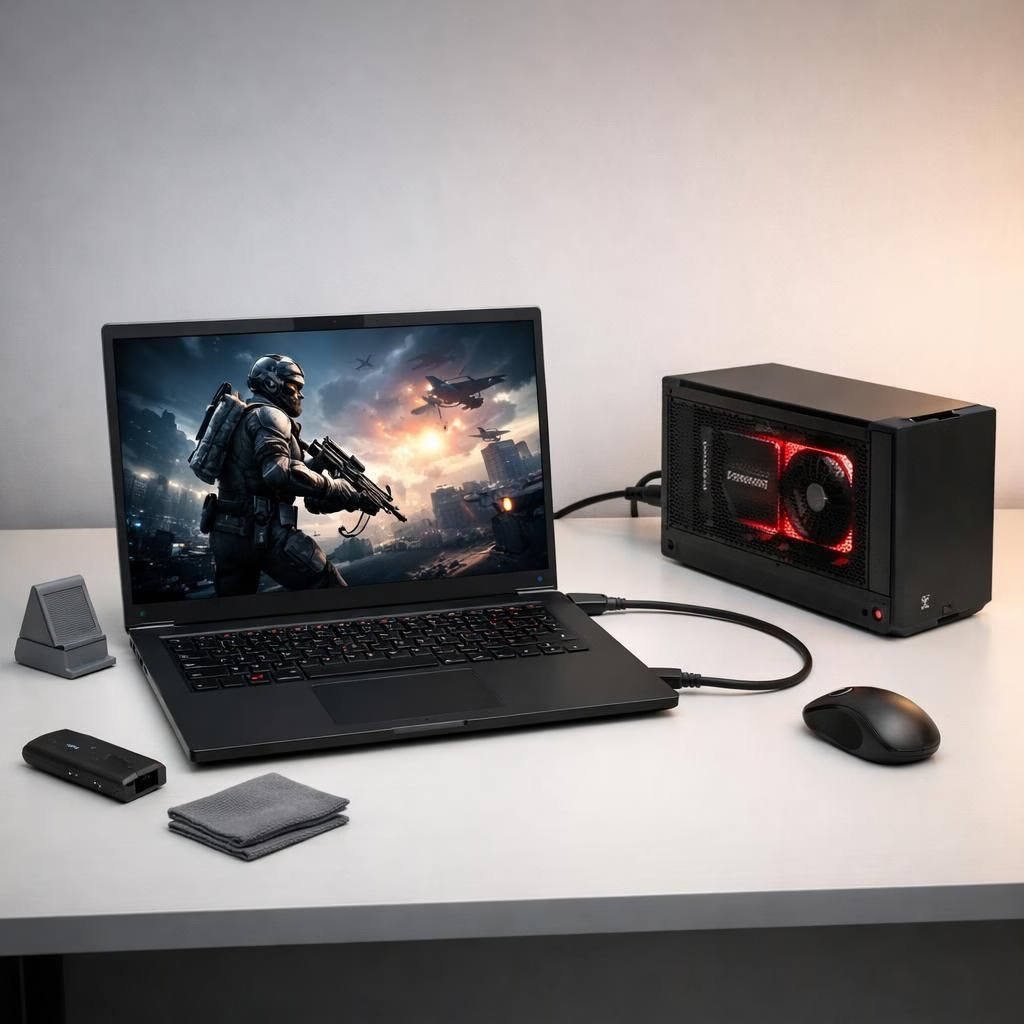
Remember when Framework nailed the idea of a laptop you could upgrade on a whim? The company is doubling down on external graphics with OCuLink and eGPU, turning the Laptop 16’s GPU modules into a portable powerhouse. It’s not magic; it’s a direct PCIe link that lets you bolt a desktop-grade GPU to a slim chassis, with a nod to DIY enthusiasts who like to tinker.


OCuLink: What it is and why Framework’s approach matters
OCuLink is a dedicated PCIe data highway. It isn’t a USB-Cable with a side hustle of power delivery, it isn’t a Thunderbolt-sized plug-and-play miracle, and it isn’t a magic wand for instant gaming on a tiny laptop. Think of OCuLink as a high-bandwidth, purpose-built link that carries PCIe signals from the Framework Laptop 16 to an external card in a dock. The Verge notes the practical caveats: the cable and connector aren’t the rugged kind you’d yank in and out during a gaming session, and you’re not expected to hot-plug. Framework is candid: you’ll likely need to shut down and reboot to swap GPUs or reconfigure the external setup. The upside is real throughput—enough lanes to nudge gaming, 3D work, and data-crunching into GPU-accelerated territory—but the cost is a bit of engineering discipline and a willingness to embrace a developer kit’s bare-bones ethos.
eGPU: Practicalities, possibilities, and a reality check
The label eGPU signals a desire to extend laptop life by pairing a desktop-class GPU with a portable chassis. For the Framework Laptop 16, the eGPU plan relies on three core ideas: a direct OCuLink path, modular components that you can assemble yourself, and a dock that expects you to supply your own desktop power. In practice, the eGPU approach means higher frame rates, faster renders, and more headroom for creative workloads, provided you’ve got a strong enough power supply and a sturdy dock. The user experience isn’t pure plug-and-play joy—the system invites you to embrace the quirks of a dev kit. You’ll want a clean workspace, a bit of patience for assembly, and a 3D-printed stand or two if you’re into DIY aesthetics. And if you like to talk shop, you’ll enjoy the ongoing conversations about whether Thunderbolt 5 would have saved the day, or if OCuLink’s clean data path is worth the extra setup friction.
Three components, three ways to mix and match
Framework is rolling out three hardware pieces that can be combined with other OCuLink products you might already own. You can pick any combination, or mix in other OCuLink solutions for a broader external GPU ecosystem. The three parts are:
- An add-in card that fits inside the Framework Laptop 16’s Expansion Bay Shell to expose an OCuLink port.
- An adapter to add an OCuLink port and board power to the removable graphics card inside the Laptop 16.
- An adapter to add an OCuLink port and board power to a desktop graphics card in an external dock.
In short, it’s a modular playground: you can pick and place, swap GPUs, and even reuse existing OCuLink gear if you’re already invested in the ecosystem. The beauty here is the emphasis on flexibility—Framework isn’t forcing a single solution; they’re offering a kit that plays nicely with other OCuLink options that exist in the market, including small form-factor PCs and portable powerhouses like the GPD Win Max 2 that have the port.
What to expect in 2026: pricing, timing, and practical impact
Framework hasn’t announced exact price or a firm release window for the eGPU components, but the company says they should ship within the year. It’s important to note that this is limited to the Laptop 16, not across Framework’s wider laptop lineup. The theory is compelling: you buy a compact, upgradable laptop and then retro-fit it with desktop-class graphics when the job demands it. In practice, that means you’ll get extra GPU headroom without sacrificing the compact form you choose for portability. If you own a device with an OCuLink port, this approach could unlock some interesting upgrade paths, especially for those who want to extract as much value as possible out of a single machine. If you’re hoping for a Thunderbolt 5-style miracle, you’ll find that the two paths aren’t interchangeable—OCuLink and external GPU enclosures carry different trade-offs, including robustness, hot-plug potential, and the burden of a separate power supply. Still, for power users who enjoy a measured, hands-on upgrade journey, the OCuLink-eGPU path looks delightfully nerdy in all the right ways.
Why this matters for the Framework Laptop 16—and for the future
There’s a narrative here about longevity and modularity. The Framework Laptop 16 is a compelling canvas for expanding beyond the built-in GPU, and the OCuLink approach makes the line between laptop and desktop a little blurrier in a good way. The concept isn’t about turning every laptop into a desktop replacement; it’s about offering a deliberate upgrade path for users who want it. This is not a mass-market, plug-and-play solution; it’s a thoughtfully designed kit that invites the do-it-yourself spirit. You get the thrill of engineering, the utility of a bigger GPU, and the satisfaction of knowing you can adapt your setup to your evolving workloads without replacing the whole machine. If you’re curious about where external GPUs could go next, Framework’s dev-kit philosophy provides a revealing glimpse: a blend of openness, modularity, and a respectful nod to power users who treat hardware as a long-term hobby rather than a one-off purchase.
On the hardware front, CopprLink and other PCIe-focused connectors may emerge as faster, more robust pathways, but they’re currently rarer and pricier. The result is a spectrum: Thunderbolt remains a widely compatible option, while OCuLink offers a cleaner PCIe-oriented route that makes sense for enthusiasts who already know their way around power supplies and 3D-printed docking stands. The Verge’s coverage frames this as a developer kit with clear boundaries—and that honesty is refreshing for readers who want to know what they’re getting into before they buy a card and a dock. In the end, the Framework Laptop 16’s external GPU venture is less about a single product launch and more about a philosophy: hardware should be modular, upgradeable, and a little bit cheeky in how it challenges the status quo.
Have thoughts about OCuLink and the eGPU path for Framework Laptop 16? Share them in the comments—your insights, setups, or questions are welcome here. And if you’re curious to see how the real-world demos play out, we’ll be keeping an eye on the Framework event and the live demonstrations for more practical impressions and performance notes.
Special thanks to The Verge for original coverage and context that informed this rewrite. Original article link: https://www.theverge.com/gadgets/915328/framework-oculink-egpu-dev-kit-laptop-16
Image attribution: visuals of the Riser-1 Framework eGPU mainboard and related components appear in Verge galleries; see the article for the gallery images and captions.