

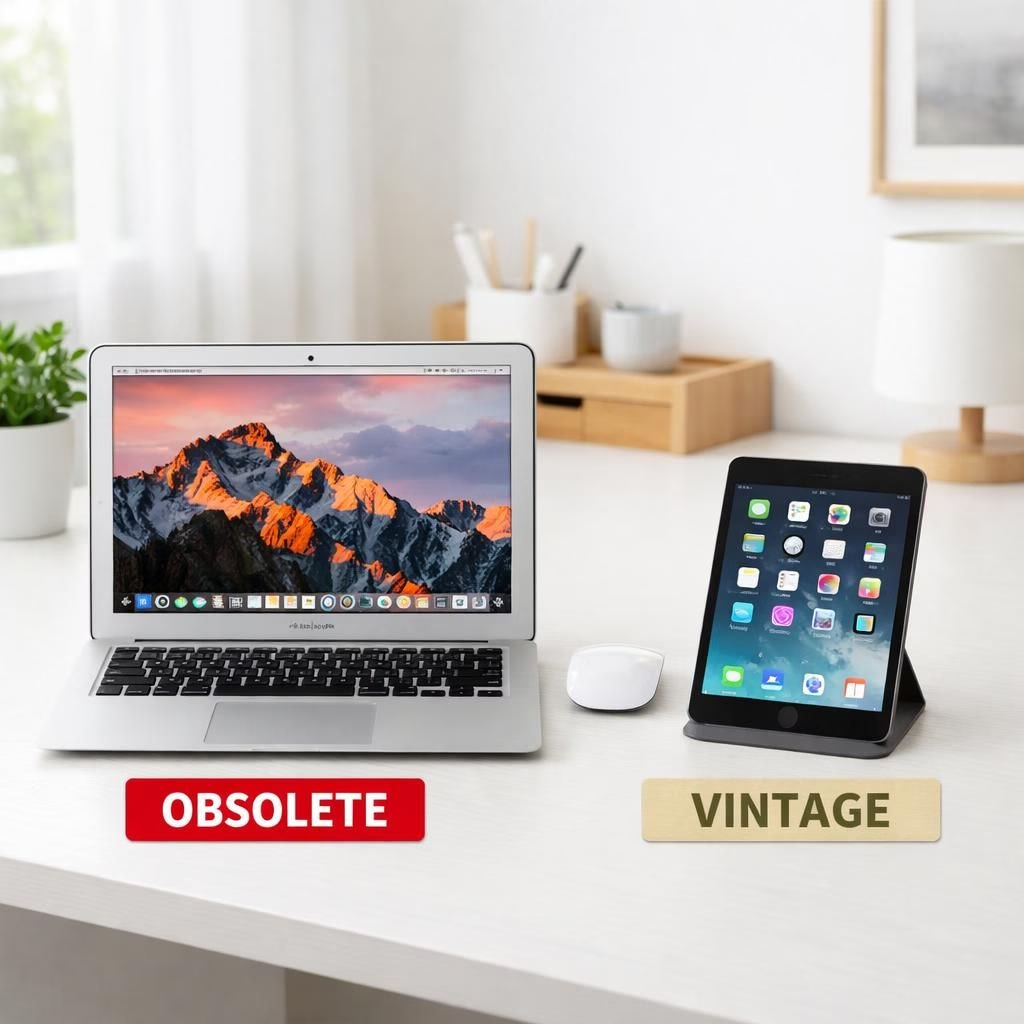
Welcome to a sunny, practical tour through Apple’s 2026 product lifecycle, where a handful of devices sit squarely in the obsolete and vintage camps. The distinction matters for repairs, updates, and everyday decisions. Yes, the iPad mini 4 and the 2017 MacBook Air have earned their labels. We’ll unpack what obsolete means, what vintage means, and how users can navigate life with these plucky relics.
obsolete status in 2026: what it means for iPad mini 4 and 2017 MacBook Air
Apple defines obsolete as devices discontinued for sale more than seven years ago. In practice, that means no official hardware service. No new parts are ordered for service providers.
The iPad mini 4’s status as obsolete was confirmed on March 31, 2026. The 2017 MacBook Air sits in vintage territory under the same policy, but repairs become rarer and parts availability varies by region. The distinction matters because it guides expectations about updates, fixes, and how daily workflows feel in 2026 and beyond.
What this means for users is practical, even if a little inconvenient.
No official repairs for obsolete products like the iPad mini 4.
Limited service for vintage products like the 2017 MacBook Air may still be possible, depending on parts.
Software updates are unlikely for both devices, which may affect app compatibility and security. Third-party repair options may be the only viable route for maintenance. You’ll want to weigh costs, risks, and the happiness factor before you decide to DIY.
- Battery replacements may still be offered by a few providers for some obsolete devices, when stock exists.
- Data backup becomes essential as software ages and apps evolve away from older OS features.
Apple’s lifecycle policy is part of a broader hardware refresh in 2026. The company rolled out new iPads and MacBooks in March 2026. The shift aligns with a push to modernize performance, power efficiency, and ecosystem security. If you’re weighing a device upgrade, you’re not alone. Millions of users face the same questions, guided by the labels vintage and obsolete. The practical takeaway is to plan for a slower but steadier path forward rather than a sudden, costly upgrade.
vintage realities: limited repairs, fading updates, and security trade-offs
So what should you do with a vintage laptop or tablet that still works for lighter tasks? Start with a practical plan. First, back up data regularly. A USB drive or cloud backup is your best friend when software stops updating.
If you rely on the iPad mini 4 for notes or the MacBook Air for light editing, consider a hybrid setup: keep the device for specific tasks and use a newer device for critical work, where possible. This isn’t doom-scrolling; it’s a smart, sustainable approach for 2026.
Next, manage expectations about software. You may see app behaviors that lag behind newer OS versions. Some apps might stop receiving new features, while others still function for basic tasks. Verify compatibility before buying new apps or subscribing to services that require the latest OS. Rely less on automatic updates and more on manual control so you know when changes are coming and can adjust your workflow. This careful approach reduces risk and helps vintage devices stay productive longer.
Third-party repair options can be a lifeline. Independent shops often stock parts for older devices or offer battery replacements, screen fixes, and board work. Do your homework: read reviews, confirm part quality, and ask about warranties. A well-executed repair can extend useful life by months or years. It may not come with Apple support, but it can save money and preserve function. Of course, be mindful of warranty implications if you mix in non-official fixes.
For data security, the lack of updates is a real concern in 2026. Modern sites and apps assume newer security features. A device that stops receiving updates may be more vulnerable. Practice strong security habits: unique passwords, two-factor authentication, and careful browsing. Keep sensitive data off devices that you don’t plan to refresh soon. These steps bring peace of mind even as the devices age.
Looking at the big picture, Apple’s policy around vintage and obsolete products reflects a disciplined lifecycle approach. It balances investment with practicality and environmental goals. The 2026 refresh brings better hardware, brighter screens, and smarter chips. Yet older devices can still offer value for certain tasks or as backups. The key is to treat obsolete devices as useful tools with a plan, and view vintage devices as reliable options for light workloads rather than as the primary workhorses of your day.
In the broader tech world, the shift from official support to third-party options isn’t a crisis. It’s a nudge to adapt with humor and pragmatism. If you own an iPad mini 4 or a 2017 MacBook Air, you can still get meaningful use out of them with the right strategy. Plan, protect your data, and stay curious about how to maximize value in 2026—vintage or obsolete, there’s always a path forward.
FAQ
- What does “obsolete” mean for my device?
- It means Apple no longer provides official hardware service, and parts may not be stocked. Updates are unlikely.
- Will I still get updates?
- Most updates won’t arrive for these devices, which can affect security and app compatibility.
- Should I repair or upgrade?
- Weigh the cost of repairs against the value of the device. Third-party repairs can extend life but may affect warranties.
- How can I protect data on legacy devices?
- Back up regularly, use strong passwords, enable two-factor authentication, and avoid storing sensitive data on devices you won’t refresh soon.
Bottom line: Apple’s lifecycle policy aims to balance investment with practicality and environmental responsibility. If you own these devices, plan an upgrade path or keep them as backups while staying vigilant about security and data protection.