

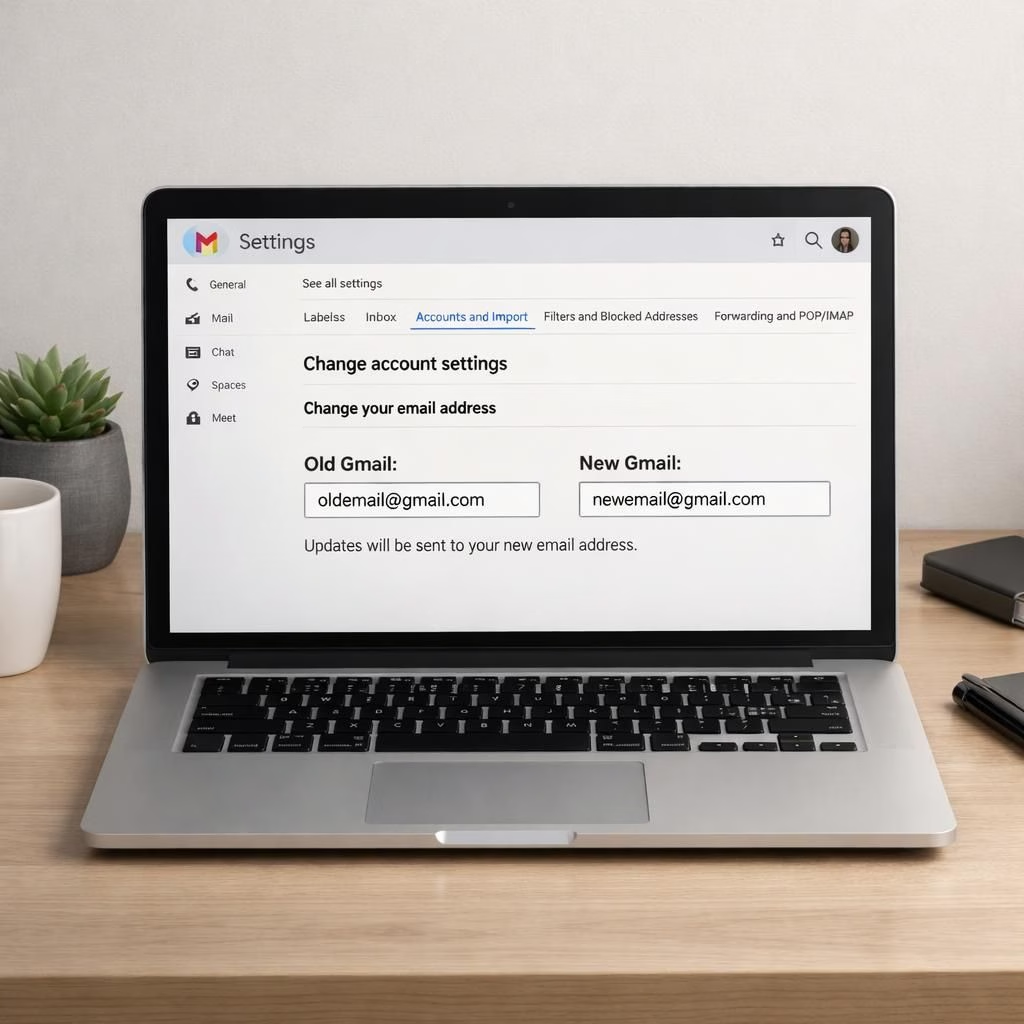
Gmail users in 2026 gain a chance to change their username, keeping the old as an alias. Security Tips in 2026 explained clearly. The change rolls out after Google’s December 2025 announcement and lands as a practical upgrade for a service that has lived with its original address for far too long.
Gmail username change: what to know in Security Tips in 2026
Here’s the core truth: you can switch to a new @gmail.com address while your old address becomes an alias. The data stays intact. The change applies only to @gmail.com addresses. There’s a 12-month cooldown before you can create a new Gmail address again after a change.
- The old address remains usable as an alias; emails sent to it land in the new inbox as well.
- All your Google data—photos, messages, and apps—stays on your account; nothing is erased by the switch.
- You can revert to the old address at any time if you change your mind.
- After you switch, Google restricts creating a brand-new Gmail address for 12 months.
Gmail username change: Security Tips in 2026 practical steps
To start, open your Google Account settings. Go to Personal info > Email > Google Account email. If the option exists for your account, you will see “Change Google Account email.” Click it to begin the update.
- Choose a new @gmail.com address that fits your current identity or brand.
- Confirm the change. Google completes the switch and updates sign-in across Google services.
- Check that your old address now serves as an alias and continues to receive mail.
- Test critical sign-ins, especially on Chromebooks or sites that use Sign in with Google.
Note: this change affects only accounts with a @gmail.com address. If you use a non-Gmail address, the process differs (you may remove Gmail or add Gmail to another account). After you switch, the old Gmail address remains a fallback email, not a dead link.
For extra caution, consider Security Tips in 2026 before you switch.
Gmail data safety and sign-in considerations in Security Tips in 2026
Real users care about what happens to data. In this Gmail update, data storage remains uninterrupted. Your photos, emails, and messages stay in place. You can browse, send, and receive exactly as before, but under the new Gmail username. The change does not affect how you access Google Drive, Calendar, or YouTube, because those services tie to your Google Account, not just the old address.
If you rely on Chromebook sign-in or Chrome Remote Desktop, plan a quick test after you switch. A glitch in sign-in can disrupt work or school tasks. Back up critical data ahead of time. This small precaution avoids drama and keeps you in control.
The ability to revert provides a safety valve. If you realize you miss the old identity, you can switch back. Just remember the 12-month rule about creating a new Gmail address after a change; if you revert, you still cannot manufacture a brand-new Gmail address until the cooldown passes. The net effect is a pause, not a prison sentence—the old address remains alive anyway as an alias.
Two practical tips from Security Tips in 2026 for smooth onboarding with Gmail
First, run a backup before you begin. Download important emails, photos, and attachments. A local copy saves you from surprises if settings reset or apps misbehave during the switch. Second, review third-party logins. Many sites offer Sign in with Google. A new Gmail username can require you to re-authorize those sites. A quick audit will help you stay on track.
As you consider this change, remember the practicalities: Chromebooks, Chrome Remote Desktop, and third-party sign-ins might behave a little differently after you update your Gmail username. The goal is a cleaner, more accurate identity without losing access to essential services. This is a moment to celebrate a long-awaited improvement rather than fear a mess of broken links.
Gmail users often ask: why now? The answer is simple: after 22 years, many identities have drifted away from the users they once represented. The new username option makes the account feel current again, without forcing a new email address for everyone. That balance—the move toward a better fit while preserving access—is exactly what Security Tips in 2026 should be about: practical, user-friendly, and a touch uplifting.
One more reminder: if you ever need to switch back, you can. But the 12-month cap on creating a new Gmail address after a change still applies. Plan your next steps with this in mind, and you’ll avoid headaches later on.
Final practical check: if you see any sign-in hiccups, contact Google Support or try signing into your Google account from a different device. A small tweak today can save you hours tomorrow.
Original article: Google rolls out Gmail username change in US. Thank you to the original source for material.
Have thoughts? Please share your thoughts in the comments.