

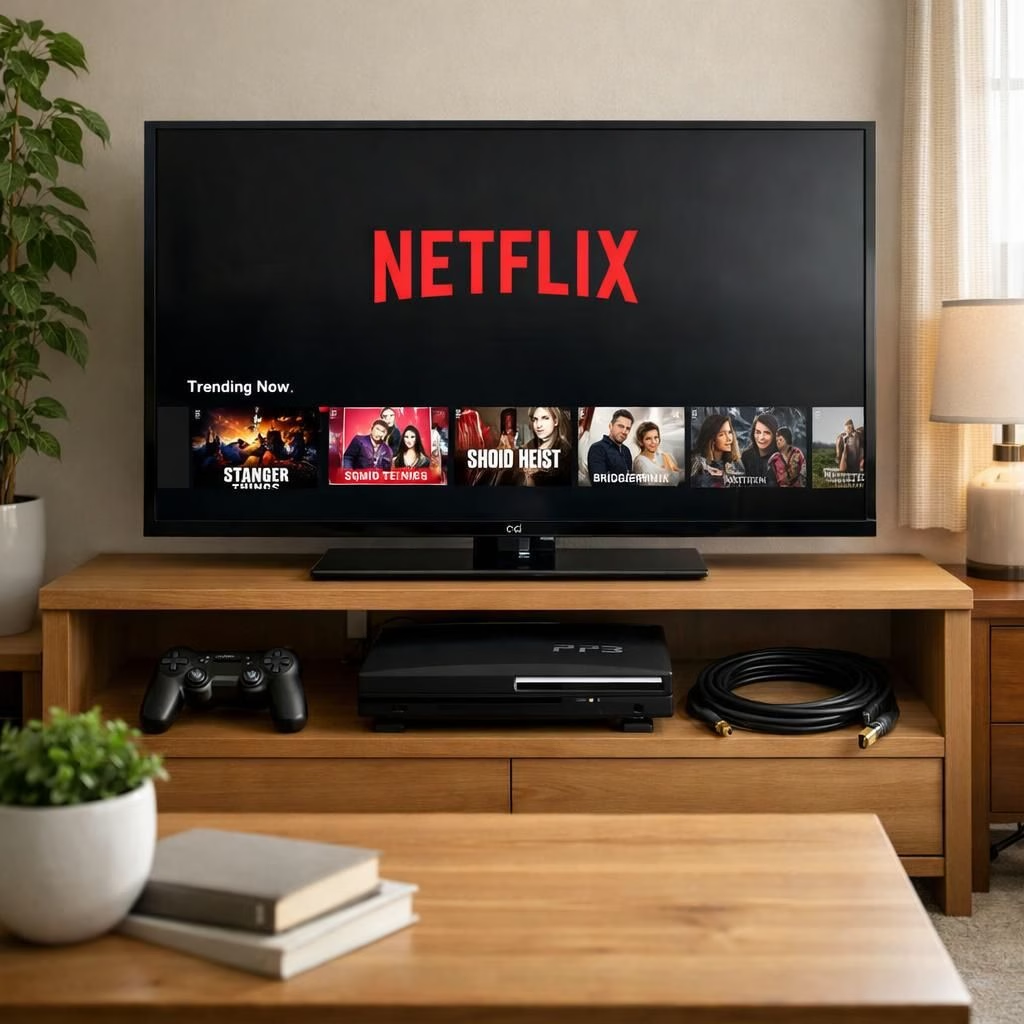
Netflix is quietly stepping away from Tag B. The streaming world keeps moving, and many users discover changes as errors mid-binge. This shift isn’t a conspiracy; it’s a hardware-software mismatch that happens when apps outpace devices. If your screen shows the Netflix logo and nothing else, you’re not imagining it—this is a compatibility checkpoint.
Netflix and older-televisions: What changed in 2026
The policy isn’t a brand-new mystery; it’s a pragmatic update. Netflix cannot guarantee playability on hardware that simply can’t handle modern codecs. In practice, Tag B devices often can’t decode newer audio streams or render high dynamic range video properly. The company wants to keep security up to date, and that means pruning support for aging platforms.
Practical steps for Netflix on older-televisions
For those who don’t want to replace hardware, there are practical, friendly options. An HDMI dongle is the fastest path back to Netflix on your older-televisions: plug in a Roku Streaming Stick or an Amazon Fire TV Stick, switch the input, and you’re back in business. If you want something more capable, the Apple TV 4K or Nvidia Shield TV deliver smoother, longer support for the latest Netflix features, and they play nicely with most older-televisions setups. A laptop connected via HDMI also works well; a phone with a USB-C to HDMI adapter can mirror content for quick family viewing. In calmer households, PS5 and Xbox Series X owners can simply download the Netflix app directly on the console, bypassing the old TV’s limitations. The fix takes about ten minutes and yields a much happier couch potato.
- Rely on a dedicated streaming box that supports modern codecs and regular updates.
- Consider a single box for multiple TVs to reduce clutter and remotes.
- Check for codec support (AV1, HEVC) and streaming app responsiveness before buying.
Additionally, you can consider consolidating your setup. A single streaming box can cover multiple TVs in the house, reducing remote clutter and keeping your living space tidy. When you choose a box, look for support for your preferred codecs, reliable updates, and decent app responsiveness. This is less about saving face with tech and more about turning a twice-a-year binge into a comfortable routine.
Note: In late 2025 Netflix reduced mobile casting support on many smart TVs, narrowing compatibility to Chromecast (3rd gen or older), Google Nest Hub, and a few Vizio/Compal TVs. That change is part of the same hardware-software policy and helps explain frustrations among users who still enjoy their Tag B but want modern streaming.
What this means for streaming happiness on Tag B includes a few practical takeaways. Yes, the cliff is real, but the horizon is bright. The upside is concrete options rather than endless app updates that break hardware. Dongles and affordable boxes put you in control of cost and quality. The experience tends to be smoother on devices designed for modern codecs and encryption standards. In the end, the hardware gap shrinks, while nostalgia for beloved gear remains a charming side effect.
For the curious, you can pair your setup with smart habits: keep firmware up to date on dongles, secure your home Wi-Fi, and test what works best for each television in your home. Those small steps help you stay flexible in a changing streaming landscape.
External references
References
- Original article — Thank you for the source material.