

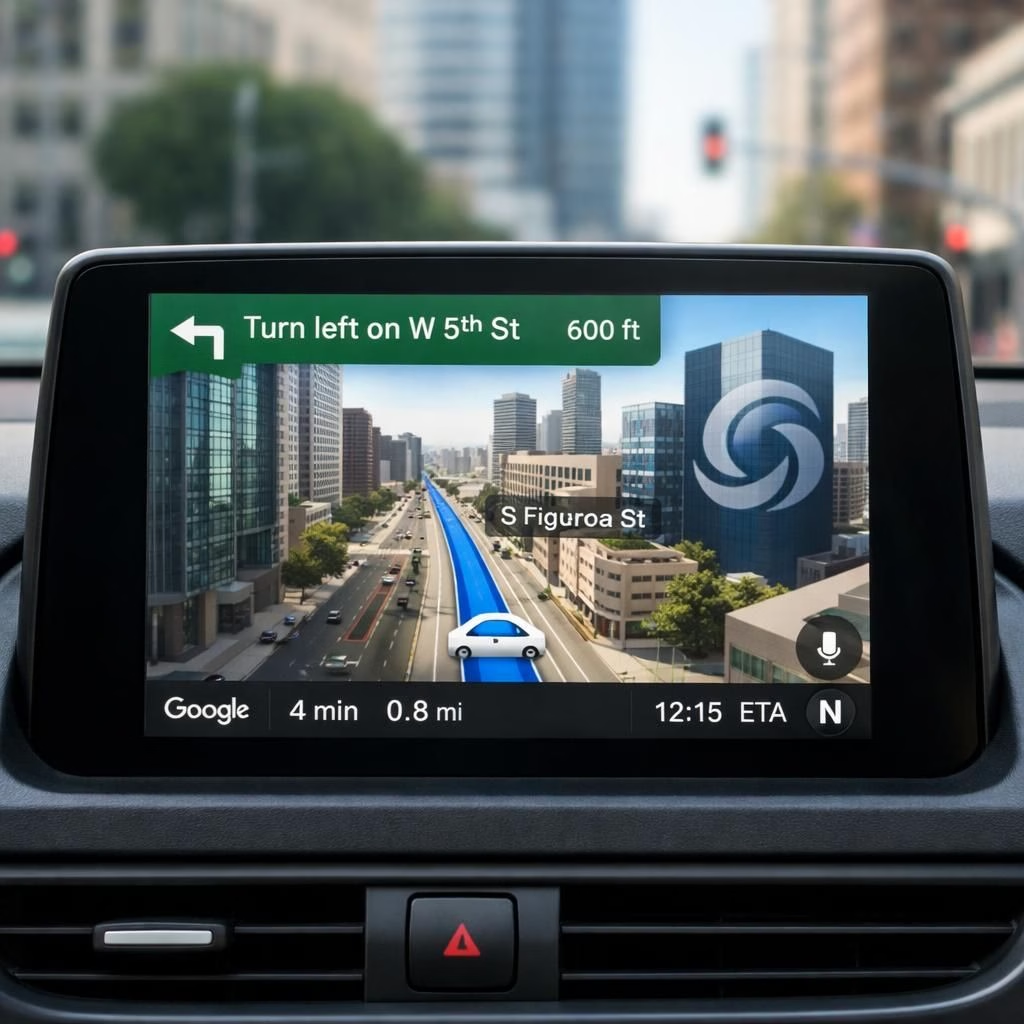
Google Maps and AI navigation got the biggest redesign in a decade, and the result feels less like a map upgrade and more like a confident, patient co-pilot. The Gemini-powered engine now reads live traffic, weather, and road quirks in real time, then replies with options you can actually grok while you’re behind the wheel. The team didn’t just tighten icons or brighten the color scheme; they rewired Maps to think ahead, offer context, and sometimes even crack a tiny joke to keep you from scrolling away in boredom.
Google Maps and AI navigation spark the next era of navigation
Highlights include a vivid 3D map that tilts and pivots to show elevation, lane signals, and distance with new confidence. It helps you anticipate exits before you’re blinded by a blinking arrow. The new AI navigation feature invites you to ask complex questions like ‘Is there a faster route if I skip this toll and avoid rush hour?’ and then weighs live traffic, incidents, and your preferences. With Gemini integrated, Maps can pivot on a dime—suggesting a curbside pickup, warning about road work, or offering a coffee detour when you’re a little early for your meeting.
Some of these ideas come from the coverage around the big upgrades: CNBC’s notes on Ask Maps and CNBC-like curiosity; Engadget’s notes on a Gemini-powered 3D driving map; and Google’s own blog about bringing more AI into Maps. The balance here is practical: fewer clicks, more clarity, and a sense that your map understands what you care about—saving time, not wasting it, and maybe making you smile when traffic dumps you into a scenic detour.
Practical tips for using Google Maps with AI navigation today
To get the most from Google Maps and AI navigation, start by enabling voice prompts and letting the new AI suggestions surface during commutes. Try asking Maps to compare routes in plain language: ‘Which route is fastest if I’m in a hurry but want to avoid tolls?’ The system will run the numbers and present a short list with estimated times. Don’t forget to tailor preferences—avoid ferries, set avoidances, and fine‑tune the type of places you want to see along the way. The 3D map helps you judge street layouts at a glance, which reduces mental math and gives you more bandwidth for the playlist you’re compiling. If you drive in areas with spotty data, use offline maps, so you still have reliable guidance when signal dips.
AI navigation integration aims to be a helpful sidekick, not your digital overlord. It suggests nearby gas stations with real-time price updates, points of interest that fit your taste, and alternate routes when accidents pop up. You’ll still drive, of course, and you’ll still need to watch the road, but you’ll do it with a clearer sense of where you’re headed and why you chose that path. The key is to treat AI navigation as a toolkit: experiment with asking questions, learn the cues, and adjust your settings to your daily rhythm.
In practice, this means fewer frustrating U‑turns, more predictable arrival times, and a sense that the map is learning your preferences as you go. It’s not magic; it’s smarter software that respects your time and your safety. The result is travel that feels less like staring at a screen and more like a conversation with a helpful, well-informed co-pilot who knows when to stay quiet and when to chime in.
As with any big update, there are caveats: accuracy depends on data, and a good experience hinges on keeping the app updated and granting the right permissions. If a feature feels a bit overzealous at first, give it a few trips to calibrate to your routines. The underlying idea remains straightforward: Google Maps, with AI navigation capabilities, should simplify decisions, not complicate them. The redesign emphasizes clarity, speed, and a touch of personality—enough to make everyday navigation feel a little less robotic.
We’d love to hear how you’re using these tools in your daily routes. Share your thoughts in the comments and tell us which AI navigation features save you minutes or brighten your commute.
Original article inspiration: Ars Technica — Thank you for the thoughtful reporting that sparked this piece.
FAQs
- What is AI navigation in Google Maps? It’s the set of AI-powered features that helps you choose routes, assess live conditions, and see context that matters to you, all while you drive.
- Can I use offline maps with AI navigation? Yes. You can download areas for offline guidance, though live updates may be limited.
- Will 3D maps work on all devices? Availability depends on your device and app version; newer phones and tablets get the best view.
- How can I customize preferences? In Maps, open Settings, then Navigation or Preferences to tailor avoidances, places types, and prompts.
Conclusion: quick takeaways
Google Maps’ AI-powered redesign aims to save time, reduce stress, and keep you focused on the road. Expect a calmer driving experience, clearer choices, and a map that learns your patterns over time. If you’re curious, try enabling voice prompts, experimenting with route comparisons, and letting Gemini-powered AI navigation surface options you hadn’t considered.