

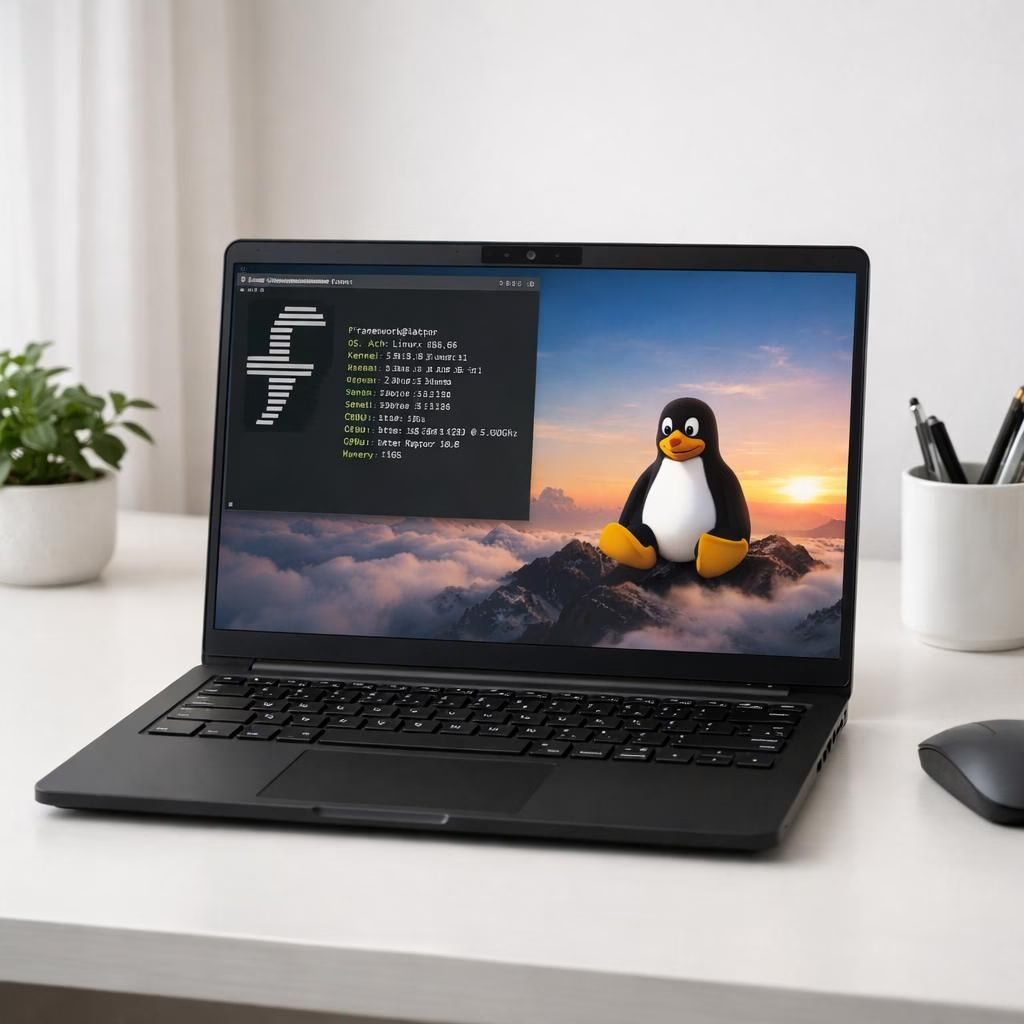
Framework Linux fans, assemble for a sunny, slightly cheeky tour through the Laptop 13 Pro, a machine that wears its repairability badge with pride. The Verge called it the MacBook Pro for Linux users, and while no device is flawless, this one leans into upgrades and open hardware with a grin. In 2026, the Framework team nudges the PC industry toward modular thinking and real longevity. Linux users in particular will enjoy the freedom to run their favorite kernel without apology. Framework Linux, in other words, is not a marketing slogan; it’s a practical promise about keeping hardware relevant as software ages. This is the personality we need in a world of glued-shut laptops and closed ecosystems.
What makes Laptop 13 Pro compelling for Linux fans? A sturdy chassis, a screwdriver-friendly bottom, and a modular mindset that invites user swaps. The model ships with a repairable design that invites future upgrades without a trip to a repair shop. Linux users will appreciate the removable battery, swappable modules, and a BIOS that plays nicely with Linux. The design makes it practical to replace memory or storage after years of heavy use, extending the laptop’s life beyond the typical lifecycle.
Framework Linux Synergy: Repairability, Depth, and Linux Readiness
In the world of portable computing, repairability is a feature, not a rumor. The Laptop 13 Pro brings simple disassembly, accessible screws, and documented steps that even casual tinkerers can follow. This is where the Framework Linux approach shines: you don’t lose the motherboard to a warranty void; you simply swap the bit you need. The open hardware ethos means thoughtful decisions around ports and expansion, with a modular mindset that respects both performance and repairability.
Port selection and upgradability continue to be a talking point. The spec sheet shows a clean line of ports, including options for expansion with external devices. The OCuLink dev kit teased by Framework hints at an ecosystem where developers can prototype fast and test with real hardware. For Linux enthusiasts, this means fewer surprises at plug-in time, more control over power and performance, and the chance to tailor the machine for specialized workloads.
Some outlets described the Laptop 13 Pro as upgradable yet compact, a nice balance for busy developers. Gizmodo highlighted its ultra-repairable nature, and PCMag covered the 13-inch Pro as a thoughtful step forward. What matters more than the buzz is the practical experience: Linux runs well on a Framework system, updates stay accessible, and essential components remain within reach. The Framework team demonstrates patience with the open-source community and a willingness to iterate on feedback from Linux users.
From a design perspective, the Linux-friendly path is not just about running open-source software. It’s about sustaining hardware for longer lifecycles, resisting planned obsolescence, and making upgrades approachable without professional help. The Laptop 13 Pro delivers a balanced blend of performance and repairability, paired with a philosophy that invites users to customize, modify, and maintain their machine with confidence. Framework’s decisions make Linux life feel less like a hobby and more like a sustainable practice.
Framework Linux Synergy: Open Hardware, OCuLink, and Linux Flexibility
That synergy translates into practical outcomes. The laptop supports Linux well out of the box, with community-driven tweaks and straightforward firmware options. The OCuLink dev kit, teased by Framework, signals promise for external GPU paths, fast storage, and modular prototyping that fits a busy developer’s routine. It’s not an empty promise; Linux users see real potential to extend what the machine can do over many years. The Framework approach is a quiet revolution, aligning Linux workflows with a hardware platform that respects upgrade cycles and user choice.
In the end, the Laptop 13 Pro is more than a marketing line. It’s a thoughtful, practical option that invites Linux users to stay in the driver seat. The device remains compact, repairable, and capable, with the elegance of simple upgrades and a friendly BIOS environment. If you adore Linux, Framework, and a world where hardware doesn’t vanish after the first software update, this laptop earns your curiosity.
Have you tried a Framework laptop with Linux? Share your experiences in the comments — tell us what you loved, what surprised you, and what you’d like to see improved. Your thoughts help frame the next round of open hardware questions for Framework Linux teams and the wider community.
Linkback attribution: Many thanks to The Verge for the original coverage of Framework Laptop 13 Pro. Read the original article here.
Framework Repairability in Practice
In real-world use, the Linux-friendly chassis rewards hands-on maintenance: you can swap a battery, upgrade memory, and replace the NVMe drive without sending the device to a service center. The modular design means you’re encouraged to stock a spare module or two for the long haul, a practical habit for Linux workloads.
Linux Readiness and Longevity
Performance remains steady as you extend the device’s life. With Linux on the primary OS and careful firmware choices, power and thermal management stay predictable. The emphasis on repairability also means you won’t be forced into a premature hardware refresh when software demands evolve.
Practical upgrade guide for the Laptop 13 Pro
- Accessing upgradeable components: power down, unplug, and remove the bottom cover using the documented screw pattern. Look for the NVMe SSD, memory modules, battery, and modular bays that Framework designed for easy swap.
- Upgrading storage: back up data, replace the SSD, and re-clone the system if needed. When rebooting, verify BIOS/UEFI settings and Linux boot loader configuration.
- Memory upgrades: install supported RAM modules in the designated slots, then run a memory test to confirm stability under Linux workloads.
FAQ: Framework Laptop 13 Pro on Linux
- Is Linux plug-and-play on the Laptop 13 Pro?
In most cases, yes. Community reports show broad compatibility, with BIOS options and firmware tools that enable smooth booting and device recognition.
- How upgradeable is the hardware?
The design prioritizes modular parts—RAM, storage, battery, and certain expansion modules—so you can swap components as needed without a full replacement.
- Does Framework support Linux-specific firmware patches?
Yes. Framework provides firmware tools and BIOS options that work well with common Linux distributions and kernels.
- Are there any caveats I should know?
As with any modular system, ensure you follow the official disassembly guides to avoid warranty issues and to maintain optimal cooling and power delivery for Linux workloads.
References
- The Verge coverage of Framework Laptop 13 Pro
- Framework official site
- Open Source Hardware Association