

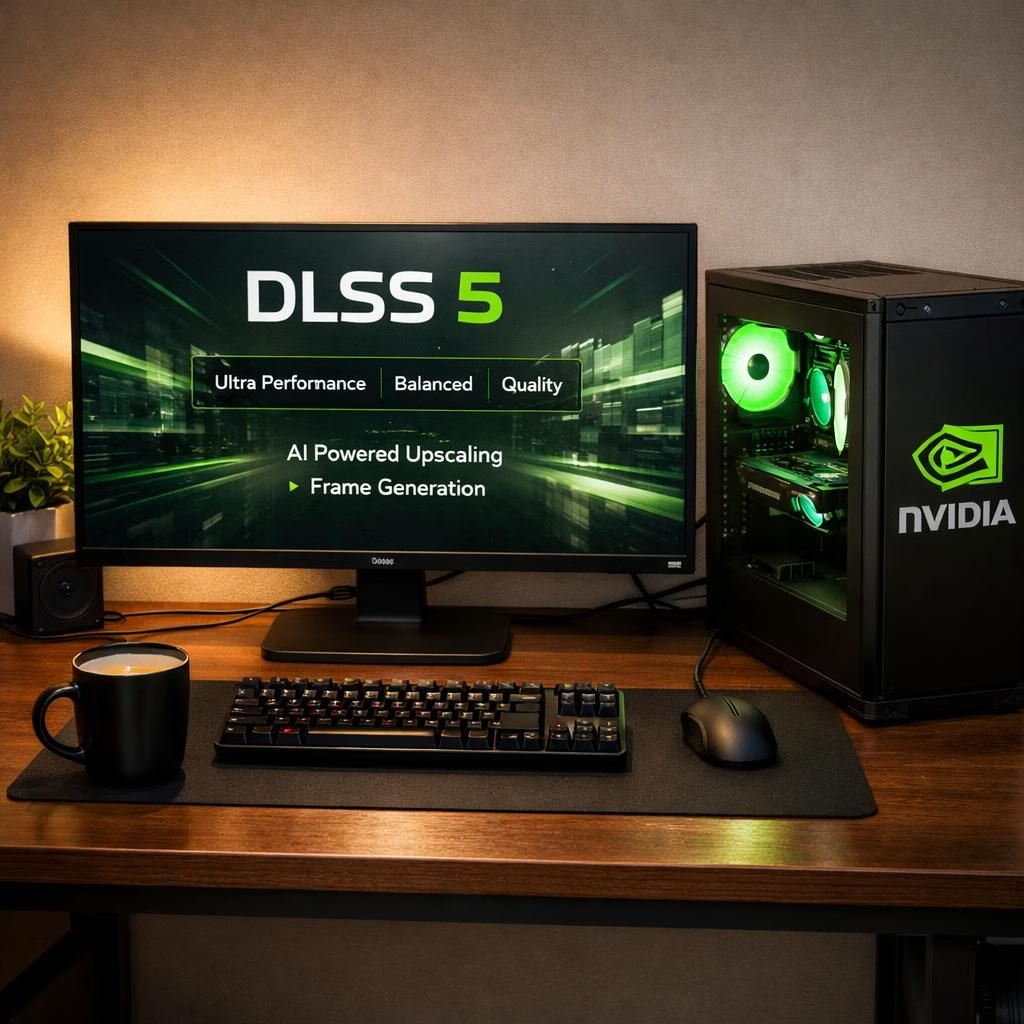
Welcome to a practical tour of DLSS 5 and the Nvidia ecosystem—where hype meets hardware and real testing matters. In 2026, the graphics landscape keeps evolving, and DLSS 5 remains a hot topic for gamers and artists alike. This piece sticks to the core truth: DLSS 5 re-renders frames using frame data and motion vectors. The Nvidia branding is central to the conversation as the provider of the hardware and the DLSS 5 identity in many titles. The goal isn’t to worship speed, but to explain what’s really happening. It’s practical, not porn of performance. If you crave down-to-earth analysis, you’re in the right place. DLSS 5 has sparked curiosity and memes alike. That energy is where interesting tech stories live. It’s not magic; it’s a technique that benefits from careful testing. Nvidia provides the tools and a roadmap, but success lives in how developers attach DLSS 5 to a title’s art direction. The conversation around DLSS 5 and Nvidia is lively, and that energy helps everyone learn.
DLSS 5 in Practice: What gamers should know
In practice, DLSS 5 can sharpen motion and reduce shimmer in fast games, but it isn’t a universal fix. Some titles respond beautifully; others show edge cases that require tweaking. For many players, the difference is most noticeable in reflections, long pans, and high-contrast scenes. The practical takeaway is simple: test DLSS 5 in a few scenes you care about. Compare to native rendering, and decide if the trade-off is worth it. DLSS 5 works best with well-optimized engines and with settings that keep the core gameplay intact. In short, DLSS 5 is a useful tool, not a silver bullet.
From a developer’s chair, adding DLSS 5 means considering how frames move, how motion vectors describe motion, and how post-processing stacks interact with upscaling. Some studios report that DLSS 5 reduces the harsh edges on fast action, while others note artifacts if motion is extreme. The key: test, measure, and compare on the target hardware. Nvidia’s documentation helps teams align their shaders and anti-aliasing choices with DLSS 5 so the end result looks natural rather than jarring. The goal is to preserve intent and improve perception of performance without compromising the art direction.
Nvidia and DLSS 5: The art of rendering and hype
From a high-level perspective, the company frames DLSS 5 as a data-driven refinement that uses frame data and motion vectors to lift visuals without breaking the frame budget. Critics point to headlines about ‘AI slop’ while supporters point to tangible frame-time improvements and clearer scenes. The truth is nuanced: DLSS 5 shines when developers optimize for it and when players enable it in games with solid DLSS 5 integration. Nvidia’s messaging aims to balance enthusiasm with realism, especially in 2026, a year when many players update drivers and experiment across titles. The result is a product that invites experimentation rather than a rigid mandate. For enthusiasts, the approach offers a path to better visuals without a big hit to responsiveness, provided games ship with thoughtful DLSS 5 support.
Artists and players alike share concerns about look and feel, but the core payoff is consistency, color integrity, and cinematic sense of depth. The middle ground is letting DLSS 5 do its job while preserving the title’s artistic direction. Nvidia remains the sponsor of the technology, but the real artistry happens when developers tune your favorite titles with shaders, lighting, and texture work that fit the engine’s DLSS 5 profile. When a game ships with thoughtful DLSS 5 integration, you get smoother frames, fewer distracting shimmering, and a more immersive experience. When it isn’t well-integrated, the difference is subtle or uneven. The takeaway is that DLSS 5 is a valuable tool in the right hands, not a universal fix, and courtesy to the art direction matters as much as glossy frame times.
DLSS 5: How to test it effectively
Getting meaningful results requires a plan: pick scenes with motion, compare to native rendering, and test across a few settings.
- Identify 2–3 scenes that matter (for example, a fast-paced combat sequence, a long camera pan, and a reflective surface moment).
- Enable DLSS 5 and switch between quality, balanced, and performance presets to see how each affects visuals and timing.
- Measure frame times with a reliable tool and note any artifacts or shimmering across different frames.
- Record subjective feel—does motion look natural, or do edges feel mushy in certain scenes?
- Compare to native rendering to decide if the trade-off is acceptable for your playstyle and the title’s art direction.
For practical results, run these checks on hardware you actually use, and avoid over-interpreting isolated frames. A thoughtful test plan shows whether DLSS 5 delivers meaningful perceptual gains without compromising the game’s intent.
Frequently asked questions about DLSS 5
-
Q: Does DLSS 5 always improve visuals?
A: Not always. The improvement depends on the game’s integration, the scene, and how well motion data and post-processing are handled. In some titles, the benefit is clear; in others, changes are subtle.
-
Q: Does enabling DLSS 5 affect input latency?
A: In most cases, input responsiveness remains solid, but it can vary by title and setup. It’s worthwhile to compare input feel with and without DLSS 5 enabled in your preferred scenes.
-
Q: Should I turn DLSS 5 on by default?
A: Start with a couple of scenes you care about and evaluate the trade-offs. If the title ships with thoughtful DLSS 5 integration, you’ll often see the most benefit in motion-heavy moments and in scenes with reflections or long pans.
-
Q: Where can I find DLSS 5 options in-game?
A: Look under graphics or visual quality settings. If DLSS 5 is supported, you’ll typically see it as an upscaling option with related quality presets.
Conclusion: a measured view of DLSS 5
In the end, the DLSS 5 conversation is a spectrum rather than a verdict. The best approach is to try the feature, compare it to native rendering, and observe how motion data influences perception across titles. Keep drivers updated, watch patch notes, and stay curious about how developers tune shaders and lighting to fit the DLSS 5 workflow. When implemented thoughtfully, DLSS 5 can offer real benefits in supported titles, especially where scene design and upscaling choices align with the game’s art direction. The ecosystem encourages experimentation, not dogma, and provides a credible path to improved visuals without sacrificing responsiveness.
Original article attribution and thanks: Our gratitude goes to PCMag for the original material that inspired this post. Original article: I Tried Some Games With Nvidia’s DLSS 5. It’s Controversial, Yes, But Also an Eyeful. If you found this helpful, please share your thoughts in the comments to keep the conversation going.