

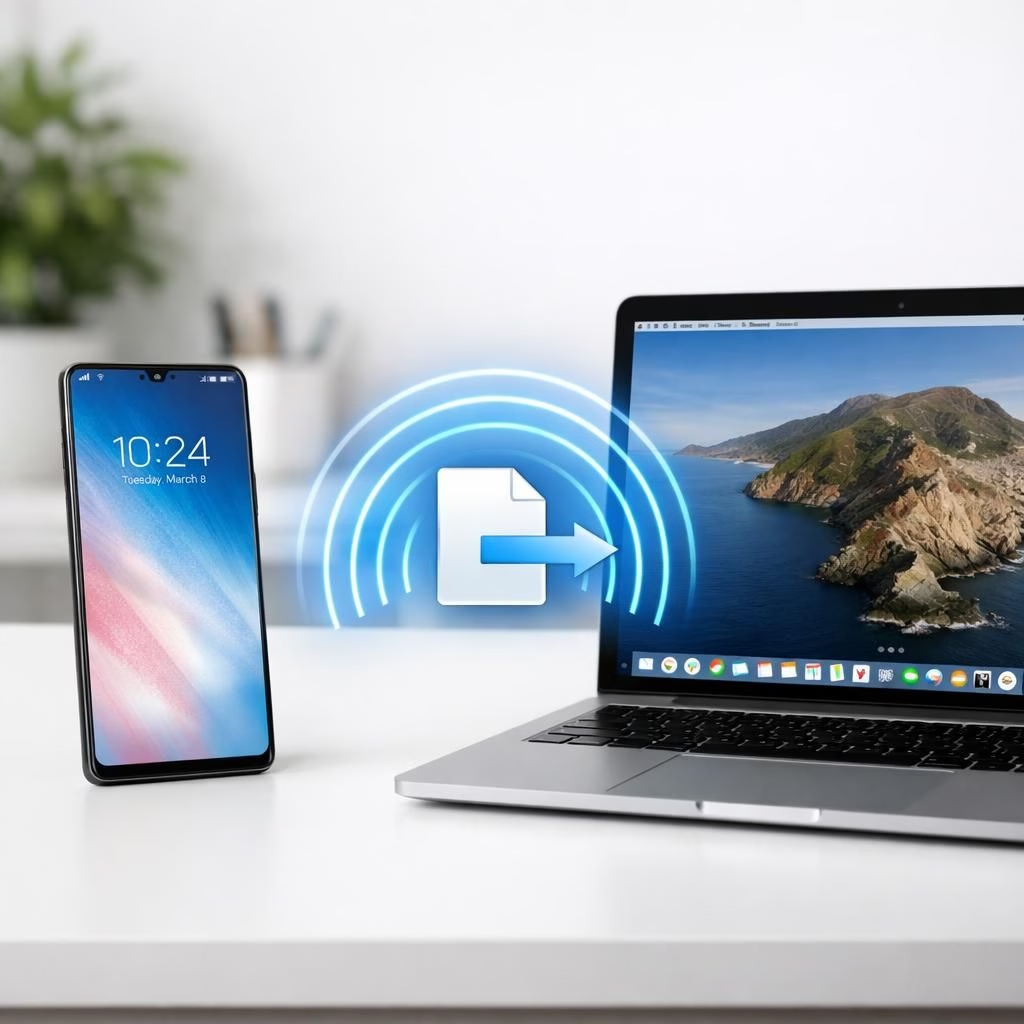
AirDrop and Galaxy fans have good reason to smile in 2026: Samsung now enables AirDrop by default on Galaxy phones, bridging the gap for cross-platform sharing. The change cuts steps, speeds up transfers, and reduces the guesswork of sending files between Android and iOS. The idea sounds simple, yet it reshapes everyday workflows in both homes and offices. Samsung positions this as a natural upgrade, not a gimmick, and users are curious about what ‘on by default’ actually means in practice. Early adopters report fewer hiccups when sharing documents, photos, or links with friends who carry iPhones. The result feels like efficiency finally got a friendly interface.
AirDrop on Galaxy: How it works in 2026
Samsung’s approach is active, not merely compliant. By default, AirDrop visibility on Galaxy devices is set to a practical balance between ease of use and privacy. The phone announces nearby devices using the familiar discovery protocol and negotiates a transfer without extra taps in most cases. If you want to share with non-Android devices, you can toggle a few options to allow iPhone recipients to see your Galaxy as a source. In practice, this means the two ecosystems can exchange files without launching a separate app or copying to a cloud service. The change impacts daily tasks, from saving a PDF to sending a quick photo during a meeting.
Galaxy-native improvements meet AirDrop protocol synergy
Under the hood, Samsung aligns with the existing AirDrop protocol rather than building a proprietary detour. The result is a fast handshake, a short user prompt, and a transfer that uses Bluetooth for discovery and Wi‑Fi for the data channel. Galaxy devices publish their availability, and iPhone recipients can receive files with the familiar approval gesture. This synergy is not flawless, but it reduces the friction of cross-platform sharing. The 2026 updates expand compatibility beyond the original Quick Share, and testers note fewer errors during busy office hours.
AirDrop tips for Galaxy users
- Keep Bluetooth and Wi‑Fi on, and make sure AirDrop visibility is not set to hidden. This keeps transfers snappy.
- Position devices within a few meters to ensure a reliable handoff, especially across multi-device setups.
- When sharing with an iPhone, confirm the prompt quickly; delays lead to failed handoffs and head-scratching.
For best results, create a habit of enabling AirDrop by default on Galaxy devices when you sit down for a collaboration session. The routine approach reduces the time spent hunting through menus. With a little practice, you will notice fewer interruptions and more productive moments.
Practical use cases for AirDrop and Galaxy in daily life
In homes and classrooms, AirDrop on Galaxy makes file sharing feel instant. A student can beam a slide deck to a teacher’s iPhone for feedback, and a coworker can hand off a design mockup without leaving the App. The ecosystem benefits from a shared language: proximity, permission, and quick transfer. Even photographers who shoot on Android devices gain a smoother workflow when they connect to a laptop or an iPhone for quick previews. The 2026 rollout helps reduce reliance on cloud services for small transfers, saving data and time.
What to expect next for AirDrop and Galaxy collaboration
Industry watchers expect ongoing refinements: faster handshakes, clearer prompts, and better cross-device hints. Samsung could expand to include more devices and more file types, while Apple might tighten security prompts to avoid accidental shares. In any case, the core idea remains simple: share quickly, keep privacy intact, and respect user choice. The 2026 timeline hints at broader compatibility and smoother behavior as both ecosystems learn to play nice. By focusing on reliability over novelty, the two sides can deliver a friendlier experience for everyday users.
Visual: AirDrop and Galaxy in action

What do you think about AirDrop default on Galaxy? Have you tried cross-platform transfers with your friends or teammates? Share your thoughts in the comments and tell us how the workflow feels in 2026.
Original reporting and inspiration from 9to5Google for laying the groundwork. Special thanks to the original outlets for their coverage. Read the original article here: 9to5Google: Samsung enables AirDrop by default on Galaxy.
External context: For background on how cross-platform transfers work, see AirDrop on Apple devices and industry coverage from Bloomberg.