

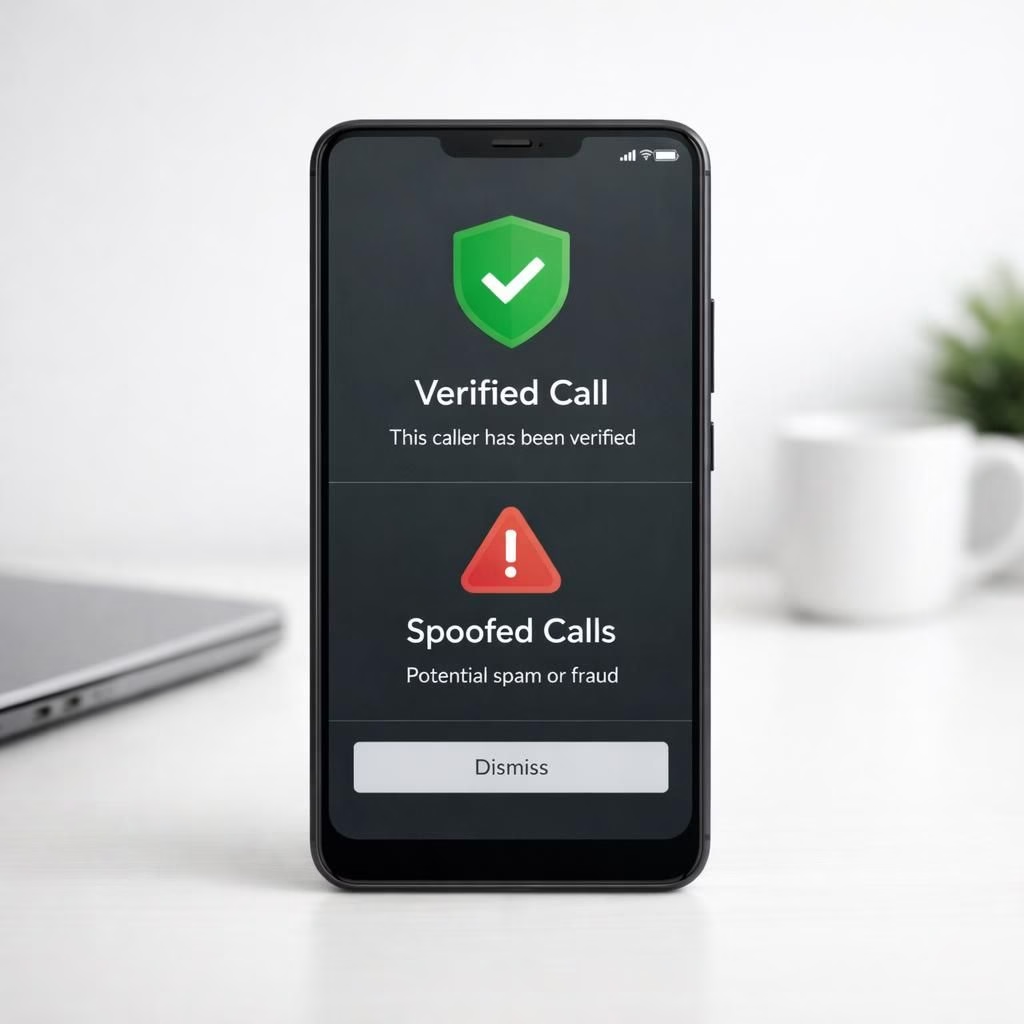
Android users have long dodged obvious scams, but Spoofed Calls have evolved into a prank that costs real money. Fortunately, Android is rolling out smarter guardrails that can listen for patterns, check caller IDs, and flag suspicious numbers before you answer. In 2026, Spoofed Calls are not just a nuisance; they threaten your time, data, and peace of mind. This article walks you through what changes are coming, why they matter, and how to make them work for you.
Android Security: Spoofed Calls Detected Early
Modern Android builds include on-device heuristics and carrier-verified signals that help tell a real caller from a clever mimic. The system scores risk in real time, then surfaces a warning, a sound, or even a block. This is not science fiction; it’s a practical upgrade that respects privacy while boosting safety. The goal is to give you control with transparent explanations rather than opaque filters.
Key features you can lean on in 2026 include:
- Verified Calls and Caller ID improvements that label calls from trusted numbers.
- On-device spam detection that analyzes timing, metadata, and voice cues without sending every call data to the cloud.
- UI cues like a shield icon and color coding so you can decide in a glance if a call is likely safe.
- Options to require confirmation for unknown numbers or to push more aggressive blocking of impersonation attempts.
Spoofed Calls: How to Verify a Call on Android
On Android devices, if a number rings you don’t recognize, you have options. Check the caller ID badge, look for Verified Calls signals, and listen for contextual clues. If in doubt, let it ring and verify through a known channel. The features are designed to minimize friction; you won’t need to halt your day to verify every call, but you will gain a reliable safety net against Spoofed Calls.
To set things up, follow these steps:
- Open Settings and go to Privacy or Security, then look for Verified Calls or Caller ID.
- Turn on on-device protection and choose your preferred level of blocking or screening.
- Share your preferences with contacts so they see a trusted badge when you call them.
Android and Spoofed Calls: Practical Tips for 2026
Beyond built-in protections, you can adopt habits that reduce risk. Always update your device to the latest security patch. Keep app store privacy controls tight. If a caller demands sensitive data, end the call politely and verify through a separate channel. Share warnings with family and coworkers so the shield grows. The system becomes smarter when you contribute examples of spoofed attempts, and you’ll learn faster by reading trustworthy security briefs. This blend of hardware, software, and user behavior keeps you in control.
Remember that attackers adapt. They mimic legitimate numbers, use short call windows, and push urgency. The better defense is a calm routine: verify, don’t reveal, and lean on your Android features. The goal is simple: make Spoofed Calls less credible, less profitable, and less scary to answer. In 2026, the combination of OS signals, carrier cooperation, and user diligence makes a real difference.
For workplaces and families, you can set group policies or encourage safe-tech practices across devices. This is where consumer-focused features meet practical management: a bit of automation plus a bit of common sense goes a long way. And yes, you can still joke about telemarketers while you stay safe.
Have you noticed better call screening on your Android devices? Share your experiences, tips, and questions in the comments to help others ride the wave of safer calling in 2026.
Special thanks to Ars Technica for the original reporting on this topic. Original article: Android phones will soon be able to detect spoofed calls and impersonation scams. We appreciate the thoughtful coverage that informed this summary.
Thank you to the original source for the material that inspired this explainer. If you found this useful, consider sharing it with a friend who could benefit from smarter call screening.
Quick take: practical steps you can take now
- Keep Android up to date with the latest security patches.
- Enable On-device protection and choose a level of blocking you’re comfortable with.
- Educate family and coworkers on recognizing suspicious patterns and sharing warnings.
External sources
- FTC: Spoofing and Robocalls
- FCC: Spoofing and Robocalls
- Android Security: How Google protects devices
References
Original Ars Technica linkback: Android phones will soon be able to detect spoofed calls and impersonation scams