

Android and AI fans, lean in for a practical take on the June drop. This update wave isn’t noise; it aims to smooth daily life with faster sharing, smarter reading, and safer calls. If you worried about gimmicks, you’ll find real tweaks here that you can actually feel (and maybe brag about at your next coffee meetup). The balance of the platform’s reliability and the behind-the-scenes polish keeps your day moving without turning your phone into a lab experiment.
Android AI: June updates you can actually use
First up, Quick Share expands like a friendly neighbor who always brings snacks. The improvements speed transfers, broaden compatibility, and set smarter defaults so you can move photos, documents, and memes with less fiddling. It’s the kind of polish that makes you wonder how you ever tolerated the old friction. The platform keeps a practical, “just works” vibe while the behind-the-scenes refinements optimize the data path for everyday use.
Next, Play Books gains a smarter touch with improved search, better recommendations, and reading aids that remember where you left off without nagging you to log in again. It’s not science fiction; it’s a pragmatic nudge toward a calmer reading routine, with smart features looking out for your preferences and the context of your notes. For students and casual readers alike, this means fewer detours and more time spent with the content you actually need. The effect is modest but meaningful: a more intuitive reading companion in your pocket, powered by behind-the-scenes tech that respects your pace and your privacy.
Android AI improvements: safety, personalization, and more
Safety continues to be front and center. Expect enhanced caller verification and signals that help you judge who’s on the line before you pick up. The aim is straightforward: reduce the drama of spoofed calls and impersonation by delivering clearer cues about who is actually calling. If you’ve ever answered a suspicious call and regretted it, this update is a welcome ally. In parallel, the system surfaces smarter tips when it detects patterns that resemble common scam attempts, nudging you toward caution while staying unobtrusive. The integration of intelligent signals with the Phone app shows how the platform can stay useful without becoming paternalistic.
Meanwhile, the broader ecosystem leans into personalization with a careful, privacy-respecting hand. The June drop includes features that tailor suggestions, widgets, and layouts to how you use your device—without turning customization into a data-mining sprint. The message is that your device can feel more like you without sacrificing control. The combination of smart, user-first design keeps the platform approachable for newcomers and power users alike, which is a tall order but a welcome one for anyone who wants fewer taps and more results.
More technically minded readers will notice these moves aren’t isolated gimmicks. They’re parts of a broader strategy: use machine learning to reduce cognitive load, keep everything fast and reliable, and weave safety into everyday tasks so you can stay productive without micromanaging every interaction. The June updates also hint at ongoing work on spoofing detection, improved call screening, and smarter identification of incoming messages. In short, the team is emphasizing practical, testable outcomes you can actually enjoy in daily life. And yes, that balance matters when you’re juggling work, family, and the endless stream of notifications that tug at your attention.
In a related vein, several outlets describe the evolution in call and contact safety. The Verge notes that the Phone app will alert you when a caller might be impersonating someone you know, while Ars Technica expands on spoofing detection as a live, evolving safeguard. These threads come together in the broader June narrative: safety features help you stay aware and in control without turning your phone into a security briefing you can’t skip. It’s a practical blend of transparency, simplicity, and subtle intelligence that doesn’t demand a manual every morning. The result is less fear, more confidence, and a phone that feels a bit more trustworthy by design.
As we round the corner, Google’s updates highlight new personalization and safety features that feel useful rather than ornamental. The June drop isn’t flashy for the sake of flash; it’s a measured push toward efficiency and protection. If you’re someone who wants your device to work with you, you’ll notice the difference in everyday moments—like sharing a file, reading a book, or answering a call with fewer headaches. The net effect is a calmer, more capable experience that respects your time and data preferences while still delivering the playful, human-friendly vibe that makes this platform stand out.
For those who enjoy the broader context, this June round-up nods to the evolving collaboration between Android, Play Books, and trusted safety features that keep your digital life ahead of the curve. The pairing of Android and machine learning-forward design is not just a trend; it’s a deliberate choice to streamline tasks, protect you, and nudge you toward smarter habits—without turning your phone into a lecture hall. If updates feel practical yet thoughtful, you’ll likely welcome what June brings to your everyday rhythm with a knowing smile. And if you’re curious about the exact under-the-hood tweaks, the takeaway is that the team aims to keep you productive and protected without overwhelming you with jargon or prompts.
Finally, as always, your experience matters. If you’ve tried the new Quick Share, the Play Books polish, or the updated safety features, your feedback helps shape what comes next. Share your thoughts in the comments so we can compare notes and celebrate small wins that add up to a better smartphone life. Android and machine intelligence aren’t just marketing terms here; they’re tools that can make your day smoother with the right balance of power and restraint.
Original article: June Android Drop: Quick Share AirDrop expansion, AI in Play Books, & more, Android 17 coming soon. Thank you for the original source material and the insightful perspectives you provided.
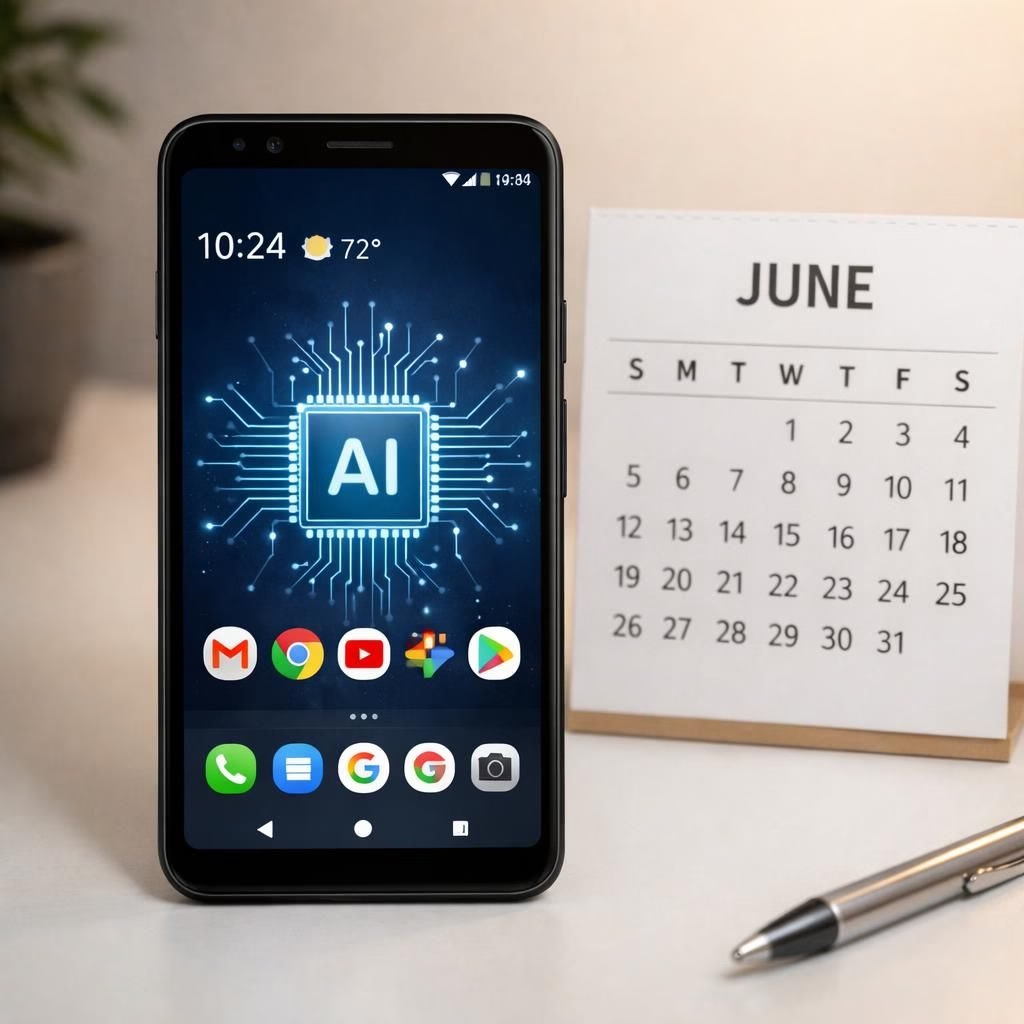
Image credits and visual reference: the design invites a clear, simple composition that shows an Android device alongside a stylized AI chip icon, with a June calendar mark to emphasize timing. The image remains realistic, not fantastical, to ensure it translates well to a diverse audience on a WordPress post.
If you found this reshaped summary entertaining or useful, please consider sharing your thoughts in the comments. And if you know someone who loves a balanced, lightly satirical yet insightful tech rewrite, a quick share might be the perfect kind of algorithm-friendly kindness.
Practical steps to try these updates
- Test Quick Share now: Open the share sheet, pick a file, and try sending it to another nearby device; notice speed and reliability.
- Explore Play Books polish: Use the enhanced search and read a book with smart recommendations to see how suggestions feel.
- Check safety features: Review call settings and test a simulated spoof call warning if your device offers one.
- Personalize with privacy in mind: Tweak widgets and layout options to fit your daily flow without over-sharing data.
Frequently asked questions
- Will these updates slow my phone?
No. They’re designed to stay lightweight and fast.
- Are these features privacy-friendly?
Yes. Personalization aims to respect your data choices and provide useful, non-intrusive nudges.
- Do I need a new device or OS version?
Most updates are available across current devices, but some features may require the latest software.
- Will these features affect battery life?
Expect minimal impact; changes focus on efficiency and background optimization.
Conclusion: These careful June refinements are designed to help you get more done with less friction, keeping your phone friendly and under your control. Try the new sharing, reading polish, and safety improvements this month to feel the difference in everyday tasks.
External reads
References
- Original article: June Android Drop: Quick Share AirDrop expansion, AI in Play Books, & more, Android 17 coming soon