

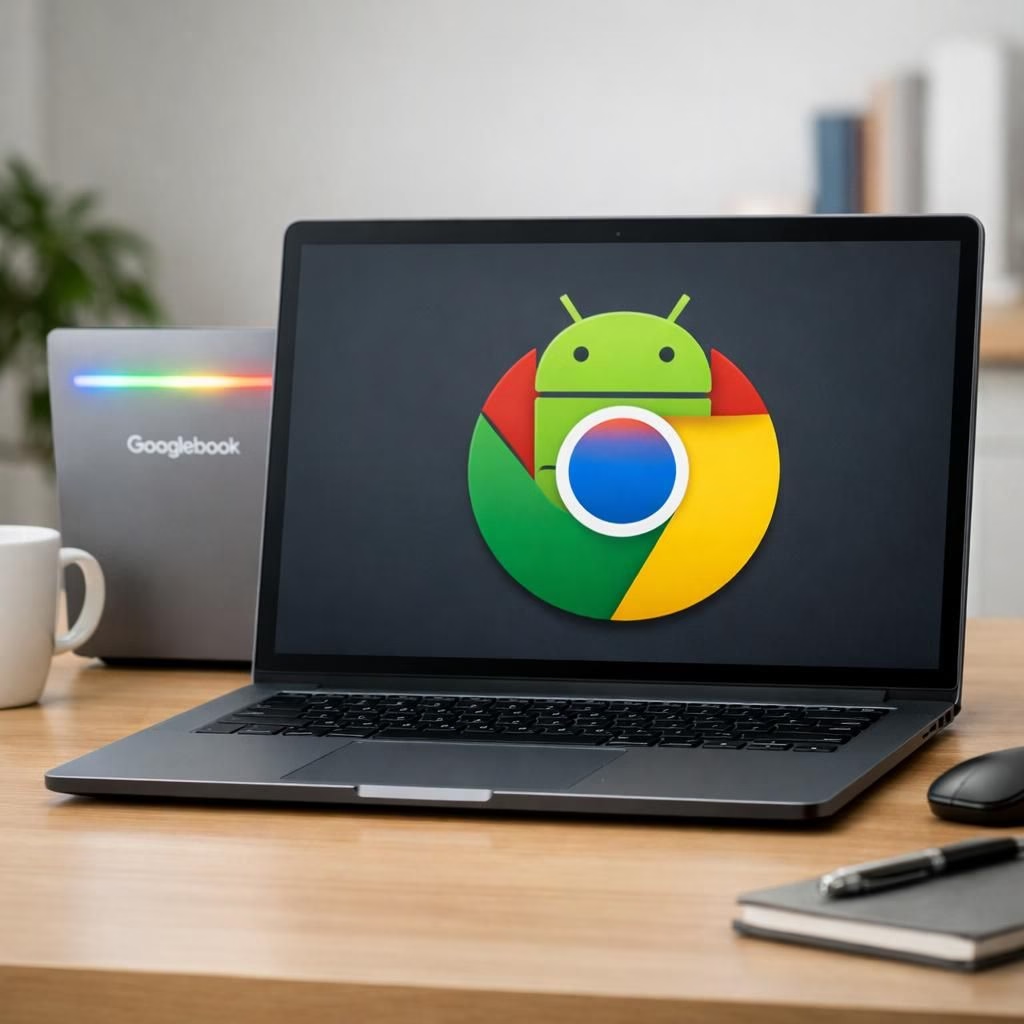
Google just announced Googlebook, a bold new laptop lineup that merges Android and Tag B into a single, practical operating system. In 2026, this isn’t a sci‑fi fantasy; it’s a deliberate move toward smoother phone‑to‑laptop workflows. Google promises Chromebooks will keep receiving updates through 2034, underscoring that the company isn’t tossing away its existing Chromebook community. The goal is to close the gap between your phone and your laptop with a MacBook‑like polish—while keeping Google’s unique vibe alive. The core idea is a true unification, not merely a branding refresh. Behind the scenes, Google hints at Gemini Intelligence, an AI engine designed to help the whole system feel intuitive and responsive. Cast My Apps will let you run Android apps on the Googlebook without extra downloads, which is exactly the kind of convenience many users have hoped for. This is a move toward a single, smoother path rather than two parallel ecosystems fighting for your attention.
Android + ChromeOS Fusion: Googlebook’s bold bet
The big pitch is simple: Android brings broad app breadth and mobile familiarity, while Tag B contributes efficiency and security. Together they promise a platform that feels familiar yet fresh, a new product category built to handle both casual browsing and serious multitasking. Cast My Apps is pitched as a seamless bridge rather than a heavy‑handed porting exercise. Gemini Intelligence serves as the quiet conductor, guiding app recommendations and power shortcuts so your screen doesn’t feel hijacked by firmware gremlins. The company has signaled that Gemini Intelligence will power the experience in waves, starting with the latest Samsung Galaxy and Google Pixel devices this summer.
Beyond the core OS merge, Google is showcasing Create My Widget, a feature that uses natural language prompts to generate desktop widgets. In a demo, a simple request for a family vacation itinerary produced a scrollable plan that lived on the desktop as a usable, clutter‑free interface. This isn’t mere fluff—it’s a hint of how Googlebook could reduce the time users spend juggling apps and windows. The driving idea is to leverage Gemini Intelligence to tailor widgets and quick actions to your habits, making the system feel almost telepathic without sacrificing control.
Gemini Intelligence fuels widgets and Quick Share across Android and ChromeOS
On the sharing front, Quick Share is promised to become more capable and cross‑brand friendly, with a plan to align it with AirDrop‑style flows. Pixel phones will lead the rollout, with support for Samsung, OPPO, OnePlus, Vivo, Xiaomi, and Honor devices expected later this year. The aim is to make cross‑device collaboration effortless, so a photo or document hops between devices without repetitive prompts. Gemini Intelligence is again central here, predicting what you’ll want to share and when you’ll want to share it, reducing friction across the entire Googlebook ecosystem.
Google emphasizes that Chromebooks aren’t going anywhere. The Chromebooks family has evolved into premium devices—OLED panels, up to 16GB RAM, and robust AI capabilities—while remaining affordable for many users. Alexander Kuscher, senior director of tablets and laptops at Google, reassured audiences that Chromebooks will continue to be supported and updated through at least 2034. The company also confirmed partnerships with Acer, Asus, HP, Dell, and Lenovo to deliver new premium Googlebook devices. The visuals released so far feature a new Glow Bar—a rainbow LED strip on the back of Googlebook devices that signals this refreshed design language.
Google also notes that the Tag B ecosystem will remain central to education and enterprise deployments.
In practical terms, Googlebook aims to make your daily workflow feel continuous rather than fragmented. If the Android‑to‑ChromeOS continuum holds, users could move between phone and laptop with less context switching and more consistent AI assistance. For developers, this could mean more apps running natively on desktop and more opportunities to integrate across devices in a single, cohesive experience. The strategy isn’t about replacing Chromebooks but about expanding the ecosystem in a way that makes sense for mobile‑first and desktop‑first users alike.
Practical steps to prepare for Googlebook
- Check device readiness and upcoming Googlebook models announced by Google’s partners (Acer, Asus, HP, Dell, Lenovo) for fall availability.
- Enable Google account sync and back up data to ease transitions between Android and the ChromeOS‑adjacent experience.
- Consider joining any developer previews or sign‑ups that let you test features like Cast My Apps and Create My Widget early.
- Watch official channels for guided setup tips that bridge phone and laptop workflows smoothly.
As with any major rollout, execution matters as much as concept. The fall launch window gives Google and its partners time to showcase real devices, refine software updates, and balance the ecosystem so Chromebooks and Googlebook can coexist without cannibalizing each other. The Glow Bar’s visual cue signals more than a design flourish; it marks a unifying brand language across multiple devices. If Google can deliver on the promises around Cast My Apps, Create My Widget, and Quick Share, the 2026 experience could feel notably more coherent than today’s mixed landscape.
It’s worth noting that the original coverage from ZDNET laid a helpful foundation for understanding this strategy. We’re grateful for their thoughtful reporting, which helped illuminate the expectations people have for an Android–ChromeOS bridge in a modern laptop lineup. Special thanks to the contributors who kicked off this conversation and provided essential context for readers like you.
Original article: Thanks to ZDNET for the original coverage: https://www.zdnet.com/article/googlebook-unifies-android-chromeos/
So, what do you think? Will Android and ChromeOS finally harmonize into a single, capable operating system, or is this Googlebook a well‑executed curiosity that won’t change how you work day to day? Share your thoughts in the comments below and tell us what you’d want from a Gemini Intelligence‑powered laptop audience feature set.
References
- ZDNet: Googlebook coverage — premium Chromebook for Android
- Google Official Blog
- The Verge: coverage on Googlebook and Gemini Intelligence