

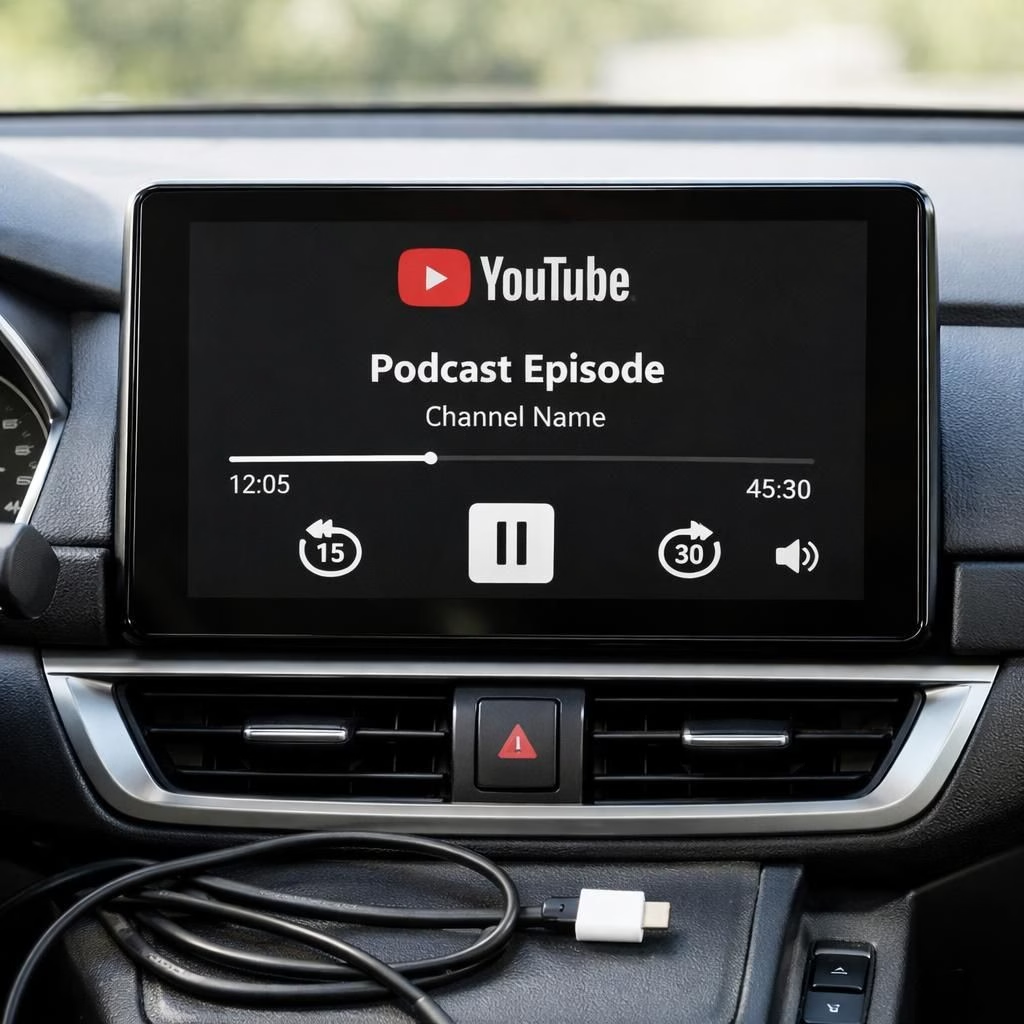
In a move that satisfies YouTube fans and Android Auto prudence alike, Google is quietly rolling out an integration that brings YouTube to Android Auto as an audio-focused experience. You can control playback from the car’s interface, but you won’t see videos on the dashboard—the road stays the star, and your ears get the content. This isn’t a full video app for the windshield; think of it as YouTube with a soundtrack built for safe, hands-free listening during a daily commute or a long highway stretch. And yes, the idea is to keep eyes on the road while you enjoy the audio stream you love. If you’ve ever grumbled about video distractions, you’ll appreciate the approach here: audio first, video later when you’re parked and alert.
YouTube on Android Auto: Audio-Only Arrival
The practical upshot is simple: you get media controls in the car—play, pause, and skip—without a TV-like dashboard display. The design keeps visual distractions to a minimum, which is exactly what Android Auto safety-minded drivers want. YouTube on Android Auto behaves more like an audio service, akin to music apps or podcasts, rather than a streaming video platform. The experience is deliberate: it lets you enjoy podcasts, interviews, or news clips while you stay focused on driving. In 2026 this audio-forward approach aligns with a broader trend: services that blend familiar content with car-friendly interfaces, without inviting cognitive overload.
When the feature first surfaced, it was noted by the Reddit community (u/IGameShit) that the rollout appears limited and cautious on Android Auto devices. The team isn’t promoting a grand video-to-dashboard transformation; they’re offering a safer, more focused way to consume long-form audio from a familiar platform. The result is pretty charming: YouTube becomes a road-trip companion rather than a cockpit distraction—an audio companion that travels with you wherever you drive.
YouTube on Android Auto: Practical Tips for Safe Use
From a practical standpoint, the biggest caveat is UI and feature parity. YouTube on Android Auto supports essential background playback only under certain conditions, and in many regions, you’ll need a YouTube Premium subscription for the feature to function smoothly. This isn’t about turning your car into a mobile theater; it’s about giving you reliable audio content in a hands-free, distraction-minimizing package. If your goal is to continue listening while you drive, you’ll appreciate how the interface prioritizes listening over visual exploration. The screen remains quiet, the audio remains loud enough to keep you informed, and you stay aligned with safety-focused guidelines.
There are tangible limitations worth noting, especially for those who love fast-forwarding to moments in a video. In practice, YouTube on Android Auto generally prevents arbitrary scrubbing within a video; the skip action tends to move you to the next video in your queue. The browsing experience on the dashboard is intentionally sparse, making content discovery feel more curated and less chaotic. In short, the car UI nudges you toward a calmer listening session, which is precisely the point when you’re on public roads or in heavy traffic. This approach is the pragmatic middle ground between convenience and safety in 2026.
YouTube on Android Auto: What’s Next for In-Car Media?
Google’s approach emphasizes safety while expanding the car’s multimedia capabilities. The model favors audio-first experiences and uses subscription-based features to unlock smoother background playback. Availability can vary by region, and not every device will immediately support every capability, but the direction is clear: more content platforms will experiment with in-car experiences that are both familiar and prudent. For developers and drivers alike, this signals opportunities to refine hands-free interactions, improve voice-assisted navigation, and collaborate with content creators to tailor audio experiences for the road. In 2026, we may see smarter voice controls, simpler transitions between phone and car environments, and a broader catalog of audio content designed specifically for driving.
As this ecosystem evolves, Android Auto users should expect gradual enhancements to background playback, better recommendations, and tighter integration with car display limits. The core idea remains: keep the focus on driving while delivering familiar audio content from a well-known platform.
If you’re curious about implementing or testing this feature, the best guidance is to keep your Android Auto app updated, ensure your YouTube account has the appropriate subscription tier for background playback, and maintain a cautious routine behind the wheel. The audio-only approach is not merely a compromise; it’s a thoughtful redesign of how we consume content on the go, balancing familiar entertainment with road-safety requirements. As the ecosystem evolves, expect improvements in content recommendations, smoother transitions between audio tracks and videos, and more intuitive controls that respect both your time and your safety on the road.
What do you think about YouTube on Android Auto? Share your thoughts in the comments — I’m curious how this audio-forward approach changes your driving routine and your media habits.
Original source and inspiration: Original Reddit discussion and related coverage. Special thanks to the creators and sources that sparked this exploration of audio-first in-car experiences.
Thank you to the original article material for the ideas and context that helped shape this rewrite.