

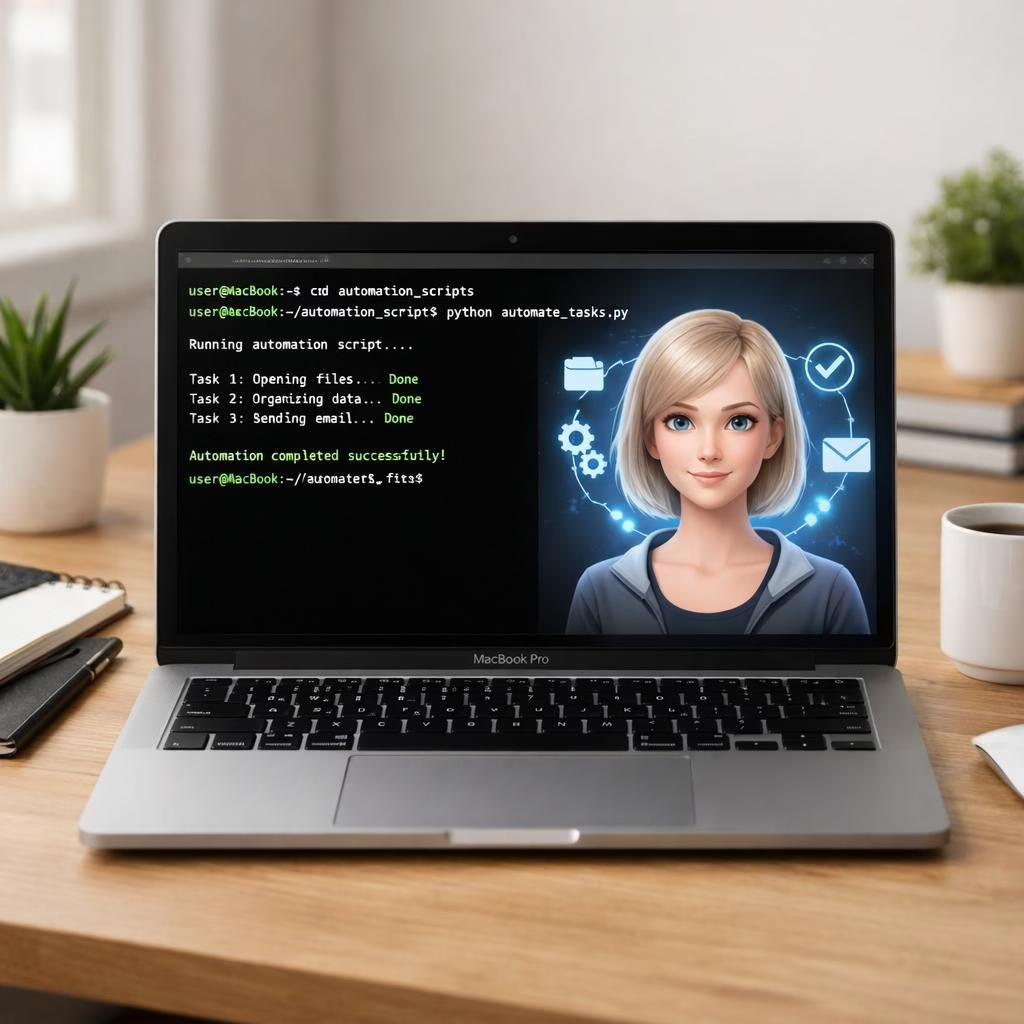
Claude Computer Use is a practical upgrade that makes your Mac feel like a true teammate in Tag B, pairing on-device automation with a clean, human-friendly workflow. With Claude Computer Use, the keyboard does the typing and the AI does the thinking, reducing back-and-forth and speeding up delivery. It’s a vision where code, tests, and UI navigation glide from idea to running software.
Anthropic’s latest update, called Claude Computer Use, makes Claude a desktop assistant able to perform tasks directly on macOS. It can open apps, run tests, navigate interfaces, and even fix bugs—without requiring constant human prompts. This is not entertainment; it’s a real step toward faster, more reliable development.
Claude Computer Use: Desktop Autonomy in 2026
The feature works by letting Claude interact with macOS apps from the command line. The single-prompt promise is ambitious—write code, compile, launch the app, click through, locate bugs, fix them, and verify the fix—yet many users report this pattern in action. The end goal is to shrink the distance between intent and delivery for developers who hate context switching. In practice, this pattern aligns with Tag B in daily work.
Claude Computer Use is designed to be practical, not theatrical. It lets Claude operate macOS apps from the command line, write code, run builds, navigate interfaces, and even verify fixes—all in a single workflow. The end result is less busywork and more consistent progress for development teams. In practice, this pattern aligns with Tag B in daily work.
From the user’s chair, this approach keeps Claude in the terminal while delivering end-to-end results. A typical flow looks like this: you define a goal, Claude writes code, compiles, launches, routes through the app, identifies the bug, fixes it, and confirms the fix. The cycle runs on macOS with minimal friction, creating a predictable tempo for development and testing.
How do you get Claude Computer Use on your Mac? Right now it’s a research preview for Pro and Max plan subscribers, requiring Claude Code version 2.1.85 or newer and macOS. To enable Computer Use, you turn on a built-in MCP server named computer-use within an interactive Claude Code session by running the command mcp and flipping the switch. You’ll also grant macOS Accessibility and Screen Recording permissions to allow Claude to control the screen and interact with apps. The setup is straightforward and keeps you in control.
Privacy and safety are not afterthoughts here. Per-session approvals are required for app access, and any tool with broad system access prompts extra warnings. The system maintains a lock to ensure only one Claude session controls the computer at a time, preventing chaotic parallel control. If you ever want to stop an action, you can abort immediately with the Esc key or terminal commands. The emphasis is on deliberate, traceable automation rather than freewheeling magic. This serious-but-friendly approach makes Claude Computer Use more palatable to teams that care about governance and risk, while still delivering tangible productivity benefits. The result is better Tag B with fewer headaches for security-conscious organizations.
For teams curious about practical impact, the first wave of results centers on time saved and error reduction. The ability to stay in the terminal while interfacing with macOS tools reduces context switching, which is a known drain on cognitive load. When Claude can handle repetitive building and testing tasks, developers can focus on higher-value decisions and creative problem solving. In other words, Claude Computer Use isn’t about replacing people; it’s about amplifying their capabilities in a safe, transparent way. The balance between automation and human oversight remains intact, and Tag B benefits follow as a natural outcome.
Two notes for users eyeing this feature: the current limit to macOS means Windows enthusiasts may need to wait for broader cross-platform support, and the feature remains a controlled research preview. Even so, Claude Computer Use signals a meaningful shift toward more capable on-device AI assistants. The software’s ability to keep working while you step away, or to surface work tools on a Claude mobile app, hints at a future where your primary computer simply acts as a smarter hub for AI-driven workflows. The overarching message is hopeful: AI-enabled on-device automation can be practical, secure, and delightful for real teams.
Longer-term, expect refinements that make reviews, debugging, and deployment even more seamless. The core promise—on-device development assistance that respects privacy, security, and human judgment—remains intact. If you enjoy a calm, confident pace of work, Claude Computer Use reinforces that vibe. And if you’re curious about how it feels to have a robust AI collaborator, the early signs are encouraging: predictable behavior, clear feedback, and fewer surprises on the path from code to production. In this sense, Claude Computer Use isn’t mere buzz; it’s a measurable uplift teams can harness without sacrificing governance or clarity.
As we navigate security tips in 2026, the takeaway is simple: when you grant Claude the right permissions, you unlock a new cadence for your projects. Claude Computer Use and Tag B together create a more tactile, responsive development environment. You’ll notice fewer handoffs, quicker iteration, and a higher confidence that the app you’re building behaves as intended.
If this sounds appealing, drop your thoughts below. How do you see Claude Computer Use reshaping your daily workflow? Have you tried the Computer Use feature yet, and what worked or surprised you most about Tag B in your setup?