

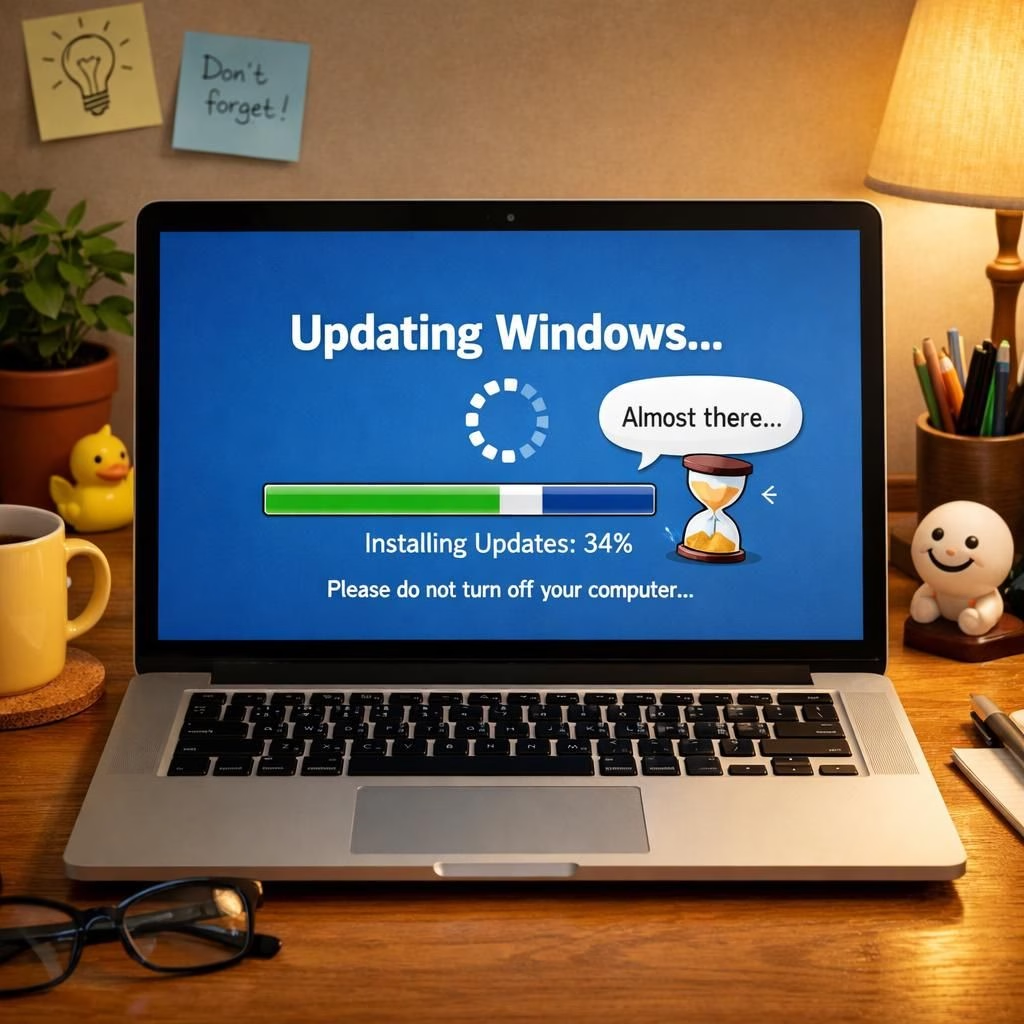
Windows Updates and Security Tips in 2026 are not mere buzzwords; they map the reality of patching billions of devices. Forbes reports a billion PCs rebooting for patches, and the practical takeaway is simple: plan patches, not panic. This guide translates that momentum into actionable steps you can apply today.
Windows Updates: A pragmatic, humorous tour
Windows Updates show up like neighbors offering samples. They promise security, fewer bugs, and occasional reboots at the worst moment. The trick is not to fear them, but to choreograph them with a scheduled window that fits your day.
In 2026, pause features are more humane for busy days. The phrase Windows Updates should trigger a calm nod, not a panic sprint. The goal is to win the patch game without losing the plot.
In practice, Windows Updates is a system of services that talk to your device. When a major update lands, you may see a progress bar, a reboot prompt, or a reminder that work comes first. The important bit is to set an update window where updates can proceed without interrupting focus. That’s not surrender; it’s scheduling. The more you work with Windows Updates rather than against them, the less friction you’ll encounter.
Security Tips in 2026: A calmer reboot playlist
Security Tips in 2026 stay practical when you adopt a simple, steady routine. Use strong passwords, enable two-factor authentication, and keep software up to date. The aim is not to chase every feature, but to reduce risk and stress. Build a predictable routine: quick checks on update status, a sane pause policy for major updates, and reliable backups. Treat your device as a trusted teammate, not a mystery box.
Here are practical steps you can adopt this year:
- Set a monthly reminder to review Windows Updates settings and retention policies
- Enable two-factor authentication wherever possible to reduce the impact of stolen credentials
- Use a predictable pause window for major updates, then finish the work early the next business day
- Regularly back up essential files so a bad patch moment doesn’t derail your week
- Keep a clean startup list to minimize boot time and avoid unnecessary reboot prompts
As each update rolls out, your net risk declines when you pair Windows Updates discipline with proactive Security Tips in 2026 — a win worth celebrating.
Of course, media chatter often paints updates as dramatic upheavals. In reality, most updates are routine maintenance with a few edge cases. The Verge and other outlets remind us of special cases like lengthy patch pauses or reboots after significant security improvements. Windows Update gets new controls to reduce forced restarts without fanfare, quietly improving the experience for many users. The underlying principle remains the same: keep your devices protected without turning your day into a digital obstacle course.
To stay on top of this, avoid panic when the update banner appears. Instead, plan, pause if you need to, and return to work with a lighter load and a more confident smile. The Windows Updates cycle is not a trap; it is a chance to reinforce your digital hygiene, and that Security Tips in 2026 win worth celebrating.
Original article link: Shutdown, Restart—Microsoft Changes Windows On 1 Billion PCs. Thank you to Forbes for the original material, which sparked this thoughtful rewrite.
If you have your own stories about patches, reboots, and security wins, share your thoughts in the comments. I am all ears for your best and funniest patch moments.
Thank you for the original material from Forbes.
External resources
- Microsoft Security Blog — practical updates on security and patch management.
References
- Shutdown, Restart—Microsoft Changes Windows On 1 Billion PCs (Forbes article)