

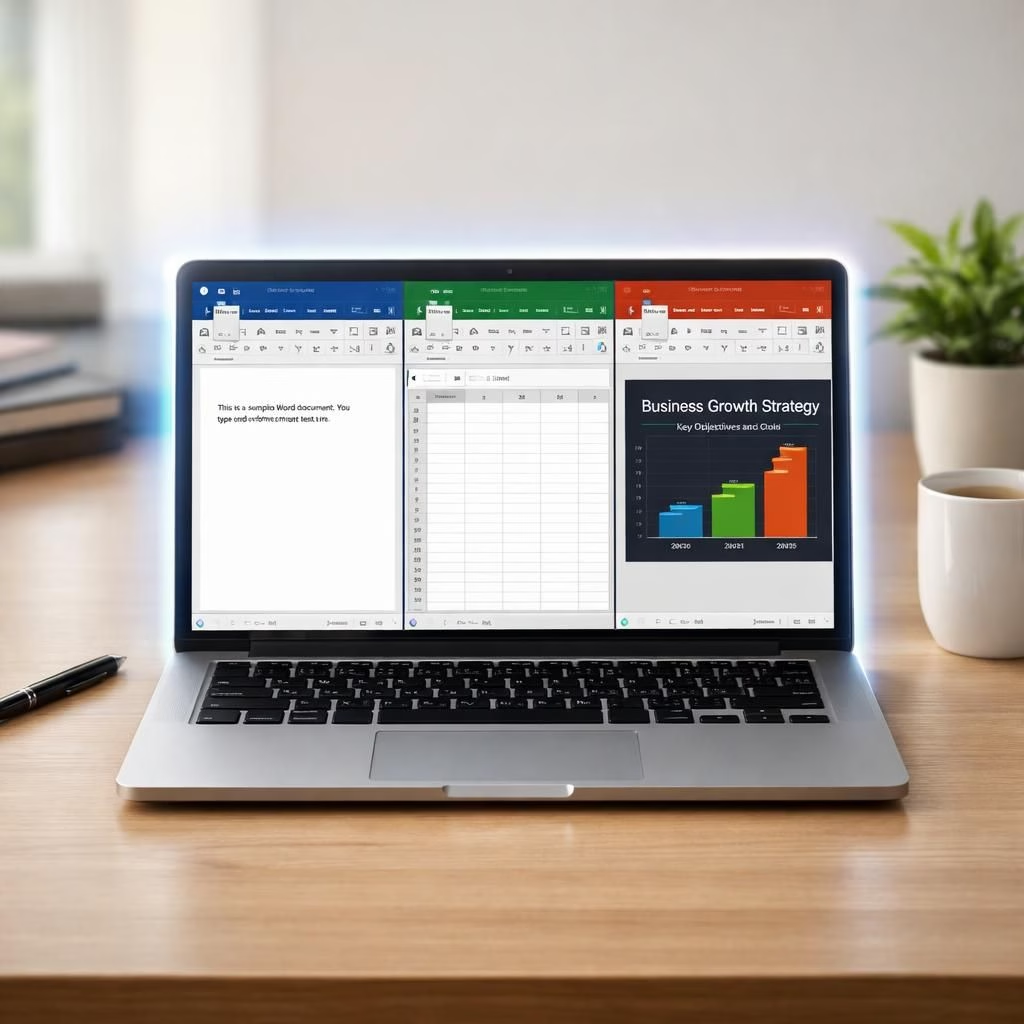
Copilot is no longer just a polite sidebar whisper. In 2026, it can be agentic in Word, Excel, and PowerPoint. Yes, agentic means it acts with a little gusto, not just suggests. This shift is small in print but big in practice. Microsoft calls it an ‘agentic’ Copilot, and users now see actions, not promises alone. The goal is simple: the AI helps by doing, not merely offering edits. It can rewrite a sentence, adjust a chart, or rebuild a slide deck right where you work. You still steer the ship, but the autopilot has questions and momentum. The system is getting closer to a co-pilot that handles steps in real time. The result is a friendlier, faster workflow, with the same familiar tools. Still, the change invites questions about control, trust, and the exact line between assistant and author.
Copilot agentic: Practical impact on Word, Excel, PowerPoint
Microsoft rolls this out as general availability across Word, Excel, and PowerPoint. The AI helper can act on your behalf across those apps. The feature is on by default, but you will see a prominent prompt on the right. You can turn it off if you want no surprises. The design aims to be visible and controllable. Administrators note that deployment happens with care, not chaos. In practice, the agentic mode performs tasks while you monitor. It can rewrite sentences, tune numbers, and reorder slides directly in your document. It speaks in the same workspace you already know, so you do not switch contexts. The default-on approach has sparked debate, yet many users find the momentum valuable. The system and the agentic behavior are not gimmicks; they are designed to be reversible and transparent. You can review changes, accept or reject them, and see the steps. These two terms—Copilot and agentic—mark a new era of embedded AI in productivity software. This isn’t science fiction; it’s a refined workflow that saves time and reduces tedium.
Copilot agentic: Trust, transparency, and everyday workflows
Critics worry about forced integration and loss of control. Mozilla has raised concerns about creeping defaults. The company counters with visibility: the system shows its current task and allows you to pause. You can turn off the assistant completely, or tailor its settings by project, team, or individual. The agentic approach requires trust and clear controls. The agentic design aims to keep human oversight intact. The message is simple: helpful automation, not a takeover.
- Automatic edits across Word, Excel, and PowerPoint that you can review
- Clear visibility into what the assistant is doing step by step
- One-click undo of suggested or applied changes
- Options to disable or fine-tune agentic actions on a per-project basis
What this means for day-to-day tasks and collaboration is practical rather than mysterious. It saves you time, reduces repetitive typing, and invites a new kind of teamwork between human and machine. If you try it, tell us how Copilot agentic changed your workflow in the comments.
Original article: Microsoft Copilot goes agentic in Office apps — Thank you to the original source material. We are grateful for the source that inspired this rewrite.
For readers who want more context, see official guidance from Microsoft and independent coverage that analyzes how in‑work automation is evolving with AI helpers.
FAQ about Copilot and the agentic update
- What does the agentic Copilot change in practice? It can perform edits and actions directly inside Word, Excel, and PowerPoint, while you monitor and approve as needed.
- Can I disable agentic actions entirely? Yes. You can turn off the feature or limit it by project, team, or user in the settings.
- Where can I review what the assistant did? A dedicated changes pane shows each step and the rationale before you accept or reject edits.
- Is my data safe with agentic automation? Microsoft’s controls emphasize visibility, audit trails, and the ability to pause or override decisions to preserve governance.