

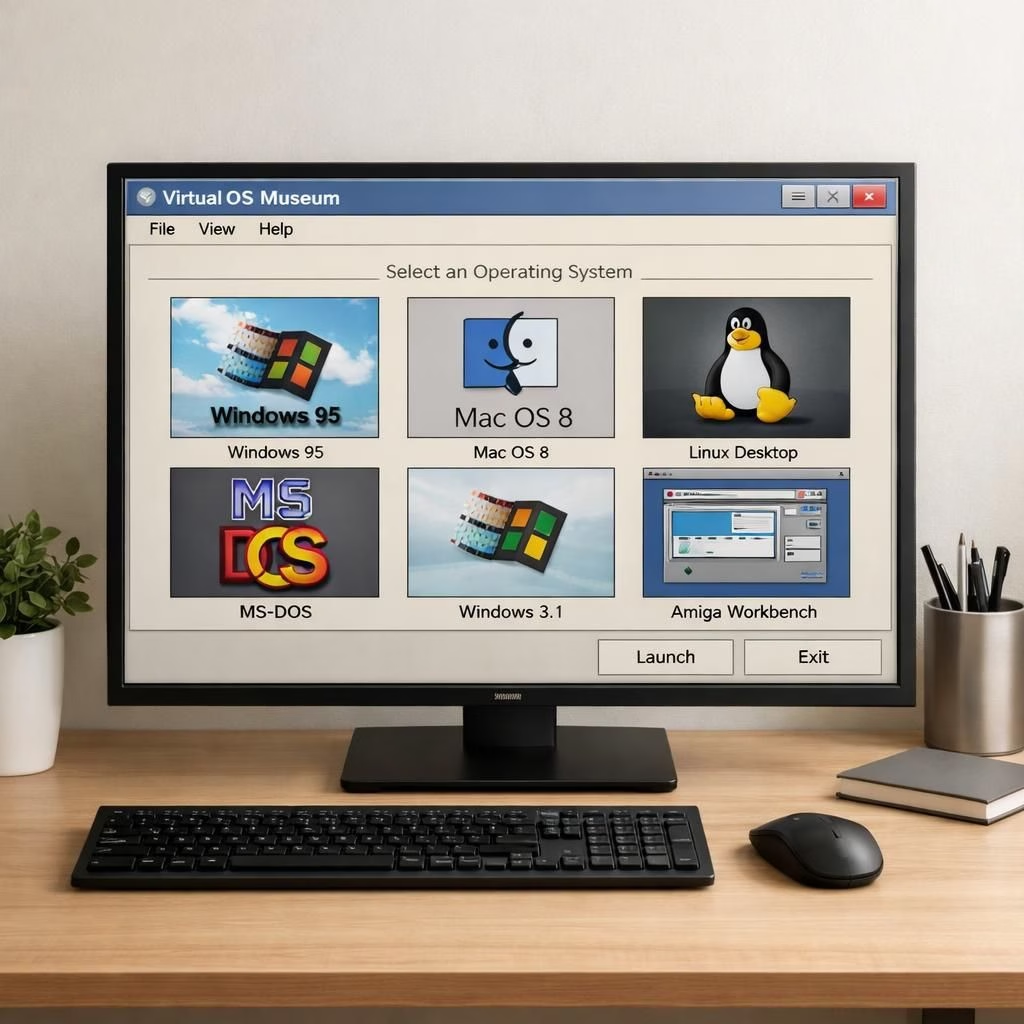
Welcome to a playful tour of the Virtual OS Museum and Security Tips in 2026, with 600+ OSes.
The Verge described a museum-like project that runs at particle speed.
This post keeps the core idea: a browsable collection you can explore on modern hardware, with practical safety tips.
We’ll peek under the hood and share tips you can use in 2026 to stay safe and enjoy nostalgia.
Virtual OS Museum: A playful tour of 600+ systems
The Virtual OS Museum is more than a novelty. It’s a curated catalog of OS experiences that invites comparisons across eras.
On a typical desktop, you might launch emulated versions of Windows 95, Mac OS 8, early Linux desktops. Each has its own quirks and UI language, and the goal is to reveal how user expectations evolved.
Security concerns shifted, and interface design mirrored the computing culture of its time. The engineering behind it leans on light virtualization and careful sandboxing.
You can switch between interfaces without risking your current setup.
In practical terms, this means running lightweight emulation cores. Containerized environments feel instant to open, but stay isolated from your files.
The result is a respectful, educational experience that makes history feel tangible.
Security Tips in 2026: Safe, mindful exploration
Curiosity deserves protection. With nostalgia comes responsibility. The idea of a Virtual OS Museum invites exploration, but you want to stay safe.
Start by isolating the experience: use a dedicated user account or a sandboxed environment that has no access to your sensitive data.
Prefer offline images when possible or opt for signed distributions from reputable sources.
If your setup supports snapshots, take one before you experiment so you can roll back in a click.
Disable network access in mounted OS environments unless you explicitly need it for files or downloads; even then, implement strict firewall rules.
Keep your host OS patched, maintain backups, and avoid installing extension software from unverified sources.
The goal is to preserve the joy of retro computing while keeping modern security hygiene intact. Security Tips in 2026 can guide you as a reminder to stay safe while exploring.
Practical tips you can apply today include:
- Use a dedicated drive or virtual machine for experiments
- Snapshot before changes
- Disable unnecessary services in the guest OS
- Monitor for unusual network activity during emulation
To get started, pick a trusted source for the OS images and run them on a compatible host. Then explore the 600+ offerings with care and respect for licensing.
If you’re curious about virtualization, you’ll find it a friendly, practical field that teaches resilience and adaptability in software design.
Original article: The Verge — Thank you for the inspiration and for highlighting this fascinating project. The Verge.
Have thoughts? Please share your reflections in the comments below.
Further reading
- What is virtualization? A quick primer
- What is sandboxing? A practical guide
- Security best practices for users