

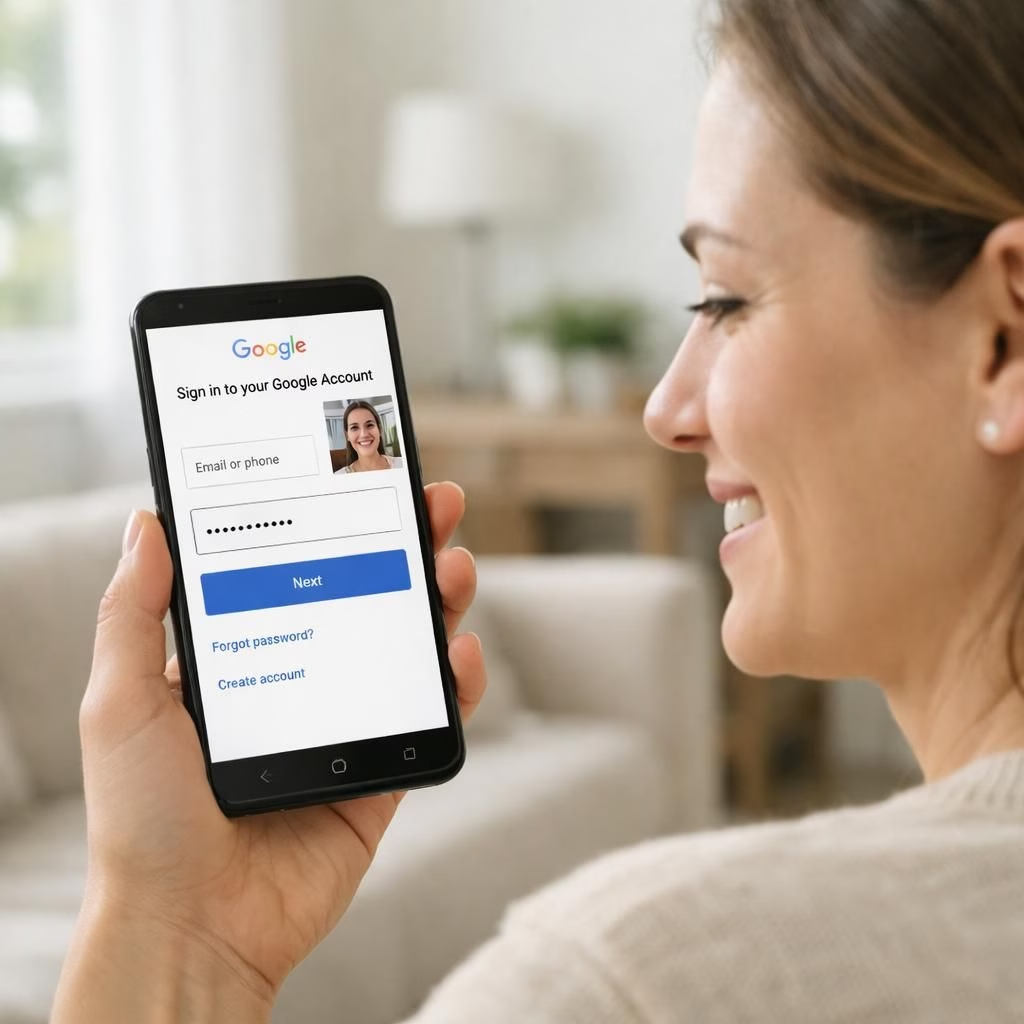
Selfie Sign-In and Google Sign-In arrive as a friendly nudge toward simpler, more human login flows. Instead of typing a password or juggling second-factor prompts, you record a short selfie video that proves you’re you. The live capture is checked against your profile for liveness, facial features, and consistency, before granting access if everything aligns. It’s an opt-in feature rolling out across Google accounts in 2026, designed to cut down on password fatigue while keeping friction manageable for everyday use.
Selfie Sign-In: How it works with Google Sign-In
When you opt in, the device camera captures a brief video. The system performs a liveness check to ensure you are real and then delivers a secure authentication token to the session. Google’s backend compares biometric cues with on-file data, without exposing raw video to services you use. The video may be stored briefly for security audits, but many providers minimize retention or erase it after a short window. The user experience remains straightforward: a quick video, a green check, and you’re back to your app or browser. The exact flow varies by device, but the principle stays the same: live capture can replace or supplement a password at sign-in.
- Better resilience against phishing and password reuse
- Faster authentication on devices with front-facing cameras
- Opt-in control and clear privacy notices
Pros, privacy, and security for Selfie Sign-In and Google Sign-In
For many users, Selfie Sign-In helps reduce password fatigue when used alongside Google Sign-In across apps. The approach works on devices with a reliable front camera and a stable internet connection. In many configurations, biometric data may stay on the device, or be encrypted during transit to Google’s servers for verification. The goal is a frictionless experience without opening doors to new kinds of abuse.
Privacy and data handling matter. For many users, Selfie Sign-In is a privacy-conscious option that sits alongside Google Sign-In for convenience. Users should know what data is collected, how long it’s stored, and who can access it. Google typically provides controls to review and delete biometric data after use. The feature aims to be unobtrusive and opt-in; if you prefer to keep passwords, you can opt out and still sign in the traditional way, albeit with a bit more keystrokes and perhaps a longer wait. For workplaces and shared devices, administrators can set policies that balance convenience with risk management.
Compatibility and accessibility are real concerns. Not every app supports Selfie Sign-In yet, and some browsers or operating systems may require updates. People who rely on assistive tech or who can’t capture a usable video should have alternative verification options. As we move through 2026, privacy rules and regional laws will shape how long a video or biometric token lives in the system.
In practice, the user feels in control. You can disable the feature at any time in your Google account settings. You can also review which apps have access and revoke consent if you change your mind. The balance is simple: convenience without surrendering essential privacy, or at least a transparent privacy policy that explains exactly what happens to your Selfie Sign-In data and your Google Sign-In credentials. If you want to test the waters, try Selfie Sign-In in your account settings to see how it pairs with Google Sign-In across apps.
Bottom line: Selfie Sign-In and Google Sign-In present a practical, human-friendly path forward. They’re not password replacements, but they add a modern, optional layer of verification that can boost security without slowing you down. The best implementations keep data local when possible, use strong encryption, and offer clear opt-outs and robust privacy notices. If you’re curious, try enabling the feature on a test account and see how it feels with your daily routine.
Original reporting and context: Google now lets you sign in to your account using a selfie video (The Verge). Thank you to The Verge for the original material and thoughtful coverage of this topic.
Have thoughts? Share them in the comments below.
Practical steps for Selfie Sign-In
Ready to try it? Open your Google account settings, navigate to the Sign-In & security area, and enable Selfie Sign-In. Test it on a device with a front camera and a stable connection.
Google Sign-In privacy controls
Review which apps have access and manage permissions for biometric data from Selfie Sign-In, including opt-out options if privacy needs change.
FAQs
FAQ about Selfie Sign-In and Google Sign-In
- Is Selfie Sign-In mandatory? No. It’s optional and opt-in, with traditional sign-ins available.
- Does the video stay on my device? In many configurations, yes, or it’s encrypted in transit for verification.
- Can I disable it after enabling? Yes. You can turn it off any time in your Google account settings.
- What about accessibility? Alternative verification options remain for users who can’t capture usable video.
Where to learn more
For broader context on biometric sign-in practices, see external standards and privacy resources below.
Conclusion
Selfie Sign-In and Google Sign-In offer a practical, human-friendly approach to authentication. They complement, not replace, traditional passwords, and rely on privacy-conscious defaults, strong encryption, and clear opt-outs.
References
- Source: https://www.theverge.com/tech/969361/google-account-sign-in-selfie-video-security