

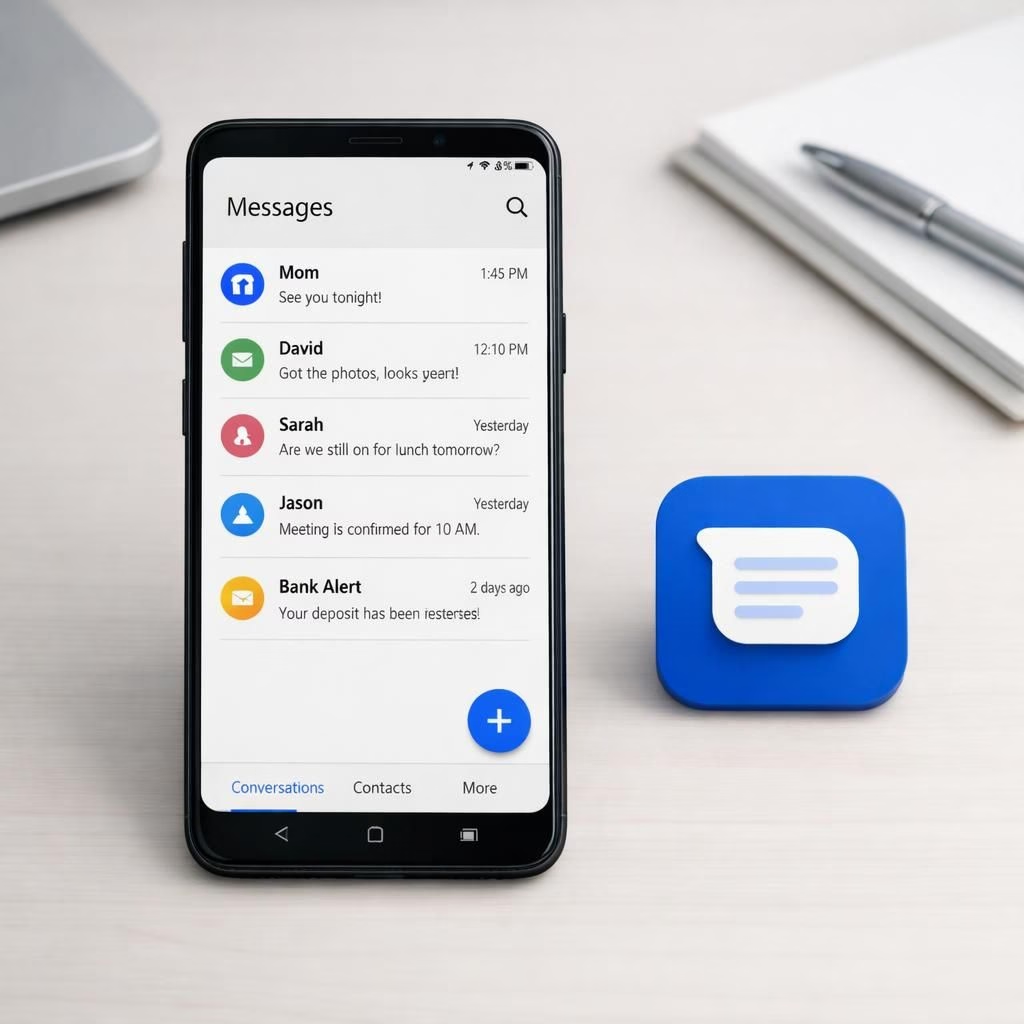
In 2026, Samsung is discontinuing its built-in texting app and nudging users toward Google Messages. The move is a pragmatic nudge toward a more unified, cloud-powered messaging experience across devices. For many, it marks a shift away from old habits and toward a more cohesive, cross‑device chat surface. The pairing of Samsung and Google Messages signals an evolution in how we text on Android.
Samsung makes a clean break with its Messages app
The company announced it will retire the preinstalled Messages app and push users toward Google Messages. The move aims to reduce fragmentation, lean into cross‑platform features, and offer stronger updates through the platform. Samsung will still support basic SMS as a fallback, but the default experience will gradually shift to Google Messages. In practice, this should reduce quirks, cut down on app-to-app handoffs, and minimize mid‑chat glitches. Samsung frames this as a measured shift rather than a betrayal, inviting users into a more unified conversation surface across devices and brands.
From a technical standpoint, the move leverages Google’s cloud‑based infrastructure, end‑to‑end encryption where available, and a familiar interface many Android users already know. The core messaging app on Galaxy devices will lean into Google Messages while still supporting SMS and MMS as a reliable fallback. The goal isn’t to erase history but to unify conversations across phones, tablets, and wearables. If you’ve used Google Messages on other devices, you’ll recognize the layout and features now extended to a broader hardware ecosystem. The result could be fewer compatibility hassles for families, better update cadence, and a smoother overall chat experience.
Google Messages transition: how to switch smoothly
Switching won’t happen overnight, but the path is straightforward. Start by installing Google Messages on your Samsung device if you haven’t already. Set it as your default SMS app, then review conversations to confirm messages are intact. Group chats may reindex briefly, but migration typically completes within days rather than weeks. Expect faster search, more reliable media sharing, and a consistent notification experience across devices. The backend supports RCS features where available, which means richer chat experiences when carriers and devices allow it.
To minimize friction, follow these practical steps and stick with them. Back up important conversations before the switch. Verify that your contacts are reachable on Google Messages. Enable security features such as device lock and encrypted backups. Try messaging with one or two trusted contacts first to check media, read receipts, and typing indicators. The goal is a steady upgrade that doesn’t disrupt essential threads.
Practical steps to adopt Google Messages today
- Install Google Messages on your Samsung device and set it as the default messaging app.
- Review chat features, including media sharing and read receipts, before fully migrating.
- Back up conversations securely so you can restore if needed.
- Invite a few trusted contacts to ease the transition and test features.
- Keep SMS fallback enabled until all critical threads have migrated.
Beyond the basics, the broader context matters. The industry is steadily consolidating messaging across devices to deliver a more seamless experience. Google Messages has matured into a flexible platform that supports RCS where carriers allow it, offering typing indicators, richer media, and better synchronization across backups and devices. Samsung’s move aligns with a trend where manufacturers rely on platform providers to handle advanced messaging while devices focus on reliability and design. The outcome could be fewer duplicated features, reduced update friction, and clearer paths for security improvements.
When it comes to privacy and security, the landscape matters. You can adjust backups and encryption settings in Google Messages to suit your comfort level. As Samsung leads with hardware excellence, Google Messages provides the modern messaging backbone that supports cross‑device chats while staying adaptable to new standards. This shift feels like a careful reordering rather than a risky leap, blending Samsung hardware with a cloud‑first messaging core.
For families, small teams, and casual texters, the practical upside is straightforward: fewer choices to juggle, and more consistency when texting across devices. Expect quicker updates to the messaging experience as Google Messages handles the core platform. The timing fits the broader Android ecosystem’s push for a unified chat tool and aligns with reader expectations for a reliable, cross‑device experience.
Beyond features, this shift invites us to rethink how we text. It’s not about erasing history but about building a shared, resilient foundation for conversations across devices, apps, and networks. The move also serves as a reminder that major brands listen to user feedback and adapt. If a glitch arises during the transition, it underscores that technology is a living system, not a static product—one we experience when a familiar chat thread looks a little different. Stay curious, test gradually, and enjoy the cleaner, more consistent experience that comes with Google Messages under a Samsung umbrella.
Original reporting and context were provided by credible outlets and the broader tech press. We thank the original article for the groundwork and encourage readers to explore the linked sources to better understand the transition in 2026. For a direct look, access the original reporting here: Original article and heartfelt thanks for the material inspiration.
We’d love to hear how your own switch goes. Please share your thoughts in the comments to help others navigate the transition smoothly. And if you have tips or screenshots of your setup, drop them in the discussion—your experience could save someone hours of fiddling in 2026.