

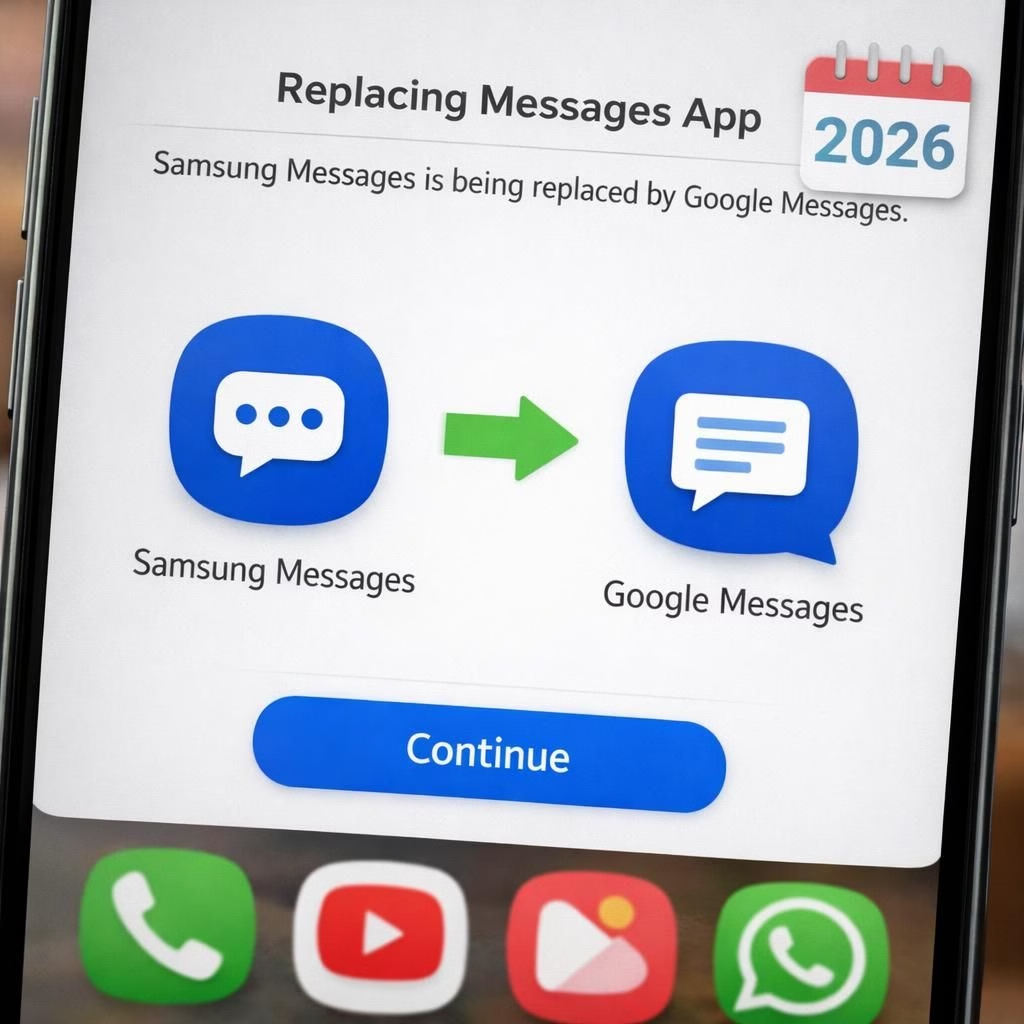
Samsung Messages has been a familiar companion on Galaxy phones. Many users will switch to Google Messages in 2026 to ensure a consistent Android messaging experience. The move is part of a broader plan to unify how Android users talk to each other, regardless of the brand behind the logo. In practice, Samsung Messages will fade into the background as Google Messages takes the stage on most devices, ensuring a uniform experience across the platform. The tone is practical, not punitive: a smoother, more reliable messaging experience across apps is the goal, and that goal arrives with the year 2026 on the calendar.
For Galaxy owners running Android 12, 13, 14, or 15, the change is real. Samsung Messages will switch to Google Messages as the default SMS app on these devices. Android 11 and older remain unaffected by the switch, so those devices keep using the existing Samsung Messages until the transition is completed by later updates or user action. Galaxy S26 series and newer won’t be affected because the app isn’t offered on those devices. This means the practical changes occur where the OS version is 12–15, not in the newest phone lines.
Samsung Messages to Google Messages: A 2026 Path for Android Users
The move is less about brand loyalty and more about consistency. Samsung Messages will step aside on Android 12–15 devices, and Google Messages will become the default SMS app, creating a uniform look and feel across Android. Samsung Messages will remain accessible in theory for older devices or in some compliance scenarios, but day to day texting will run through Google Messages. The goal is a reliable, predictable messaging experience that does not require a map to find the right app on every screen. This is a real step toward harmony for fans of both apps in 2026.
In a world where app ecosystems fight for attention, this shift signals a quiet consolidation. Samsung Messages fades gracefully from the foreground, while Google Messages rises as the default, delivering a consistent experience across devices and screens. The rationale is simple: fewer apps, fewer variables, fewer support tickets. The practical upshot is a more straightforward experience for most Galaxy users who just want to chat, share memes, and not worry about which messaging tool is the right one for today.
Google Messages as Default: Why Samsung Messages Fades and Google Messages Shines
What does this mean for everyday use? You will need to set Google Messages as the default SMS app. The process is straightforward: install Google Messages, open it, tap Set as default SMS app, and confirm. After that, Google Messages will handle your SMS and MMS, while Samsung Messages fades into the background and remains available only for legacy reasons on certain devices. Emergency services continue to work normally. If you want to keep your contact lists intact, the switch does not erase them; the devices keep emergency contacts and numbers just in case. The in-app notice will inform you about the discontinuation date, so you won’t be blindsided by the July 2026 deadline.
Beyond the basic switch, you may notice a smoother flow in conversations, fewer quirks between app updates, and more uniform read receipts across brands. Some users may miss the antique charm of Samsung Messages, but the trade-off is a smoother, more predictable experience on Android as a whole. The change also makes troubleshooting easier for developers and carriers, and it reduces the risk of a mismatched SMS experience between different brands. If you rely on essential emergency features, rest easy: those numbers and services stay supported by default in the system.
From a user experience perspective, the shift aims to reduce the cognitive load. You will no longer wonder which app to open for every message, and the messaging thread you see on one device will look familiar on another. It is not a radical upheaval; it is a practical alignment. This is especially helpful for family groups, work teams, and anyone who uses multiple devices and worries about message continuity across a Galaxy phone and a non-Galaxy device.
Practical tips for a smooth transition:
- Back up messages from Samsung Messages before the switch, so you don’t lose anything.
- Install Google Messages and set it as the default in one go to minimize downtime.
- Review your chat backups and media permissions; some features might prompt you to grant access.
- Mark July 2026 on your calendar and let the in-app notice remind you when to complete the switch.
In the wider Android world, this is a quiet victory for consistency. It’s not about forcing you to like Google or dislike Samsung; it’s about ensuring messages arrive in a familiar format, no matter which device you own. The result should be fewer glitches, clearer message threading, and fewer moments of which app am I using today? The emphasis is on reliability and a better user experience for everyone in 2026 and beyond.
On privacy and data rights, the move is neutral. It reduces fragmentation that once created extra data handling concerns between apps. Google Messages becomes the default for more devices, which makes it easier to offer consistent privacy controls across platforms. For users, that can mean easier permission management and a single place to review message settings. It’s not a magic bullet, but it does reduce the cognitive load on the average user.
Disclaimer: This article may include affiliate links. We may earn a small commission from qualifying purchases.
References
For readers seeking official info, you can also explore Google’s official Google Messages site at Google Messages — official site.