

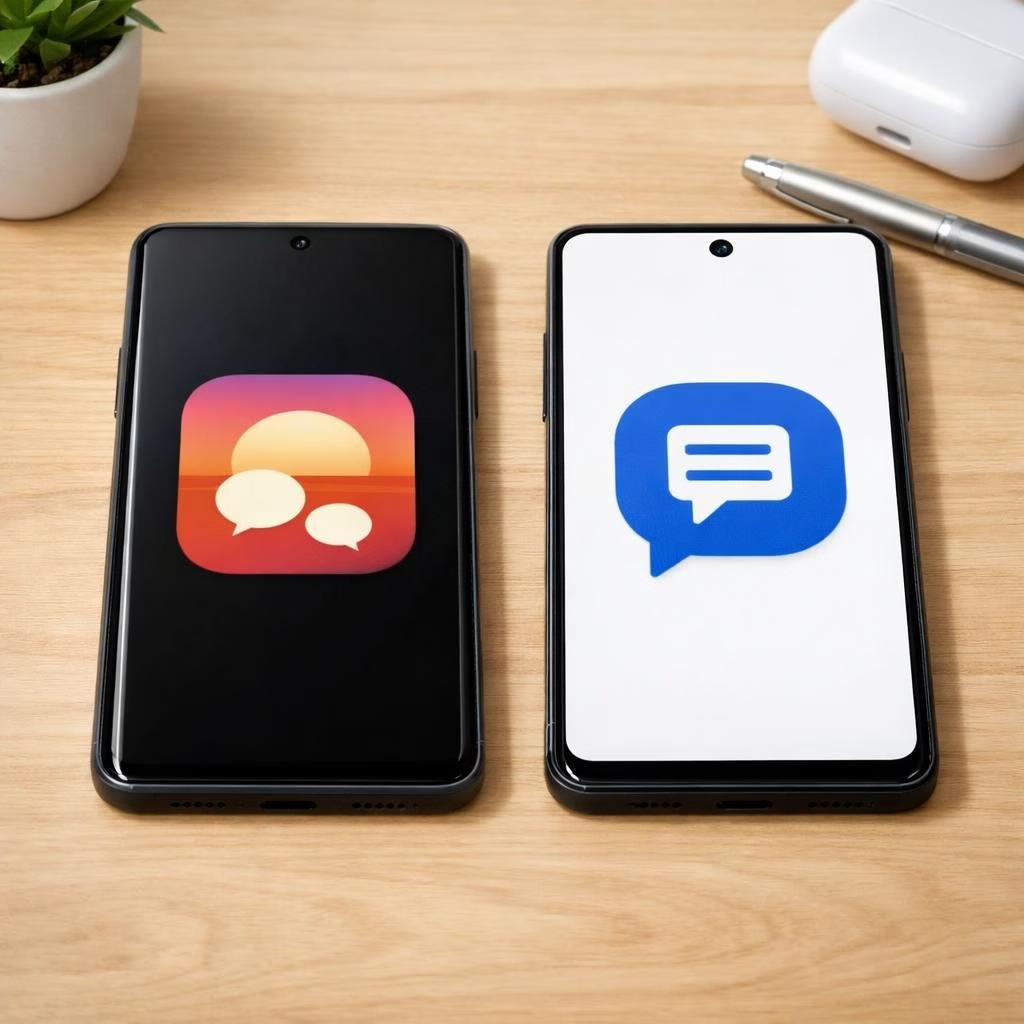
In the US, Samsung is sunsetting Samsung Messages in 2026 and nudging users toward Google Messages to preserve SMS and RCS across Android. It’s a graceful reboot rather than a breakup, designed to unify messaging under a single, predictable umbrella. Samsung Messages will still exist during a transition period, but Google Messages will become the default. The aim is a smoother, cross-device chat experience that plays nicely with the Android ecosystem.
Samsung Messages Sunset: A 2026 Reality Check
Samsung published an end-of-service notice explaining that after July 2026 the default messaging app will no longer receive updates. Users will be guided toward Google Messages to maintain SMS and RCS capabilities. Android 11 and older devices are not directly affected, but the transition affects how RCS behaves on devices released before 2022. During the switch, some ongoing RCS conversations may experience temporary hiccups. SMS and MMS messaging will continue to work, giving you time to migrate without losing the basics.
Newer devices, including the Galaxy S26 series, will not be able to download Samsung Messages from the Galaxy Store after July 2026. In practical terms, this means an eventual end to the old app on fresh hardware, and a smooth push toward the Google Messages ecosystem for everyone else. Importantly, your message history remains on devices that already used Samsung Messages, but new messages will flow through Google Messages once you set it as the default.
Google Messages: Embracing Androids Unified Messaging
Google Messages is positioned as the central hub for Android texting. The app brings AI-powered spam detection, robust RCS support, and Gemini-based tools for smart replies and media interactions. Multi-device syncing across phones, tablets, and compatible wearables becomes more seamless, reducing the need to juggle apps. For many users, this consolidation means fewer app switches, more consistent notifications, and a single threaded conversation history that follows you across devices.
The shift also aligns with a broader Android messaging strategy. If you rely on group chats across friends or family with different devices, you’ll appreciate a more reliable SMS fallback and the promise of more coherent message delivery. The Google Messages experience aims to keep your chats lively and well organized, even when network conditions aren’t perfect.
Be aware that some older Galaxy wearables will face limitations. Basic messaging remains possible, but full conversation history might not be preserved after Samsung Messages ends. If keeping a complete chat archive on your wrist matters, plan ahead and consider exporting essential threads before the July 2026 cutoff. For reference, Google Messages provides cross-device syncing that covers mobile and wearable use.
Transition Steps: How to Move from Samsung Messages to Google Messages
- Open Google Messages or install it from the Play Store. The app will guide you through the setup flow.
- Tap Set as default and choose Google Messages. Look for the white icon with the blue bubble.
- Follow the prompts to finalize the default setting on your device. On some Galaxy models, you may need to adjust your home screen setup for Android 12 or 13.
- Confirm that SMS, MMS, and RCS messages now flow through Google Messages. If you use multiple devices, enable the cross-device sync feature inside the app settings.
- Pair your wearables and tablets with Google Messages if you want a unified chat experience across devices.
After you switch, you can still reach emergency contacts even if Samsung Messages shuts down certain features. The fallback messaging path remains functional for emergencies, but the day-to-day messaging experience shifts to Google Messages. If you rely on quick access, you might need to reposition the Google Messages icon on your home screen or dock.
What to Expect on Galaxy Store and Beyond
July 2026 marks a clear when-and-where moment. Newer devices will not download Samsung Messages from the Galaxy Store after this date. The app will also be unavailable for download on other supported devices. Samsung provides a transition guide to help you set Google Messages as the default SMS app, and the company stresses that the move is designed to preserve the reliability of texting during a period of ecosystem alignment.
Wearables, History, and Everyday Use
Wearable compatibility remains a consideration. Older Galaxy smartwatches running Tizen OS may lose full message history after the switch, though basic messaging will persist. If you count on past conversations for context, consider backing up important threads now. Expect minor notification quirks during the initial days of the migration, depending on your device and OS version. Cross-device experience expands with Google Messages on supported wearables.
Practical Tips for a Smooth Switch
Prepare a little in advance. Create a short checklist that includes backing up key conversations, installing Google Messages, and testing the default SMS app after the switch. If you have important media in threads, consider exporting or saving essential files before July 2026. This transition is designed to be gradual and manageable, with clear steps and fallback options if a roadblock appears.
In sum, the Samsung Messages sunset in 2026 is a move toward a more cohesive Android texting experience. With Google Messages you gain better spam controls, more robust RCS, and a cleaner cross-device flow. The experience should feel more cohesive and modern, even for those who enjoy the nostalgia of older interfaces. If you enjoy tinkering with setup details, you’ll appreciate the guided transition and the chance to tailor notifications and chat preferences to your daily rhythm.
FAQ
- Will Samsung Messages stop updates in July 2026?
- Yes. Samsung will discontinue updates for Samsung Messages, and you should move to a supported messaging app for ongoing SMS and RCS support.
- Will my message history be preserved?
- Your existing history remains on devices that previously used Samsung Messages, but new messages will flow through Google Messages after you set it as the default. Some wearables may lose full history.
- How do I switch quickly?
- Install Google Messages and set it as the default SMS app, then enable cross-device syncing in the app settings.
References
Original source: Times of India – Samsung’s End of Service Announcement for Samsung Messages (original source)