

One UI 8.5 brings a welcome breeze to the Galaxy S24 experience in the US, delivering smoother daily tasks, better visuals, and a touch more delight. If you own a Galaxy S24 family phone on Verizon, you’re getting the update first on carrier-locked devices, with factory-unlocked models likely to follow. And this is a software refresh rather than a major Android leap, so you can expect a sharper, more polished surface without the usual upheaval.
Samsung rolled out the stable One UI 8.5 update four days after the initial South Korean release, and the US version mirrors the same spirit: lots of polish, fewer surprises, and a few nods to daily usability. The update is sizable—over 4GB of firmware—so ensure you’re on Wi‑Fi and have enough battery before you begin. The goal is to minimize update chaos and maximize a calm, productive Galaxy S24 experience for your S24 family.
One UI 8.5 and Galaxy S24: A User-Centric Update
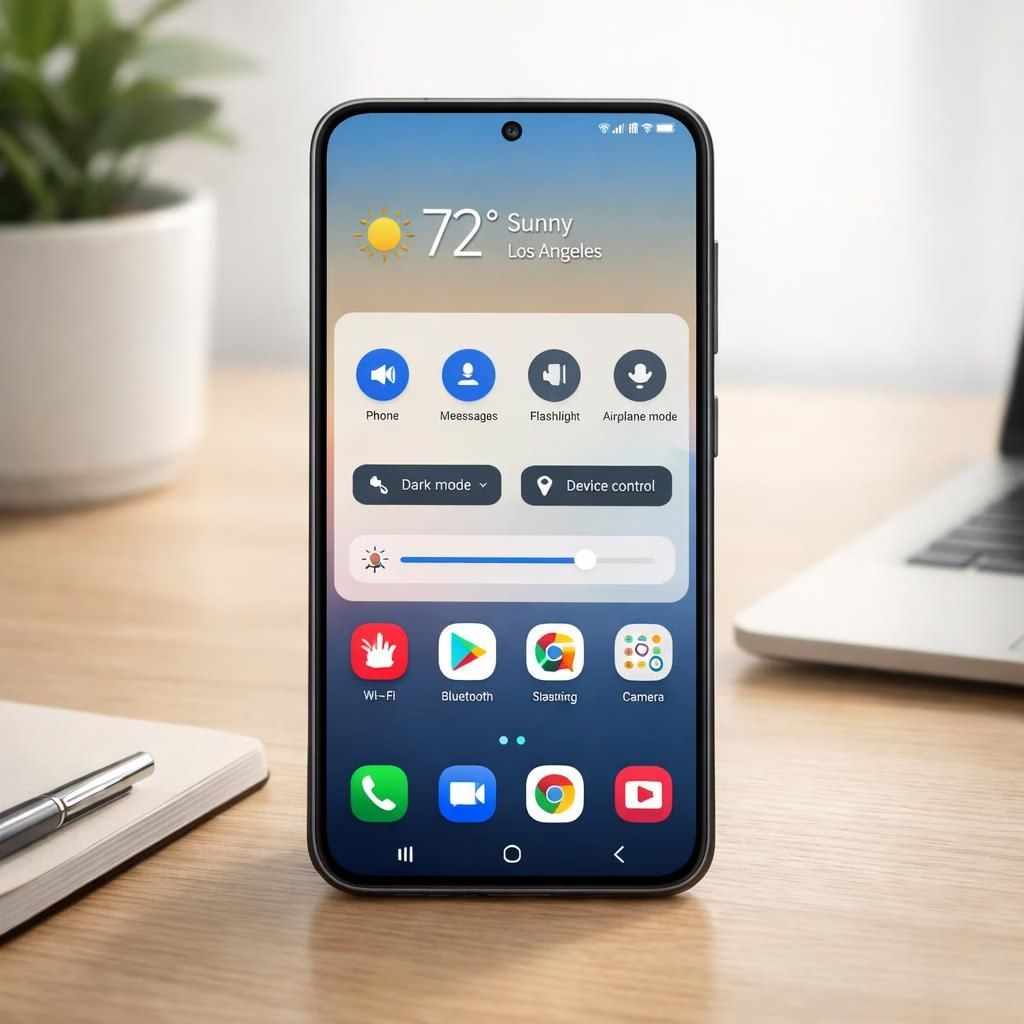
At the heart of One UI 8.5 is a more customizable Quick Panel. You’ll notice faster toggles, brighter brightness controls, and a cleaner layout that respects how you reach for the screen. The lock screen gains more font choices and placement options, letting you tune the look without fighting the system fonts you dislike. The UI language stays fresh with a compact tab bar in stock Galaxy S24 apps, making multitasking smoother. These refinements aren’t loud; they’re purposeful, and they apply across the Galaxy S24 family with consistency and care.
Beyond cosmetics, One UI 8.5 broadens Galaxy AI features, nudging daily tasks toward smoother efficiency. You’ll get smarter suggestions in frequently used apps and smoother animations thanks to behind-the-scenes optimizations. The AI layer isn’t a flashy gimmick; it’s a helpful assistant that streamlines your workflow—especially when juggling schedules, messages, and media. With Galaxy AI active, the Galaxy S24 lineup feels more responsive to your cues, aligning with expectations for a modern device.
One UI 8.5 refinements on Galaxy S24
One UI 8.5 introduces a smarter quick-access panel and more personalization options on the Galaxy S24 line, which helps you stay productive without fiddling with settings for minutes at a time.
One UI 8.5 and Galaxy S24: A Smarter, Friendlier 2026 Experience
One UI 8.5 on the Galaxy S24 also introduces enhanced sharing that mirrors cross-device workflows. A modern Quick Share experience—AirDrop-like for nearby devices—lets you send files, photos, and links with fewer taps. The refreshed design pairs well with the updated lock screen clock and placement options, so you can tailor your phone’s look without sacrificing readability. If clean aesthetics and practical tweaks matter to you, this update speaks to you without dragging in bloatware or heavy animations.
Verizon begins the rollout for carrier-locked Galaxy S24 units in the US, with factory-unlocked models and other carriers catching up in the following days. The update version is S92xUSQU5DZDR, a label you’ll see on the software update page as the device pulls it down. If you’re unsure whether to wait or install now, the safest approach is Settings > Software update and let the device check for you. If the update is available, it will start downloading automatically; when finished, tap Install now and enjoy a calm reboot that feels planned rather than chaotic.
Samsung’s changelog is visible in the update notes, and while you don’t need to memorize every bullet, it’s nice to see a cohesive plan behind One UI 8.5. The changes are practical: quicker access to essential controls, more reliable sharing, and a UI that remains visually consistent as you move between apps. If you’re focused on smooth performance in 2026, this update shows the platform listening and iterating with purpose.
For those who want the nitty-gritty, you can check the full changelog from the update interface or by watching the official changelog video. The video walk-through is concise and demonstrates what to expect in real-world usage, which many readers will appreciate when deciding whether to press Install Now.
It’s important to note that this update does not switch Android to a newer base version. Instead, One UI 8.5 sharpens usability, improves efficiency, and tightens integration with Galaxy AI features and Quick Share. It makes the Galaxy S24 family feel more modern today than yesterday—a pragmatic refresh that leverages the hardware’s strengths and adds value without major upheaval.
As with any firmware release, the rollout can vary by carrier, device variant, and region. If your Galaxy S24 hasn’t flagged the update yet, don’t worry—these updates typically widen their circle within a week or two. The practical takeaway is to keep an eye on Settings > Software update and enjoy the quiet improvements when they arrive.
Original article source: YouTube changelog video. A sincere note of thanks to the creators of the original material for outlining the update details that inspired this recap.
Original article linkback and gratitude: YouTube changelog video — thank you for the foundational notes that guided this write-up.
Have thoughts or experiences with this update? Please share them in the comments. Your feedback helps other Galaxy S24 users decide how this One UI 8.5 refresh feels in real life.
Image credit and note: The following notes describe the update’s real-world behavior as experienced on Galaxy S24 hardware across the US release window in 2026.
Thank you for reading this friendly recap of the One UI 8.5 and Galaxy S24 update story. We appreciate the ongoing community discussion and the chance to explore how this combination improves everyday device usage.
Source attribution: Original material provided by the official update notes and related media linked above. We’re grateful for the thoughtful groundwork that made this summary possible.
How to update your Galaxy S24 to One UI 8.5
- Open Settings > Software update on your Galaxy S24.
- Ensure your battery is at least 30% before downloading and installing.
- Tap Download and Install when the update is available; use Wi‑Fi for large files.
- After the download finishes, tap Install now and follow on-screen prompts for a calm reboot.
FAQ
- Q: Is this a major Android version upgrade?
A: No. It’s a system-level refresh within One UI 8.5 that adds features and polish. - Q: Which devices in the US are eligible?
A: Galaxy S24, S24+, and S24 Ultra on major US carriers (with unlocked variants likely later in the rollout). - Q: When will other carriers get the update?
A: The rollout usually expands across carriers over the next several days to weeks. - Q: How do I check for the update?
A: Go to Settings > Software update, then download/install if the update is available.
Takeaway
One UI 8.5 delivers meaningful polish to the Galaxy S24 family in 2026. It isn’t a sweeping Android version jump, but the improvements to Quick Panel customization, lock-screen options, Galaxy AI integration, and cross‑device sharing add real daily value. If you’re after a calmer, more cohesive daily experience, this update is worth installing when it arrives on your device.
References
Note: Original article notes also reference the official changelog video and related materials linked above.
External sources for additional context: YouTube changelog video