

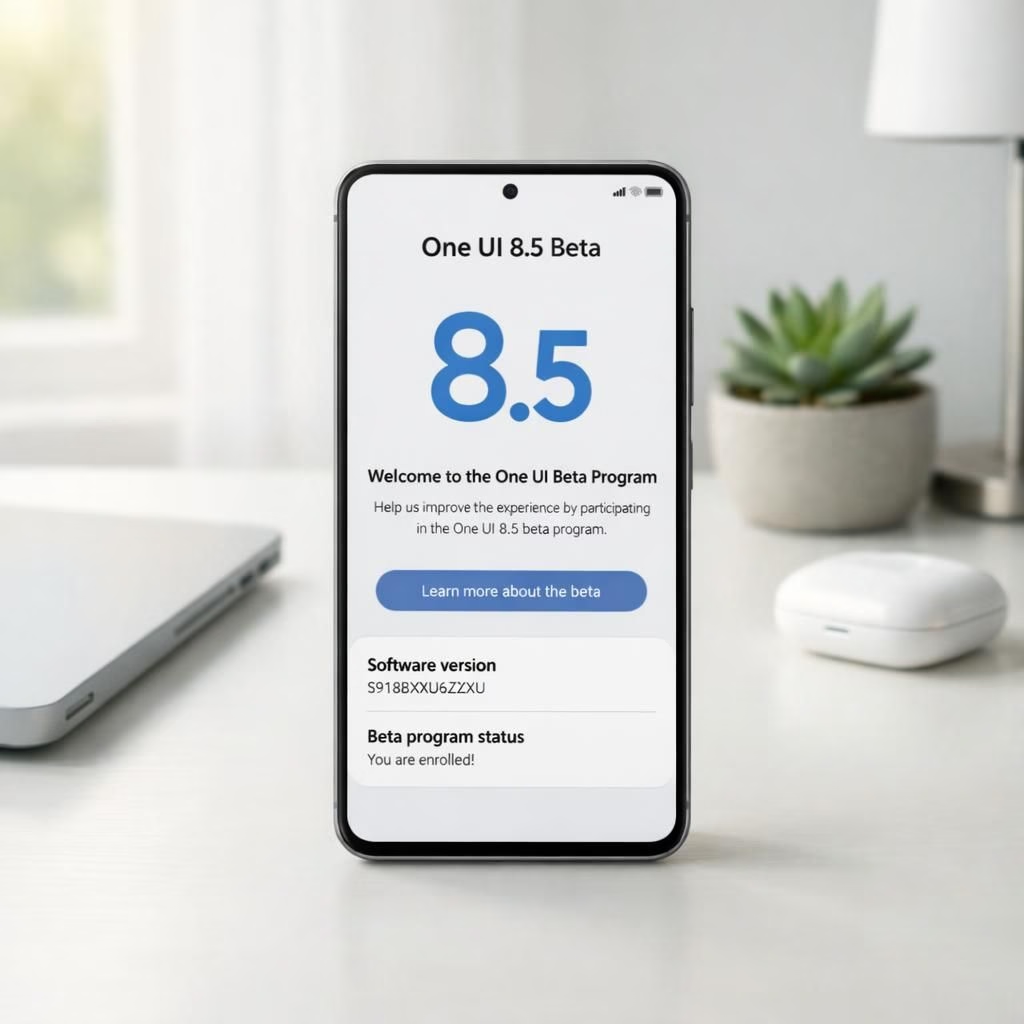
Samsung’s latest move shows enthusiasm: the company opens the One UI 8.5 beta program for the Galaxy S24, inviting curious users to try new tricks while keeping the daily phone experience smooth. One UI 8.5 is not a sci-fi upgrade; it’s a thoughtful tweak set aimed at reducing friction for everyday tasks on the Galaxy S24. The beta lets people test improved widgets, faster photo handling, and smarter system nudges, all designed to feel almost delightful as you scroll through your apps on the Galaxy S24.
Beta invites come with a friendly caveat: you’re testing ahead of the official release, and there may be bugs or quirks along the way. Still, the tone is optimistic, with Samsung promising a steadier cadence, more intuitive controls, and fewer surprises during daily use on the Galaxy S24. In practice, that means a smoother start to the day when you unlock your Galaxy S24 and a friendlier glance at the home screen powered by One UI 8.5.
One UI 8.5 on Galaxy S24: what’s new
Under One UI 8.5, Galaxy S24 users gain a refreshed Photo Assist, smoother Now Bar navigation, and more responsive widgets. The design team lined up practical tweaks, like more predictive suggestions and tighter privacy controls, so you feel in control without a manual. The beta emphasizes speed, battery efficiency, and a calmer notification center, which means less noise at 7 am and more coffee in the cup. With One UI 8.5, Galaxy S24 becomes a little more predictable in a good way, making the daily scroll feel like a well-rehearsed routine rather than a shot in the dark.
Further refinements include tighter app transitions, clearer readability in quick settings, and a more coherent color system that keeps the Galaxy S24 looking polished. The Galaxy S24 experience benefits from a more cohesive One UI 8.5 language, so you spend less time chasing settings and more time enjoying your favorite apps or snapping photos with friends. In short, One UI 8.5 on Galaxy S24 aims to be a more helpful roommate than a needy tech genie, which is exactly what most users prefer when they reach for their phone first thing in the morning.
Galaxy S24 beta expands One UI 8.5 testing
Samsung is rolling the beta out to more devices, inviting a wider pool of testers to explore the One UI 8.5 ecosystem. Beta testers report faster app launches, improved camera performance with Photo Assist, and better widget stacking. If you own a Galaxy S24, you will notice a smoother onboarding with fewer lags when navigating between apps on One UI 8.5. The expansion signals Samsung’s confidence in the beta, and a promise that your Galaxy S24 home screen could become a tiny but mighty productivity hub.
Additionally, the beta emphasizes safety and customization: you can tailor notification preferences without wrestling with nested menus, and you’ll find smarter permission prompts that respect your time. The Galaxy S24 users will appreciate the lighter weight of background tasks, which translates to longer battery life during busy days. The broader testing pool also means more real-world feedback, which should translate into even more polish by the time the full release lands on Galaxy S24 devices worldwide.
From a user’s perspective, One UI 8.5 on Galaxy S24 continues to blend practicality with a touch of personality. You can experiment with new widget layouts, try enhanced Photo Assist workflows, and enjoy a tighter, more responsive feel when you swipe between screens. If you crave deeper customization, this beta gives you plenty of knobs to tweak without turning your device into a museum piece. Galaxy S24 owners gain a more confident sense of control, which is arguably the defining trait of a successful platform refresh.
For newcomers and longtime fans alike, the spirit of One UI 8.5 on Galaxy S24 is straightforward: make everyday tasks easier, faster, and a touch more delightful. The beta program invites you to participate in a shared improvement process, not just to chase features but to shape how those features work for real people in real life on the Galaxy S24. This collaborative vibe is what keeps big updates from feeling distant and impersonal.
As we look toward the next steps, the story remains simple: more testers, more data, and more opportunities to refine the Galaxy S24 experience under One UI 8.5. If you’re curious about how your daily routines could improve, there’s a good chance the beta will deliver small but meaningful wins—like quicker photo edits, smarter app suggestions, and smoother transitions between controls on the Galaxy S24 harnessing One UI 8.5.
What do you think about One UI 8.5 on Galaxy S24? Share your thoughts in the comments below and tell us which tweak you’re most excited to test in the beta.
Original article: Samsung opens One UI 8.5 beta program for Galaxy S24 — thanks to SamMobile for the original coverage.
One UI 8.5 customization tips
- Step 1: Ensure your Galaxy S24 is enrolled in the beta and updated to the latest build.
- Step 2: Explore new widgets and arrange them on separate home screens for quick tasks.
- Step 3: Tweak notification settings to reduce interruptions during focus time.
FAQ
-
Q: How do I join the One UI 8.5 beta for the Galaxy S24?
A: You typically enroll via Samsung’s beta program page or through the Galaxy app’s beta section. Availability varies by region and carrier.
-
Q: Will beta builds affect my data?
A: Beta software can introduce bugs. It’s wise to back up important data and be prepared for occasional hiccups.
-
Q: When is the full release expected?
A: Samsung usually rolls out final versions in a phased manner after testing, so timelines vary by device and region.
-
Q: Does One UI 8.5 support older Galaxy devices?
A: Beta programs typically prioritize current flagship lines, but some features may be tested on broader hardware over time.
Conclusion
In short, the One UI 8.5 beta for Galaxy S24 focuses on making daily tasks smoother, with tangible gains in speed, camera workflows, and widget usability. The rollout to more devices signals Samsung’s push to collect real-world feedback and deliver a refined final update that feels practical rather than flashy.