

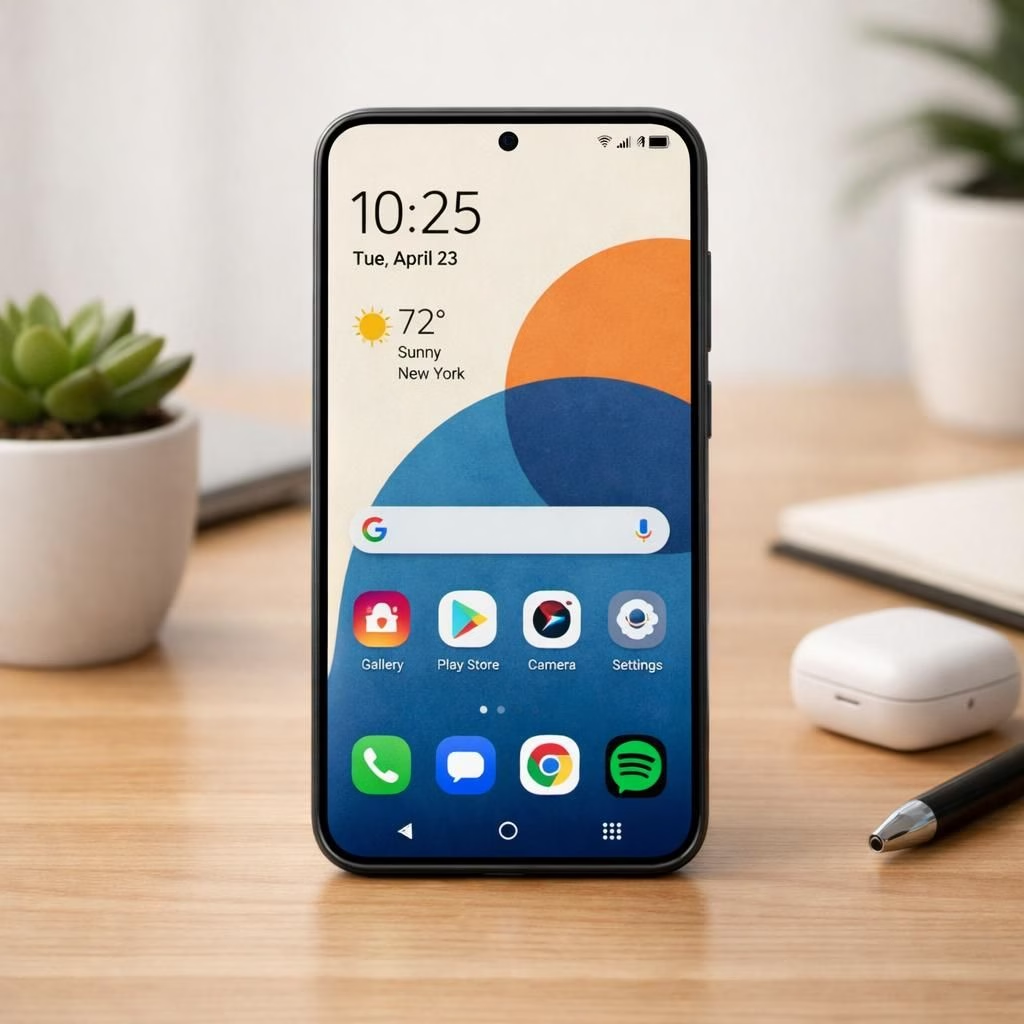
The stable One UI 8.5 update is finally making its global debut for the Galaxy S23 lineup, and yes, we’re calling out the buzzwords with a grin: One UI 8.5 and Galaxy S23 are ready to strut their stuff beyond South Korea. Samsung has rolled the software based on Android 16 to Europe and India, with the rest of the world likely to follow in the next few days. If you own a Galaxy S23, Galaxy S23+, or the Galaxy S23 Ultra, you’ll soon be enjoying a more customizable interface, a spruced up Quick Panel, and a few tasteful UI refinements that feel both familiar and freshly clever. The firmware carries version S91xBXXU9FZDP and weighs in at just over 4GB for non-beta testers, while beta testers see a lighter ~300MB update window.
Compatibility wise, this One UI 8.5 rollout targets Galaxy S23 devices, so if you’re in Europe or India, you’re very likely to receive the prompt in Settings > Software update. When the update lands, tap Download and install to pull in the files. A restart follows, and you’ll find your device ready with the new vibe. Mind the battery: Samsung suggests at least 30% charge before you start the installation, which is sensible for a smoother transition and fewer mid-update jitters.
One UI 8.5 on Galaxy S23: What’s new and why it matters
One UI 8.5 brings a wave of improvements, with a focus on polish, efficiency, and better everyday ergonomics. The Quick Panel is now more configurable, letting you tailor toggles and shortcuts to what you actually use. The Device Care menu has a refreshed look, making it easier to monitor battery life, storage, and performance at a glance. Bixby has improved, with more natural language understanding and a new Perplexity integration to surface relevant web results without the extra taps. The update also adds a conversation history feature so you can revisit past exchanges without digging through messages.
Photographers and casual shooters alike gain from the Galaxy AI-powered Photo Assist image editor, which expands continuous image generation in a more guided, helpful way. You’ll notice three new portrait filters that complement your existing shot library, and there’s an automatic layout feature for lock screen wallpapers. The system can adapt wallpaper widgets and arrange objects or people within the image for a cleaner, more harmonious home screen. Animated wallpapers and font styling options give you more personality without sacrificing legibility.
For the clock, there are new font styles and a few clock-based niceties that pair nicely with the always-on display. Weather background effects on the alarm screen add a touch of ambiance, while a timezone converter in the Clock app helps you stay on top of cross-region schedules. Several productivity enhancements appear, including Direct Voicemail for quick access to voicemail, Storage Share for easier transfers, Auto Hotspot to reduce setup friction, and Family Device Sharing to keep everyone in the loop. Auracast improvements and smarter shortcuts for favorite Smart View devices round out the ecosystem benefits, tying together a more connected Galaxy experience.
One UI 8.5: Key customization improvements
At its core, the update emphasizes customization: a more flexible Quick Panel, a refreshed Device Care, and smarter AI tools that feel helpful rather than gimmicky. The new layout supports a more natural workflow, especially when you’re juggling notifications and quick settings.
- Quick Panel: Reorder toggles and shortcuts to match your daily routine.
- Device Care: A cleaner, easier-to-scan status for battery, storage, and performance.
- Bixby: Natural language understanding and Perplexity integration for direct web results.
- Photo Assist: Continuous image generation guided by AI helps refine shots.
- Portrait filters and automatic lock-screen wallpaper layout.
- Animated wallpapers and extended font options for lock screen and widgets.
- Clock app: new fonts and a timezone converter for cross-region scheduling.
- Direct Voicemail, Storage Share, Auto Hotspot, and Family Device Sharing features.
- Auracast improvements and smarter shortcuts for Smart View devices.
Galaxy S23: How to update and practical tips for the rollout
Updating is straightforward, but a few tips keep the process smooth. First, ensure you have a stable Wi‑Fi connection and at least 30% battery before you start the installation. You’ll see a software update prompt under Settings > Software update, where Download and install will fetch the 4GB (non-beta) package or the smaller beta file if you’re on the beta track. Expect a short download window, then a few minutes of installation time while the device restarts. It’s normal to feel like you’ve just upgraded a tiny, very capable computer, because you have.
While One UI 8.5 adds a lot of polish, there are a few caveats. AirDrop-style Quick Share does not appear to be included in this update, at least not in the initial rollout. Samsung may address this in a future release, so keep an eye out for a follow-up changelog. If you’re curious about a complete changelog, you can read the official update notes linked below.
The practical impact for everyday users is meaningful: faster app responsiveness, clearer system-wide consistency, and smarter AI-assisted tools that feel helpful rather than gimmicky. You’ll notice the refined look and feel in stock One UI apps and some improvements under the hood that help with multitasking, notifications management, and overall device responsiveness. It’s still the Galaxy you know, but with a few thoughtful upgrades that make daily tasks a touch snappier and a bit more pleasant.
For those who like a deeper dive, the full changelog outlines a broader set of tweaks across the UI, widgets, and integrated AI features. If you want a quick reference after you’ve updated, the new portrait filters, lock screen wallpaper layout, and Weather/Time tools are especially worth testing in the first couple of days after installation.
What this means for Galaxy S23 users: a kinder, faster interface
The practical takeaway is simple: One UI 8.5 helps Galaxy S23 users get more out of their hardware without needing to buy a new phone. The updates to Bixby, Photo Assist, and the Quick Panel streamline common actions and reduce friction in daily use. The improvements to the Clock and Weather features add a touch of convenience that you’ll notice as you go about your morning routine or planning a trip across time zones. It’s a cohesive experience that marries robust hardware with well-considered software.
If you’re curious about the finer points or want to see the update in action, you can check the official changelog by following the linked source. The real-world impact is often best judged by hands-on experience, and we’ve kept the tone light while noting the practical gains.
Original article reference and gratitude: source video — thank you for the material that helped shape this summary.
We’d love to hear your experiences with One UI 8.5 on your Galaxy S23. Have the new features changed your daily workflow, camera usage, or home screen aesthetics? Share your thoughts in the comments and tell us how the update has affected your Galaxy S23 experience.
References
External notes: for official details and broader context, you may also review Samsung Newsroom coverage and Android’s update resources.