

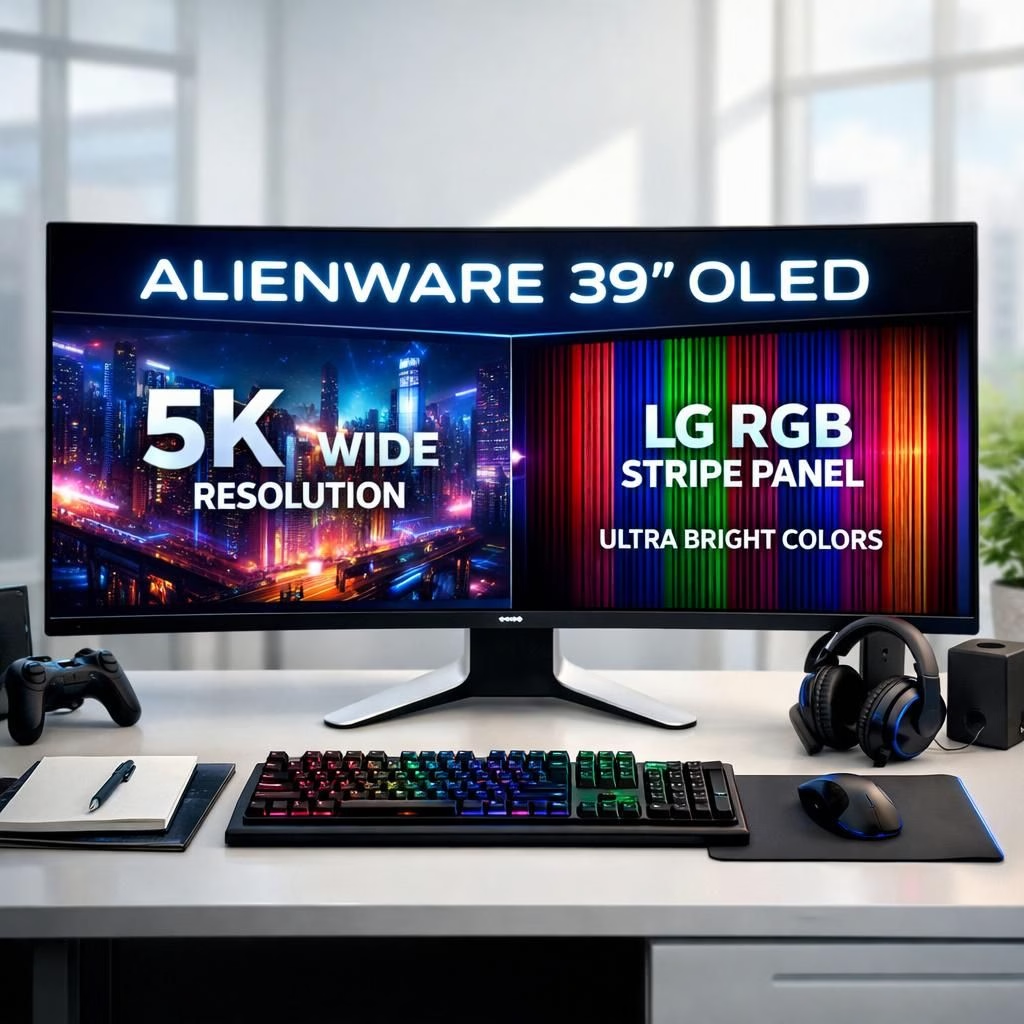
OLED and 5K are not just buzzwords here; they’re the lifeblood of Alienware’s latest display lineup. In 2026, the company doubles down on a straightforward promise: you should be able to blend productivity and play at a single desk without sacrificing eye comfort or your wallet. The lineup aims to deliver big-screen immersion with practical productivity features, so you can edit photos, code, or game with the same monitor. Read on to see how these OLED panels could reshape everyday work and weekend gaming.
OLED and 5K synergy: A bold step for gaming and work
Alienware is pulling out the big guns with the AW3926QW, a 39-inch behemoth it calls the world’s first 39-inch 5K OLED monitor featuring an RGB stripe tech lineage from LG. The RGB stripe approach is not just a nerdy detail; it is a practical fix for text clarity. Sub-pixel layouts on some OLEDs can cause color fringing around words and numbers, especially at small font sizes. This device aims to tighten that up while delivering peak brightness up to 1,300 nits and a blistering 330 Hz refresh rate. Yes, you read that right: 5K OLED at 165 Hz native, or 1080p at 330 Hz for high-velocity shooters. The result should be a monitor that looks stunning while you actually read the on-screen text without squinting or doing hand exercises to decipher it.
Design-wise, Alienware adds a refined but robust look with a subtle 1500R curve. It carries Dolby Atmos certification and VESA DisplayHDR True Black 500. It supports dual-mode operation so you can swap between its native 5K resolution at up to 165 Hz or drop to 1080p at 330 Hz for competitive play. For multi-PC setups, the built-in KVM and USB-C port with up to 90 watts of passthrough charging are thoughtful touches for a compact desk. Connectivity includes DisplayPort 2.1 and HDMI 2.1 FRL with eARC, and the monitor ships with a three-year warranty that includes burn-in detection. While pricing isn’t yet official, expectations sit well above the $1,000 mark, which basically means you should start saving now if you want to live the dream sooner rather than later.
On the 34-inch front, the AW3426DW arrives as a long-awaited update to a beloved predecessor. It uses a QD-OLED Penta Tandem panel with brightness climbing to around 1,300 nits, plus an upgraded anti-reflective coating instead of the old glossy finish. Certs improve too, with VESA DisplayHDR True Black 500 up from 400. The refresh rate pushes to 280 Hz, edging past the previous 240 Hz. It ships a little later in July and, as with the 39-inch model, official pricing remains undisclosed for now. The AW3426DW promises the same OLED magic you crave for cinema-like contrast and speed, but in a slightly more approachable size and price bracket for those who want to balance gaming with a productive workday.
OLED and 5K on a budget: The 32 and 34-inch newcomers
If you want a more approachable entry point, Alienware has two budget-friendly options that still lean into the OLED mindset. The AW3226DM (32 inches) and AW3426DWM (34 inches) arrive starting around 300 to 400 USD. They pair two common form factors with a shared headlined idea: strong color, good HDR, and fast response, without the astronomical price tag of the premium models. The 32-inch model sticks with a traditional 16:9 panel at 2,560 x 1,440, while the 34-inch version expands to an ultra-wide 3,440 x 1,440 canvas. Both push a 240 Hz refresh rate and support AMD FreeSync along with DisplayHDR 400 certification.
In short, these budget options are not a gimmick; they deliver a compelling OLED experience with a cost-conscious mindset. The benefit is clear: you get the OLED look, the punchy color, and the ability to do work tasks with crisp text and quick updates, all without headline-grabbing price tags. This makes the transition into premium feel more palatable for many households that want a smoother, more immersive experience without sacrificing budget discipline.
From a product strategy standpoint, the lineup signals a deliberate arc: premium 39-inch 5K OLED for enthusiasts and pros who crave density, color accuracy, and fast motion; a slightly smaller yet equally immersive 34-inch option for enthusiasts who want near-flagship performance on a midrange budget; and two solid 32/34 inch OLED alternatives that offer a more accessible path into the OLED era. The common thread is a focus on improved readability, better black levels, and smoother, more fluid motion, which translates into fewer eye strains after long days of coding, content creation, or late-night gaming sessions. The hardware is ambitious, but the messaging is pragmatic: this is not just about flash; it is about doing more with less friction on a single desk setup.
Keep in mind that these are not merely numbers on a spec sheet. The 5K resolution on the AW3926QW means more screen real estate for multitasking while maintaining density that makes UI elements legible. The OLED panel delivers color depth and contrast you can feel in your bones, especially when you’re working with photo or video editing, where accurate color representation matters as much as fast response times. The 1,300-nit peak brightness helps in bright rooms or with glare, while the 1500R curve is a reminder that comfort and immersion can coexist with productivity. Together, the line builds a picture of a world where your display is less a gadget and more a capable partner in work, play, and everything in between.
For those who enjoy the engineering details, the RGB stripe tech from LG is a highlight, designed to improve text clarity and reduce color fringes around small letters—an issue some QD-OLED and WOLED panels have struggled with. The KVM feature remains practical for multi-PC desk users who want to switch machines without a tangle of cables. USB-C passthrough supports charging a laptop or powering peripherals, which makes the setup more compact and less cable-cluttered. And yes, the 3-year warranty with burn-in detection is a nod to long-term reliability, which matters if you plan to keep a monitor on your desk for years rather than months.
As we navigate through 2026, the market for OLED displays continues to evolve. Alienware is leaning into a balanced approach: push the envelope on peak brightness and refresh rate where it truly matters for gaming, while also sharpening text clarity and color accuracy so that productive work does not feel like a separate chore. The result is a lineup that can serve as a long-term upgrade path for those who value both pixels per inch and a desk-friendly footprint. The AW3926QW and AW3426DW stand as aspirational targets for the ultimate workstation that doubles as a gaming rig, while the AW3226DM and AW3426DWM offer a more accessible route that still leverages OLED advantages without demanding a small fortune.
Ultimately, the choice comes down to your priorities: if you crave the pinnacle of density and color with the flexibility of high refresh rates, the 39-inch 5K OLED is the flagship dream. If you want a spectacular yet slightly more modest experience, the 34-inch options deliver a strong OLED experience without skinny budget lines. For those who want to test the waters of OLED on a budget, the 32- and 34-inch models provide a compelling entry point that can still transform the way you work and play on a daily basis. The core truth remains intact: 5K brings sharper colors and deeper blacks, while 5K brings more usable workspace and crisper text. Together, they form a compelling blend that makes a modern desk feel more capable, more responsive, and a touch more magical in 2026.
We would love to hear your take. Share your thoughts in the comments to tell us which Alienware 5K display you would pick for your desk and why this blend of productivity and gaming matters to you.
How to choose the right OLED monitor for your desk
Practical guide below:
- Assess desk space, GPU capability, and whether you want 5K at high refresh or lower resolutions with faster motion.
- Decide between 39-inch density (AW3926QW) and 34-inch immersion (AW3426DW) or budget-friendly OLEDs (AW3226DM/AW3426DWM).
- Consider features that matter for productivity: KVM, USB-C passthrough, and a reliable warranty.
- Plan your budget and expected usage so you can prioritize the screen real estate you’ll use every day.
FAQ
- Are OLED monitors good for productivity and long work sessions? They offer excellent contrast, crisp text, and accurate colors, which can reduce eye strain when paired with proper lighting and ergonomics.
- Do these models support KVM and USB-C passthrough? Yes. The AW3926QW includes a built-in KVM and USB-C with power delivery, simplifying multi-PC setups.
- Is 5K essential for gaming performance? 5K mainly increases desk real estate and UI clarity; gaming FPS depends on GPU, not just resolution. The high-refresh options are designed for competitive play at lower resolutions.
- What about burn-in protection and warranty? Alienware backs these OLEDs with a 3-year warranty that includes burn-in detection, helping you monitor long-term usage.
Conclusion
Alienware’s OLED lineup for 2026 blends eye-catching spec sheets with practical design choices. The 39-inch 5K flagship targets enthusiasts who want density and speed, while the 34-inch and budget models offer a more accessible path to the same OLED advantages. If you want a desk that can handle both serious work and immersive gaming, this trio of monitors brings a unified philosophy: sharper colors, deeper blacks, and smoother motion. The result is a future-proof setup that can grow with your needs rather than force you to upgrade in bits and pieces.
References
- Engadget: The Alienware AW3926QW is the world’s first 39-inch 5K OLED monitor with an RGB stripe panel
- LG OLED monitor tech
- Alienware official site