

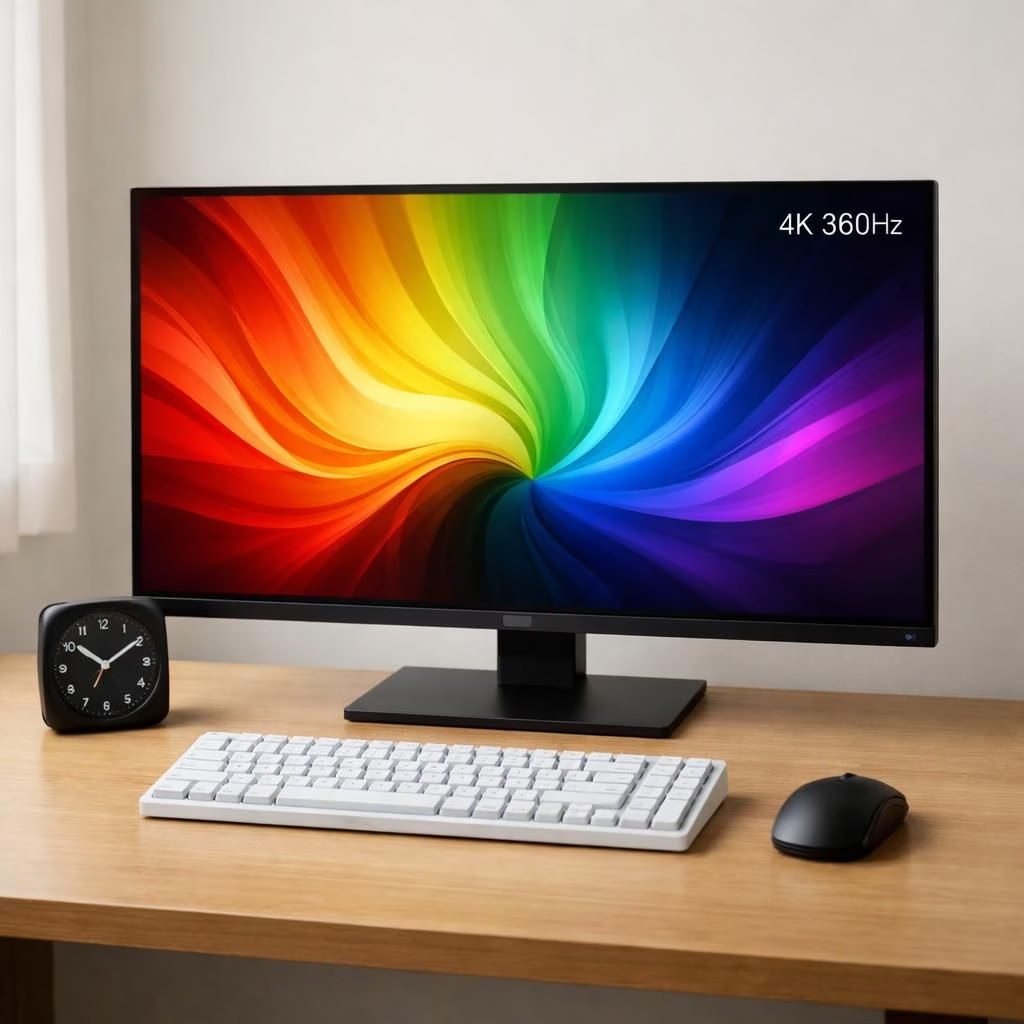
QD-OLED and 4K 360Hz magic on your desk
QD-OLED and 4K 360Hz enter a practical era in 2026, moving beyond marketing hype with real-world benefits. The pairing promises brighter colors, deeper blacks, and a refresh rhythm that feels cinematic. The combination isn’t just a slogan—it’s a real step toward better gaming, streaming, and creative work.
That first look: color, clarity, and motion
That first look reveals the punch of QD-OLED color, which blends the vibrant pop of quantum dot technology with OLED per-pixel contrast. Blacks are deep, highlights pop, and color volume stays honest. When you couple that with 4K 360Hz, motion becomes unusually fluid. Fast-paced scenes in sports replays, racing games, and competitive shooters respond with a clarity that makes ghosting feel almost prehistoric. It isn’t just about speed; it’s about a stable, respectful relationship between scene complexity and refresh capability. The result is a display that can handle demanding content while keeping color science honest and skin tones natural, even as a scene shifts from a sunlit street to a neon-lit night market in the same frame. The QD-OLED foundation provides the contrast base, while 4K resolution keeps fine textures intact—think hair strands, fabric weaves, and micro-details on UI icons—so you don’t miss the nuance in your next cinematic chase or strategy briefing.
From a practical standpoint, the 4K resolution means desktop work, creative editing, and UI density all scale gracefully. Text remains crisp, icons stay legible, and compositing tasks don’t require you to squint at the corner of the screen. The 4K 360Hz refresh rate isn’t just a gamer’s bragging point; it also reduces perceived motion blur in fast sequences, making panning shots smoother and aiming reticles steadier. For content creators, this combination means previews feel more faithful to the final render, and color grading can proceed with confidence that what you see on screen mirrors the final output. For gamers, the advantage is tactile: faster input-to-display latency, snappier transitions between actions, and a sense of timing that can matter in competitive play. The overall effect is a monitor that feels responsive and immersive in equal measure, blurring the line between monitor tech and gameplay choreography.
Why gamers and creators should care about QD-OLED 4K 360Hz
Let’s talk about the practical implications. The QD-OLED base is known for its true blacks and high color fidelity, but brightness management matters for long sessions and well-lit rooms. The new 4K 360Hz class of panels tends to be optimized for smoother motion without introducing obvious frame gaps or stutter, which benefits both fast shooters and cinematic editors who prefer fluid motion for timing cues. In a world where screens double as art studios and battlefields, this pairing provides a versatile canvas. Content that leans on high dynamic range looks more convincing; HDR pops are more believable when color and contrast are well-balanced. The 4K 360Hz spec isn’t just a badge; it translates into higher frame counts that your GPU can push with a reasonable likelihood of getting to the target refresh if your system is up to speed. The combination becomes less about chasing numbers and more about a reliable, enjoyable viewing and playing experience. If you enjoy a crisp UI, crisp typography, and crisp gameplay, the QD-OLED 4K 360Hz intersection is a meaningful upgrade rather than a cosmetic one.
In practice, this technology is poised to influence how people buy and use displays in 2026. It lowers the barrier for new entrants who want flagship quality without gimmicks. It also encourages more PC builders and console players to consider high-refresh, high-resolution setups as part of their standard kit, not a special-case purchase. The shift is modest in one sense—monitors remain a personal device—but significant in how users interact with content daily. Streamers can produce smoother on-camera motion, editors can preview movement with more confidence, and gamers can enjoy the tactile sensation of precise timing. In short, the QD-OLED 4K 360Hz family is not a fragile supercar; it’s a practical upgrade that makes everyday tasks feel a little more like magic and a lot more like performance art.
For those curious about comparisons, this family edges ahead of older OLED panels when it comes to color richness and dynamic range, and it beats many traditional LCDs on motion clarity at high speeds. It is not just about being the fastest thing on the market; it’s about delivering a balanced experience where brightness, color, and motion harmonize. As tech enthusiasts, we appreciate when the math lines up with the feel. The QD-OLED advantage is the way it handles color transitions, with less color shift and more faithful skin tones, which matters when you’re streaming, video editing, or gaming late into the night. The 4K resolution maintains detail in shadows and highlights, so you see more of what the author intended, not a compressed approximation. The 4K 360Hz refresh gives your eyes a smoother stream of information, reducing fatigue during long sessions and enabling quicker visual feedback when you need it most.
When considering price and availability, the market tends to sort itself out as supply aligns with demand. Early adopters may pay a premium, but as production scales, the cost-per-inch often becomes competitive with other premium display categories. As with any significant leap in display tech, the trick is to pair the panel with a GPU and system that can sustain meaningful frame rates. If you’re building a new home theater PC, a creative workstation, or a gaming battlestation, the QD-OLED 4K 360Hz class is a compelling option worth testing in person. It’s not just about raw numbers; it’s about the experience—the sense that the screen can keep pace with your mind, your hands, and your ambition.
For those who love a little humor with their screens, yes, it’s okay to grin at the idea of a display that can basically keep up with breakfast and a heat-map of your gaming persona. The reality is that QD-OLED and 4K 360Hz deliver a practical upgrade that is easier to justify when you watch content with intent, play at speed, and work with precision. The ecosystem around these panels—connectivity options, color calibration tools, and compatibility with modern GPUs—continues to improve, making it easier for more people to experience this level of quality without a circus of setup steps. The result is a more inclusive, more capable viewing and working environment for 2026, where high refresh and high resolution aren’t reserved for a select few but are becoming more accessible to a broader audience who values performance alongside aesthetics.
In closing, if you’re weighing whether to upgrade to QD-OLED 4K 360Hz, think about your daily routines. Do you crave smoother animations, more faithful color reproduction, and faster reaction times? Do you want to see fine details in shadows while keeping highlight clipping in check? If the answer is yes, this technology offers a compelling roadmap for how screens can better serve your creative and gaming ambitions in 2026. And yes, it’s okay to smile when your monitor seems to anticipate your next move with a level of responsiveness that borders on telekinesis—just a touch, but enough to feel like real progress.
Special thanks to the original reporting and coverage from the following outlets: Samsung Display Newsroom, TFTCentral, TechPowerUp, Digital Foundry, and The Verge. For the official materials and the most direct perspective, visit the original article linked below and consider the thoughtful analysis they provided as you evaluate this upgrade path for your own setup. We appreciate the opportunity to explore these advancements and share them with readers who love technology as a blend of art and engineering.
Original article reference and attribution: Samsung Display Newsroom — 4K 360Hz QD-OLED coverage. Thank you for the foundational material that inspired this recap.
Do you have thoughts about QD-OLED and 4K 360Hz in 2026? Share your experiences and questions in the comments. We’d love to hear how these panels are changing your setup.