

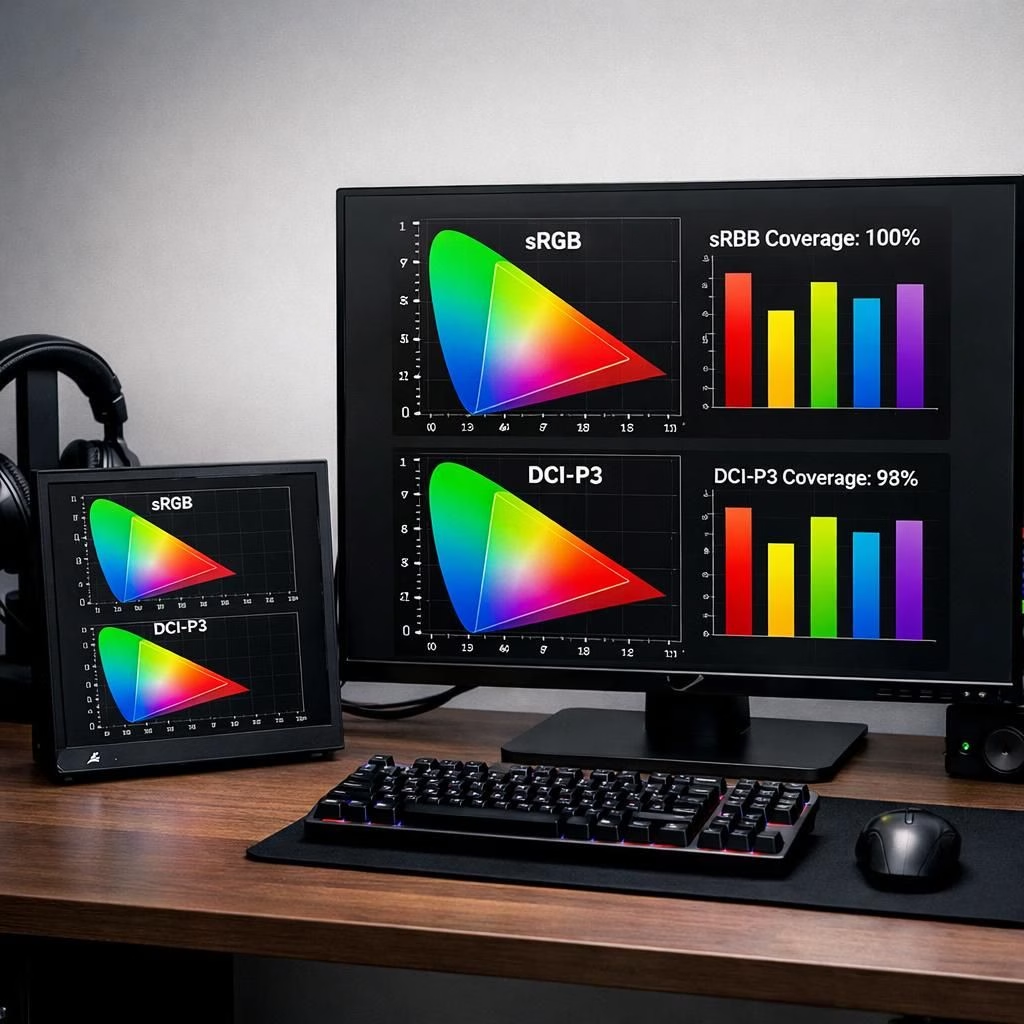
In 2026, ASUS has a playful habit of turning desk clutter into clever micro-labs. The ROG Strix XG129C is a 12.3-inch touchscreen IPS display designed to act as a friendly sidekick to a larger main monitor. It doesn’t seek the spotlight, it seeks to expand your cockpit: a compact companion for chat windows, quick research, or on-the-fly monitoring while you chase high scores. For ASUS enthusiasts and anyone chasing gaming monitors versatility, the XG129C promises color accuracy and practical usability with a dash of wit. ASUS claims it covers 125 percent of the sRGB gamut and 90 percent of the DCI-P3 spectrum, which translates to punchy reds, confident blues, and a level of vibrancy that makes your dashboards feel alive. It ships with a one-year subscription to AIDA64 Extreme, a hardware monitoring tool that would typically cost about $65. That combination—color confidence plus performance awareness—feels like a thoughtful nudge toward smarter multitasking. The XG129C is less about dominance and more about steady, useful presence on the desk. And yes, in 2026 we get a sidekick that doesn’t pretend to replace your main display but rather complements it with clarity and convenience.
ASUS and gaming monitors: XG129C as tiny sidekick for your setup
Let’s dive into what this compact device actually brings to the table for ASUS and gaming monitors lovers. The 12.3-inch touchscreen panel is bright enough for daily tasks, yet portable enough to sit right where you need it—on the desk edge or a stand, in a corner, or even attached to a secondary arm. The idea is simple: give you a space to preview streams, track system metrics, or manage chat without breaking your workflow on the primary monitor. In practice, gaming monitors lovers will find the XG129C shines as a social or productivity aid—think of it as a dedicated overlay for streaming software, browser panels, or stock tickers, all while your main rig does the heavy lifting. The 125 percent sRGB and 90 percent DCI-P3 claims aren’t just about marketing gloss; they translate to more faithful skin tones, crisper icons, and color decisions you can rely on when you’re editing a clip or tweaking a game’s visuals. The AIDA64 Extreme subscription adds a practical layer: you can keep tabs on CPU temps, GPU loads, and memory bandwidth at a glance, which is both nerdy and comforting when a new driver update rolls in. If you’re the kind who builds a multi-display environment for streaming, you’ll appreciate the way the XG129C declutters your primary screen while still delivering meaningful, legible content at a glance. This is the kind of feature that makes a sidekick feel indispensable rather than optional—especially when you’re juggling chat, alerts, and game stats in real time.
Beyond the specs, the XG129C is positioned as a companion piece to a larger, more immersive main monitor. It’s a strategic choice for streamers and content creators who want to keep eye candy ready for quick previews or reference without breaking their flow. The story gets a touch more interesting when you compare it to the competition: Corsair’s Xeneon Edge clocks in with a 14.5-inch panel at 720p, which makes the XG129C look delightfully strategic by design—smaller, sharper, and purpose-built to live at the edge of your vision. The smaller footprint encourages experimentation: you can lean into a side setup that displays chat, a live feed, or a diagnostic panel while your primary monitor runs the main game or production workflow. For ASUS, this is less about a single blockbuster reveal and more about expanding the ecosystem of friendly, modular tools you can mix and match with your gaming monitors arsenal. It’s a reminder that the company sees the desktop as a playground where hardware and software work together to support a smoother, more productive workflow.
ASUS and gaming monitors: OLED XG34WCDMS headlines the duo
Alongside the XG129C, ASUS also lifted the curtain on the ROG Strix OLED XG34WCDMS—a 34-inch RGB Tandem QD-OLED gaming monitors display that’s built for those who want both speed and spectacular color. This is not a shy panel: a claimed 280 Hz refresh rate and a 3440 × 1440p resolution promise blistering motion with crisp detail, especially when you’re chasing fast-paced action or high-level competitive play. In color terms, ASUS asserts it covers 99 percent of the DCI-P3 gamut, which means you should enjoy a broad, cinematic palette with punchy greens and deep, inky blacks. The Tandem concept suggests a coordinated approach to display; you’ll get a sleek, consistent look and feel across the pair, making it easier to switch between tasks without the jarring jump in color or brightness that you sometimes see with mismatched panels. Pricing for both displays had not been announced at the time of the reveal, which is always a little suspenseful for enthusiasts who love to plan a multi-monitor setup around a release window. Still, the strategic positioning is clear: ASUS wants to offer a compact, value-driven sidekick in the XG129C and a flagship, immersive mainstay in the XG34WCDMS, giving creators and gaming monitors users a cohesive, capable toolkit rather than a one-off gadget. If you’re building a layered workstation—streaming, content creation, and high-end gaming—the OLED-XG34WCDMS duo could be a compelling centerpiece for 2026, especially if you value color fidelity and high-refresh performance integrated into your overarching workflow.
From a practical standpoint, these displays don’t just press specs on you; they invite experimentation for gaming monitors setups. The XG129C’s 12.3-inch touchscreen makes it easy to interact with software overlays, while the OLED panel’s vivid contrast and fast response invite more immersive gaming and smoother HDR experiences. The color accuracy claims (125% sRGB and 90% DCI-P3 on the XG129C, 99% DCI-P3 on the XG34WCDMS) means the two displays share a common color language across your desk—great for consistent visuals on gaming monitors. And while pricing remains undisclosed, ASUS’s approach appears to emphasize value, accessibility, and practical benefits—an invitation to experiment with a sidekick rather than a sky-high splurge. In short, the XG129C and XG34WCDMS aren’t just about looking cool; they’re about making your setup more flexible, more capable, and a lot more fun to use on a daily basis.
Special thanks to the original article for material and inspiration. Original source: The Verge.
What do you think of the ASUS XG129C and XG34WCDMS pairing? Do you see yourself using the XG129C as a productivity sidekick, or is the OLED tandem your dream setup for 2026? Share your thoughts in the comments—I’d love to hear how you’d configure a dual-display desk for gaming and content creation.
FAQ
- Q: Is the XG129C a good secondary display for streaming?
A: Yes. It’s compact, touch-enabled, and can host overlay tools, chat, or real-time stats without pulling focus from the main game or production feed. - Q: Does the XG129C come with AIDA64 Extreme?
A: Yes. ASUS bundles a one-year subscription to AIDA64 Extreme, which helps monitor CPU, GPU, and memory metrics at a glance. - Q: How do the XG129C and XG34WCDMS compare to typical displays?
A: They’re designed for multitasking and color consistency. The XG129C emphasizes quick previews and productivity, while the XG34WCDMS targets speed and color fidelity for immersive gaming. - Q: Are there price or availability details?
A: Pricing had not been announced at the time of the reveal; ASUS framed them as complementary parts of a modular setup for 2026.
External resources
- AIDA64 Extreme — hardware monitoring utility
- DCI-P3 color gamut
- sRGB color space