

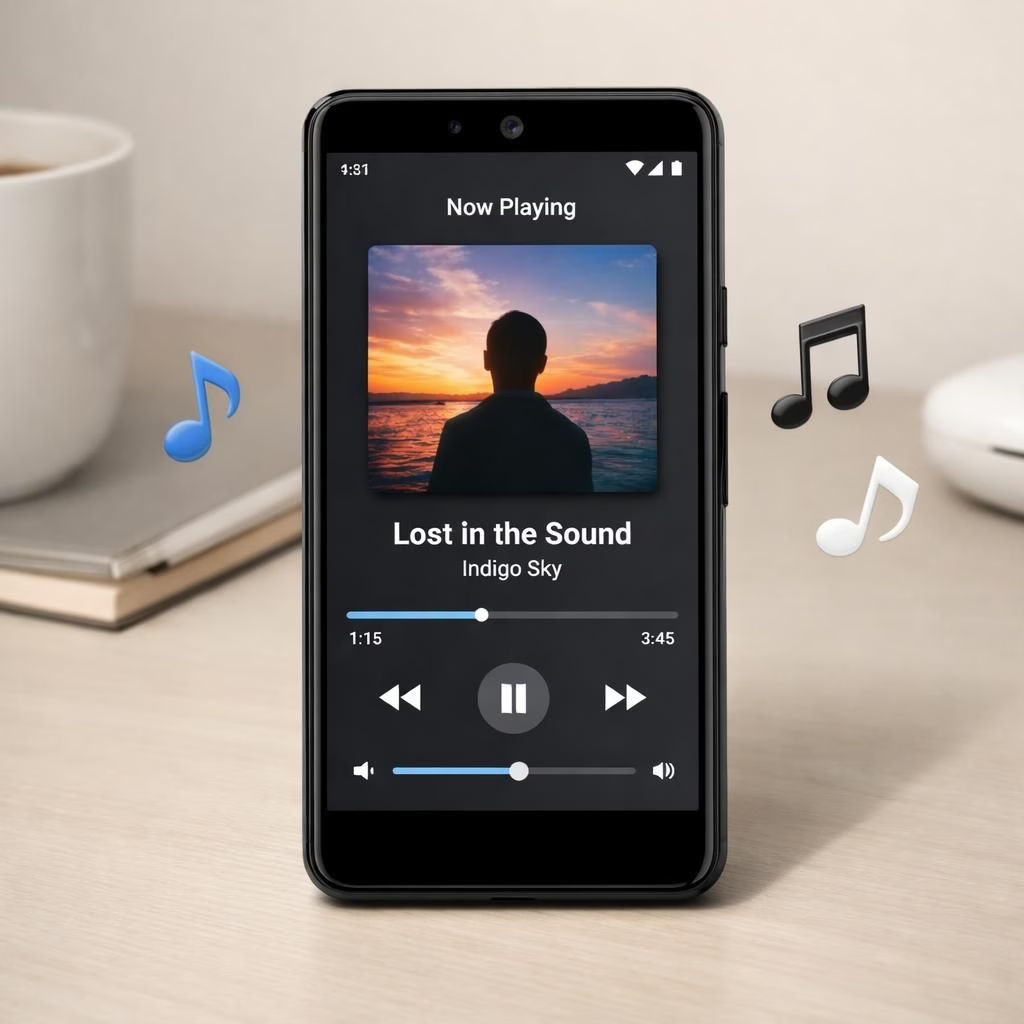
Now Playing on Pixel is moving from a clever background feature to a bona fide app, and yes, it’s aimed at Pixel users who enjoy music recognition without opening Spotify constantly. The core truth remains: Now Playing started as a lightweight background listener that identifies tunes in the real world, but the buzz now centers on a dedicated app you could download from the Play Store. Google appears to be expanding support for more music apps, turning a neat trick into a broader tool that sits a little less in the shadows and a little more in the spotlight. The idea is simple in spirit and delightfully nerdy in execution: give Pixel owners a streamlined way to identify what’s playing, even if they aren’t actively using a music player. And yes, it still has the vibe of a tiny tech demonstration on your morning commute.
Behind the scenes, engineers are talking about cataloging compatible apps, refining the API surface, and ensuring privacy controls stay sane. The plan isn’t to force users into a single ecosystem; it’s to give you options while keeping the lightweight footprint that made Pixel devices famous for Now Playing.
Now Playing on Pixel: App expansion explained
What does expansion mean for the user? It means fewer steps to get the same tune-detecting goodness. The feature can observe music being played in apps like popular streaming services, then surface the detected track in a clean, unobtrusive interface. The UX aims to be minimal: a small banner, a quick glance, and a control to open the source app. For developers, the public Now Playing hooks may invite more app integrations, encouraging partners to add metadata, improve recognition accuracy, and offer richer cross-app interactions. The Pixel team is likely prioritizing a smooth update path so existing users can upgrade without reinstalling anything, preserving the cherished feel of the original behind-the-scenes magic. In short, the expansion is less about spectacle and more about making a useful feature feel inevitable rather than optional for curious Pixel enthusiasts.
- Play Store hub: see which music apps are supported and toggle between them with a single tap.
- unobtrusive UX: a banner, quick glance, and easy access to source apps.
- Developer angle: public hooks that improve metadata and cross-app interactions.
Pixel and Now Playing: What to watch for in 2026
Looking ahead, the plan could open the door for developers to embed Now Playing’s capabilities into third-party apps, making the feature more robust across ecosystems. That would be a win for Pixel fans who want consistent recognition across games, videos, and live performances. It could also raise questions about battery life and privacy, so the team will likely publish guardrails and opt-in settings. In practice, the effect would be a more confident Pixel device that respects user choices while delivering a tiny daily utility that many call magic. If you follow the coverage, you’ll notice a steady drumbeat: more music apps supported, more control in the hands of the user, and a little more attention paid to the subtle art of background listening. This is not just gadget gossip; it’s a token of how minor features can shape how we interact with our phones on a daily basis.
As with any software evolution, the best outcomes come from clear expectations and honest feedback. If you have experiences with Now Playing on Pixel, share how you use the feature and what you hope to see next. In particular, tell us which music apps you want to see supported and whether a standalone Now Playing app would help your workflow without feeling intrusive. The more specific your use cases, the more useful the rollout will feel for the broader Pixel community.
References: This article builds on coverage from Android Authority.
External context and coverage:
Now Playing: Practical steps for users
- Open Pixel settings and locate the Now Playing section to ensure the feature is enabled.
- Browse the Play Store hub for supported apps and choose your default music source.
- Test a quick playback scenario to see how the banner and controls behave.
Original article attribution: Thank you to the authors of the original material on Pixel’s Now Playing expansion.