

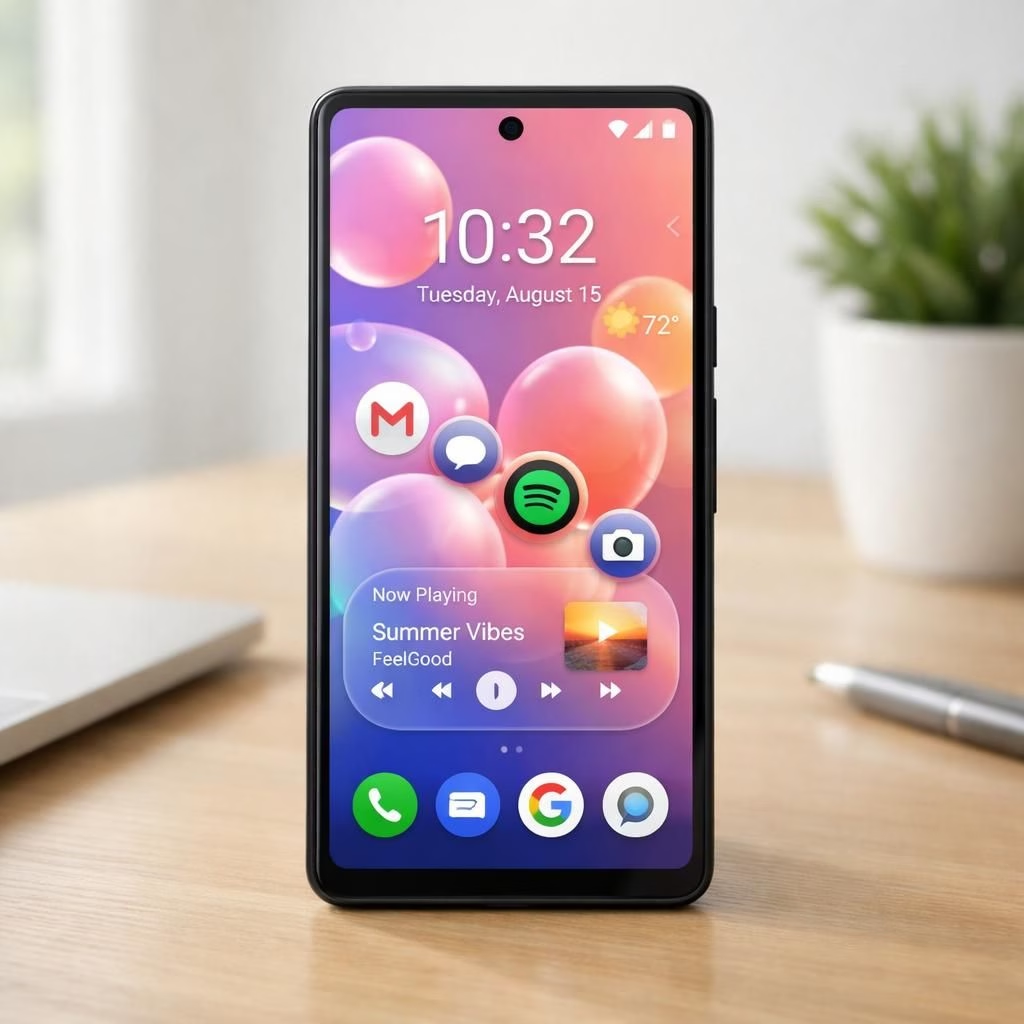
Android 17: Pixel users get a smarter, lighter experience
First impressions matter. Android 17 lands on Pixel with smarter AI features that learn from how you talk, swipe, and snap. On Pixel, the experience feels lighter, faster, and more human. The two words you’ll hear most often are “wait, that was quick” and “no extra steps.” Android 17 on Pixel zones in on everyday tasks and makes the phone anticipate needs without turning into an overbearing assistant. For Pixel owners, this means fewer taps and more time to enjoy life, which is exactly how a modern OS should behave.
Pixel enhancements and Android 17 AI features explained
Under the hood, Android 17 uses lighter background processes on Pixel to keep battery happier. It ships with improved notification grouping, smarter screens, and new gestures for Pixel-exclusive features. The AI features include predictive text that understands your slang in messages, context-aware app suggestions, and better photo editing nudges. You’ll notice the update enabling Pixel camera modes that produce vibrant colors while preserving skin tones. This is a practical balance between power and simplicity, a rare combo in 2026.
One playful tweak is the new Bubbles UI that floats above your apps like tiny soap reviews. This is part of the update, but on Pixel it feels integrated rather than gimmicky. You can bubble a chat, a navigation action, or a quick reply, and the phone will keep context so you don’t lose your thread. UI bubbles appear in Pixel apps in a friendly, non-intrusive way, giving you a sense of the future without sacrificing control.
Pixel screen reactions are another small delight. Quick taps become visible feedback, and long-press gestures reveal AI shortcuts. The update makes this feedback crisp and accessible, so you know the system is listening—without turning the device into a parrot.
The Phone app expands with better call routing, faster search, and smarter voicemail transcription when you’re on Pixel. The dialer surfaces the right contact at the right moment, and the AI behind it can suggest call notes, which saves you from repeating yourself. The balance remains friendly rather than pushy.
Google hints at more AI features arriving this summer for the device, with deeper assistant capabilities, smarter routines, and context-aware settings. The strategy is to layer in enhancements, not to flood users with novelty. This measured rollout aligns with the way Pixel users like to test new tech in real life.
For enthusiasts who love tinkering, the update unlocks more customization options, letting you tailor notification density, quick actions, and screen padding. In practice, your Pixel can behave like a quiet but capable partner that respects your time and attention, rather than a gadget shouting for attention.
In daily use, the update shows reliable performance, with background tasks slimmed down and memory leaks squashed by targeted optimizations. Battery life benefits from smarter scheduling, especially on the hardware/software blend that makes a real difference in a day’s work and play.
Tips for getting the most from the update on Pixel: disable unnecessary animations if you prefer speed, enable AI-powered suggestions for your most-used apps, and pin your favorite Pixel shortcuts to the home screen. This approach keeps the OS lightweight yet capable on Pixel, rather than bloated and distracting.
Why should you care? Because the update demonstrates how Google balances AI with human-friendly UX. The duo Android 17 and Pixel remains a practical upgrade—fun, focused, and respectful of your time. It’s not magic; it’s thoughtful engineering that improves everyday tasks without asking for a sabbatical from your calendar.
Have thoughts? Share your experiences with the update on Pixel in the comments below. We’d love to hear what works, what feels optional, and what you hope to see next.
Original source and thanks: A big thank you to 9to5Google for the rollout coverage that inspired this post. Read the original article here: 9to5Google: Android 17 on Pixel rollout.
Practical steps to optimize Android 17 on Pixel
- Open Settings and reduce motion where you can for snappier UI responses.
- Enable AI-driven suggestions for apps you use most to surface actions before you search.
- Pin essential Pixel shortcuts to the home screen for quick access to frequent tasks.
FAQ: Android 17 on Pixel
- What is Android 17 on Pixel? A software update that brings smarter AI, smoother interactions, and Pixel-specific refinements to daily use.
- Will this slow down older Pixel phones? Google’s rollout emphasizes lean background tasks and better scheduling, aiming to improve performance without weighing down older models.
- What’s new in the UI? You’ll see lighter animations, context-aware prompts, and the Bubbles UI that stays helpful without getting in the way.
- Who should install the update first? Pixel users who want a more assistant-like, but unobtrusive, experience will likely enjoy the rollout early.
Conclusion
The Android 17 update for Pixel emphasizes practical AI that respects your time. It’s designed to feel helpful, not overeager, and it stacks improvements in a measured way so you can test what genuinely matters. If you value fewer taps and more intuitive assistive features, this release is worth a closer look on your Pixel.
External sources
- Google’s official Android 17 overview
- 9to5Google coverage of the rollout
- Bloomberg coverage on Android 17 and AI features