

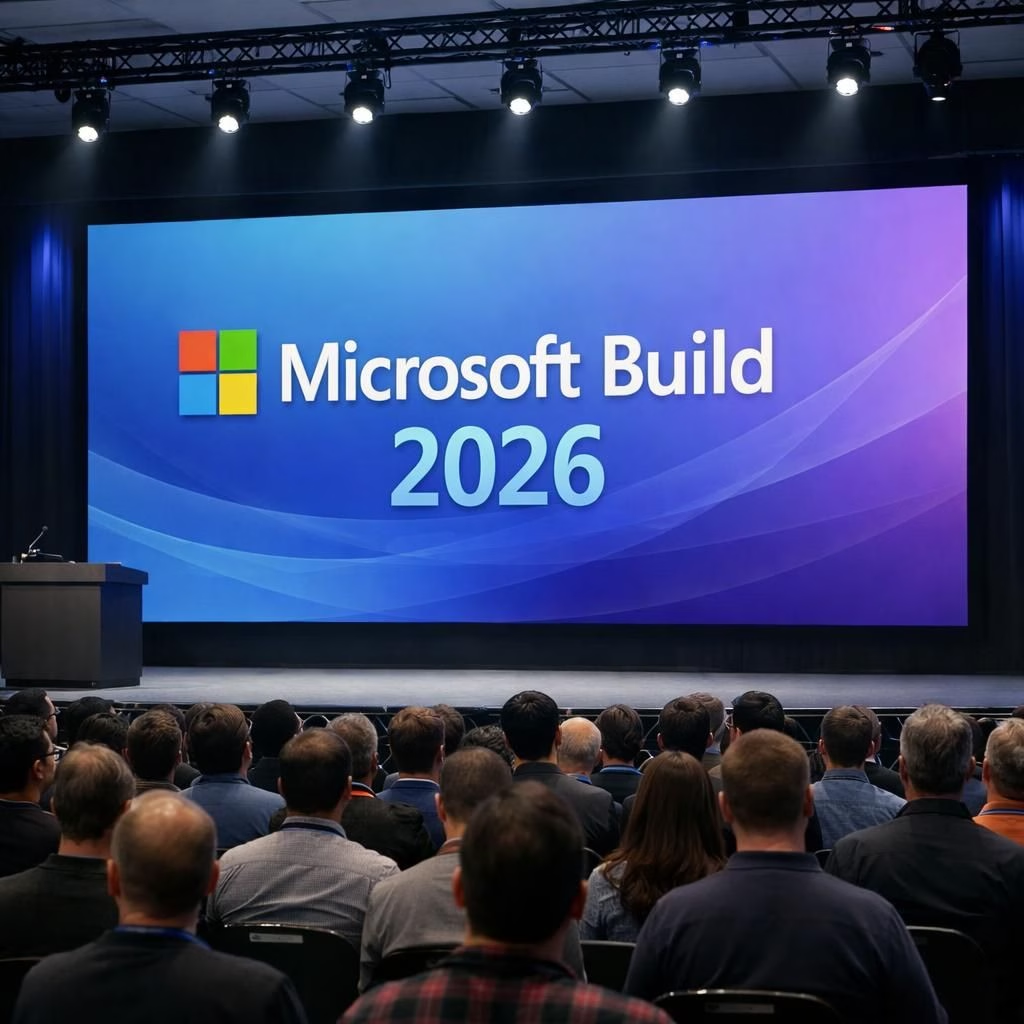
Welcome to our sunny, lightly skeptical tour of Microsoft Build 2026, where demos dazzle and AI Labs keep us caffeinated. This post translates the noise into practical takeaways for developers, product managers, and anyone who loves a sharp, human look at tech demos. The show is loud, but the lessons are actionable, fitting a busy 2026 tech scene.
Microsoft Build 2026: Demos That Shape the Year
The opening demos set a tone: ambitious, friendly, and a touch flashy. Beneath the showmanship lies a deliberate strategy to knit devices, cloud, and local apps into one coherent mosaic. Microsoft Build 2026 signals cohesion, not chaos, a shift that can speed teams that previously wrestled with fragmentation.
Cross-device experiences surface as a core theme. You’ll hear promises of smoother interactions across PCs, tablets, and peripherals, with APIs designed to minimize hand-crafting fatigue in early builds. Practically, this means better tooling, more consistent UI patterns, and fewer mismatches in user experience across Microsoft platforms.
Demos sparkle, but the best invite scrutiny of governance, privacy, and performance. Strong segments address real-world debugging pain points: better logging, clearer telemetry, and automated checks that help catch regressions before they derail sprints. It’s a balance: enough spectacle to inspire, enough pragmatism to deliver.
Another thread that stood out is practical AI integration in developer tools. The show isn’t selling sci‑fi dreams so much as plausible, tool-assisted improvements to daily workflow. The focus is on automation that speeds repetitive tasks, supports testing, and guides deployment without overshadowing human judgment. In short, AI Labs should feel like a helpful intern, not a clock-watching manager.
AI Labs: From Labs to Everyday Windows Dev
AI Labs isn’t just a label; it’s a proven workspace for ideas moving from prototype to production with discipline. Demos show models that assist rather than overwhelm—IDE suggestions, automated tests, and performance insights delivered in a way that respects autonomy. AI Labs serves as both sandbox and bridge, helping teams translate experiments into reliable features.
For independent developers and small teams, AI Labs signals a permission structure: you can explore AI-enhanced capabilities without surrendering control. The demonstrations emphasize explainability, safety, and transparent boundaries so teams can trust AI-assisted outputs. It’s a partnership where AI provides ideas, and humans decide how to apply them responsibly.
Across Windows Dev stories, the AI Labs approach aligns with a broader platform strategy. The goal is to embed AI capabilities into everyday tools so developers aren’t chasing separate services. When AI is embedded in the IDE, it becomes a co-pilot for boilerplate tasks, not a mysterious overlord dictating every line of code. This alignment is what makes the AI Labs narrative feel credible and usable in real projects.
AI Labs becomes more than a buzzword. It’s a practical pathway for teams to experiment with machine learning features, validate them quickly, and scale what works. The demos illustrate the delicate balance between automation and craftsmanship, a balance that Windows Dev teams can lean on when designing the next generation of apps and services.
Windows Dev and the Platform Approach
Beyond the flashy demos, Build 2026 repeats a core message: empower developers with a coherent, well-integrated platform. The Windows Dev story weaves deeper OS integration, cloud connectivity, and smarter tooling into a single, navigable ecosystem. This isn’t a gimmick—it’s a practical plan to reduce friction during critical sprints.
You’ll notice a push toward simpler packaging, richer telemetry, and stronger performance governance. The payoff is straightforward: developers ship more confidently, users benefit from steadier releases, and organizations reduce the drama that often accompanies large-scale rollouts. The platform approach also hints at better cross-team collaboration, where different tracks align around a common foundation rather than competing standards.
There’s quiet confidence in the way Windows Dev is framed: when the platform makes common tasks easy, the hard problems become tractable. Containerization, streamlined app packaging, and robust monitoring are not add-ons; they’re the scaffolding that supports sustainable growth. The end-user experience stays cleaner, while back-end teams enjoy fewer last-minute crises and more reliable feedback loops.
Practical Takeaways for Builders in Microsoft Build 2026
- Automate boring tasks with AI Labs features in your IDE, but verify outputs before shipping.
- Adopt cross-device patterns to deliver a consistent user experience across Windows devices.
- Lean into the platform’s new tooling to accelerate testing, deployment, and monitoring.
- Keep privacy and performance at the center; hype fades, reliability lasts.
From a practical standpoint, the Microsoft Build 2026 demos translate into actionable steps. Start with a small pilot of AI Labs-assisted refactoring or test generation, then measure impact on cycle time. Pair the new tooling with a disciplined review process to preserve quality while gaining momentum. The real value isn’t in a single demo; it’s in repeatable practices that make teams faster and happier.
Looking Ahead: The Future of Demos, AI, and Dev Tools
The road ahead looks busy but hopeful. The balance between showmanship and sober engineering tightens, which bodes well for developers. The demos hint at a learning loop that can spread beyond entertainment to education, enterprise software, and consumer apps. The AI Labs ethos—empowerment with safeguards—offers a template for responsible experimentation many teams crave.
In 2026, Microsoft appears determined to test the edges of automation while keeping a steady hand on platform coherence. Expect deeper integration, more refined tooling, and a broader push toward accessibility and inclusive design across all demos. If executed well, this could translate into tangible productivity gains and better developer morale across teams big and small.
Thank you for reading our practical yet playful take on Microsoft Build 2026. If you enjoyed the piece, share your thoughts in the comments and tell us your favorite demo or feature. Your feedback helps shape future coverage and ideas.
Original coverage and deep appreciation go to PCMag for the core reporting on Microsoft Build 2026: We’re Covering All of Microsoft’s Demos and Announcements Live. Original article: PCMag original coverage via Google News RSS. Thank you for sharing and for your curiosity.
References
- PCMag: Microsoft Build 2026 live coverage
- Microsoft Build – Official Site
- IEEE Spectrum: Dev tools and AI in software engineering