

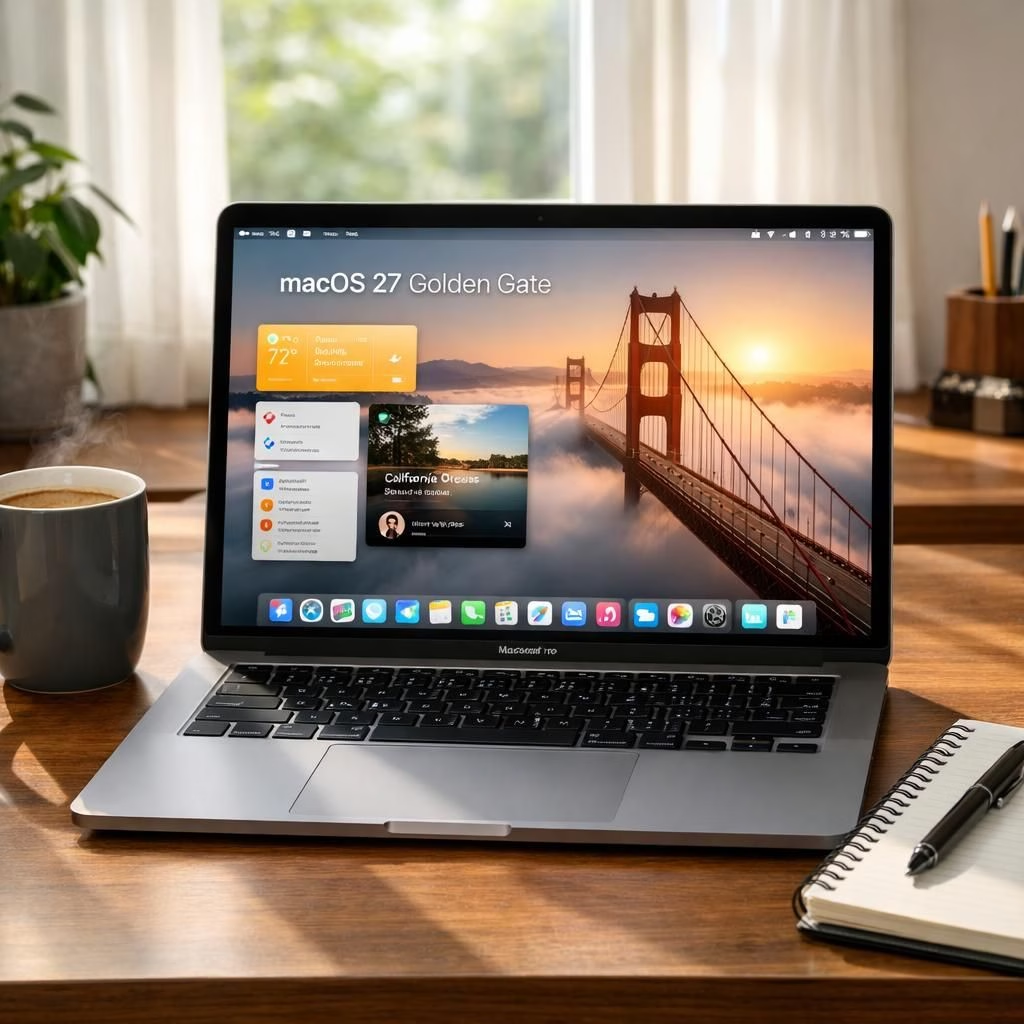
Welcome to a breezy tour of macOS 27 and Golden Gate, where tiny tweaks feel like upgrades from the future and user joy becomes a sidebar feature. Yes, the headlines promised big shifts, but the real magic lies in the small polish: faster app launches, brighter system visuals, and smarter AI that actually helps, not just heckles your to-do list. We’ll peek under the hood without becoming a tech lecture, because progress should feel like a friendly nudge, not a quarterly report you pretend to read. In 2026, when the competition promises elegance but delivers reboot prompts, Apple seems to be leaning into a steadier, more confident stride. This piece is a lighthearted look at how macOS 27 and Golden Gate together frame a desktop that’s more helpful, less fiddly, and occasionally witty.
macOS 27 and Golden Gate: What’s new for Silicon lovers
First, Apple cements its hardware stance: macOS 27 requires Apple Silicon, signaling a quiet end to the Intel era. The move isn’t just about a kernel upgrade; it’s a design decision that helps the system allocate resources more predictably, with fewer stray cycles wasted on compatibility gymnastics. You’ll notice smoother transitions when opening apps, quicker wake times, and cooler fans during long editing sessions. The Golden Gate branding isn’t just a logo remix; it’s a signal that the UI team focused on legibility, glassy depth, and consistent motion. The result is a desktop that feels cohesive rather than cobbled together from borrowed parts. For developers, the shift means better, more stable APIs and fewer hard-to-debug edge cases. For everyday users, it means a Finder that feels alive rather than a stubborn museum piece. The Mac experience becomes less about chasing the latest gadget and more about a reliable, calm workspace. macOS 27 and Golden Gate together feel like a thoughtful nudge rather than a loud shove.
Golden Gate polish meets macOS 27 AI tools in real life
AI tools are the headline act here, including a more capable Siri that can draft messages and summarize long threads, while you sip your coffee and pretend you’re multitasking at a radio desk. The Golden Gate Liquid Glass tweaks in menus and dialogs give on-screen elements a crisp, readable edge without glare explosions. The interface stays clean even as you squeeze more color-coded data into your dashboards. Under the hood, Apple has hardened privacy toggles and improved on-device processing to keep your data closer to you. The synergy between macOS 27 and Golden Gate creates a more predictable environment: you learn where things sit, your eyes glide across translucent layers, and apps cooperate instead of compete for space. The net effect is fewer disrupted sessions and more time to get things done, whether you’re coding, editing, or planning a trip to Tahoe without leaving your desk. macOS 27 and Golden Gate aren’t about novelty; they’re about turning friction into focus.
Practical tips to ride the macOS 27 Golden Gate wave in 2026
To get the most out of macOS 27 and Golden Gate, start with a careful declutter. Turn off unnecessary widgets, prune unused apps, and let the AI assistants handle routine tasks so you can focus on actual problem solving. For power users, enable advanced features like on-device processing for Siri tasks, tune the transparency controls for a calmer palette, and test your favorite apps for consistency across the UI. The Glassy aesthetic isn’t just pretty; it’s functional when you pair it with bright, legible typography and generous spacing. As you explore, remember that macOS 27 is designed to be a daily companion, not a stub of yesterday’s ideas. Golden Gate’s UI polish supports longer focus blocks, which matters whether you’re writing code, composing music, or balancing a budget sheet. The combination helps you stay in flow longer and remove the cognitive friction that slows you down. If you manage a fleet of Macs, plan a staged rollout that respects existing workflows while introducing the new ideas gradually.
Linkback attribution: Special thanks to the original reporting from 9to5Mac for the groundwork and the insightful perspective. Original article: macOS 27 Golden Gate includes these changes that Tahoe critics will appreciate.
Want to weigh in? Share your thoughts in the comments below—we’re curious how macOS 27 and Golden Gate land on your desk and in your routine.