

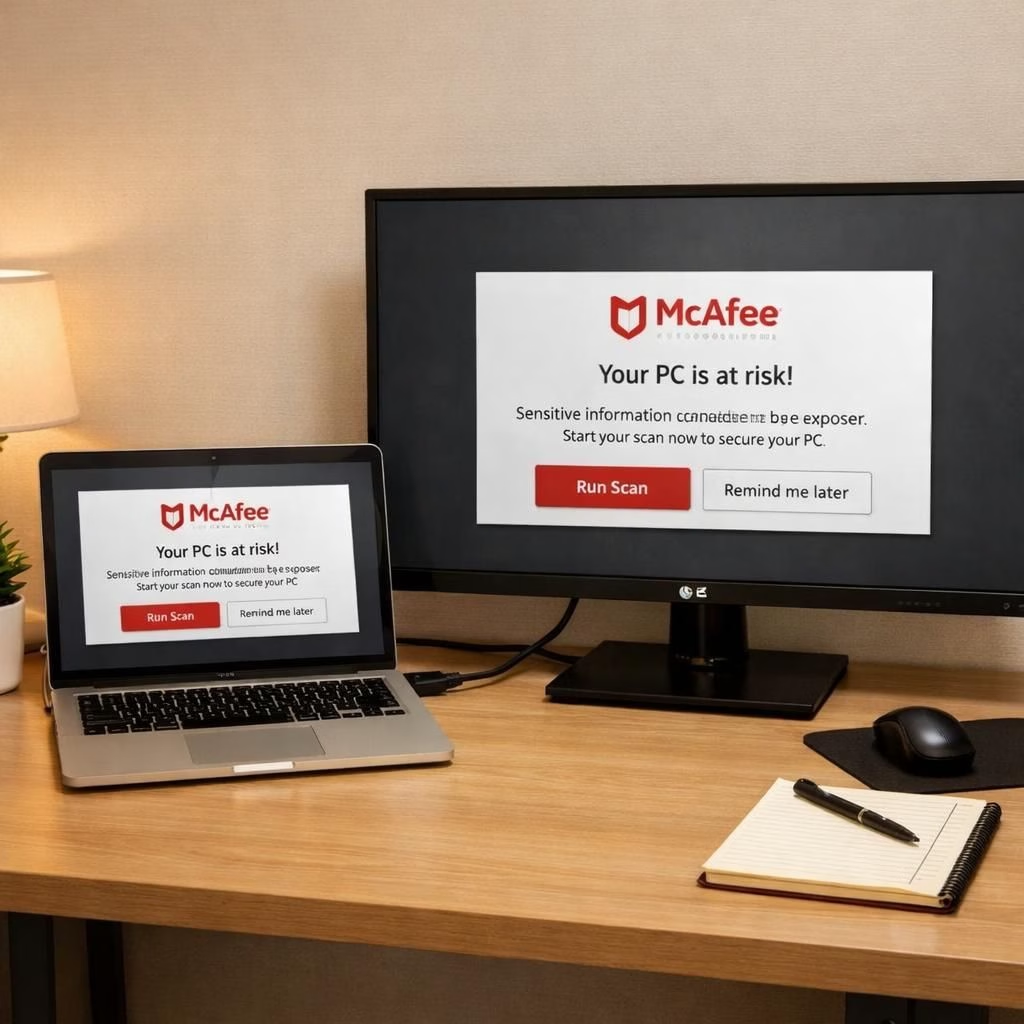
In 2026, LG and McAfee pop-ups on Windows 11 sparked a friendly crackdown that aims to boost user trust rather than punish engineers. Microsoft’s Windows team stepped in when reports described aggressive auto-installs and banner-like prompts tied to the LG Monitor Installer. Pavan Davuluri, Windows chief, confirmed that LG agreed to disable the McAfee pop-up in the LG Monitor Installer and promised ongoing improvements with ecosystem partners. The story isn’t just about one brand; it’s about how software ecosystems can strain a simple monitor connection into a mini soap opera of consent, privacy, and a little corporate theater.
Microsoft’s intervention focuses on user consent and a smoother first-boot experience. The changes push both LG and its app ecosystem toward opt-in behavior, rather than a default you might describe as pushy. No user wants a cascade of prompts just because a monitor is plugged in. LG distributes the installer through Microsoft’s official Windows distribution process, and McAfee was listed as an optional component. LG’s public statements claim explicit consent and data safety; in practice, users want transparency and control, not surprise installs. The net effect is a calmer, more predictable user journey.
LG UX Wins: Windows 11 Gets a Safer Start
Under the new regime, LG’s role is getting a chance to show that better UX can coexist with robust security. The auto-install tempo has slowed, and the focus shifts to clear consent. The original complaints pointed to silent driver updates and the Monitor Installer installing alongside drivers without explicit permission. Now, those concerns get a more visible opt-in path, with a documented choice flow for McAfee. LG benefits from a friendlier Windows 11 experience, and McAfee benefits from a clearer installation line that respects user autonomy.
McAfee and LG Opt-In Promise: A Safer Windows 11
For McAfee, the push toward opt-in aligns with a broader industry trend: users appreciate control and clarity. The Dell side of the story shows a similar shift; as of February 2025, Dell’s Alienware Command Center moved to an explicit consent model. The Verge’s Tom Warren reports this as a positive move, although the path to universal adoption is bumpy. LG’s own TV startup updates were also cited as potential distractions, illustrating that a connected ecosystem can be a bit chatty. Still, the trajectory appears hopeful: consent-first installations reduce friction, build trust, and potentially lower uninstall rates.
Update, July 24th: Dell confirmed AWCC installation is opt-in, a signal that major players are converging on a consent-first approach. The Windows 11 ecosystem benefits when hardware partners align on predictable prompts, clear licensing, and transparent data practices. In 2026, the industry has learned that loud pop-ups rarely convert; thoughtful, explicit consent tends to win over a wider audience. McAfee remains a case study in how consent-first design can coexist with security goals.
In practical terms, this means more careful integration between Windows 11, LG devices, and security software like McAfee. The balance between helpful security prompts and annoying interruptions is delicate. Tech teams must test prompts across monitors from different brands, ensure that updates do not surprise users, and provide easy rollback options. The real win is a smoother onboarding experience: fewer sudden changes, more clarity about what is being installed, and more control in the hands of the user.
If you’re curious about how this evolves, keep an eye on the ecosystem partnerships, the response from LG, and the evolving opt-in policies. The Windows 11 platform remains a dynamic space where OEMs, security vendors, and Microsoft itself try to align to maintain a clean, respectful user experience. The end goal is simple: deliver value without intrusion, and respect user choices while keeping devices secure.
Original article: Windows Latest coverage on LG and McAfee prompts. Thank you for the original source material.
Share your thoughts in the comments below.
Practical takeaways for users
- Review Windows 11 prompts during setup and after connecting an LG display to ensure you understand what is being installed. If you see McAfee, verify your choice explicitly instead of accepting defaults.
- Go to Settings > Apps to manage the LG Monitor Installer and any related components. Opt in only if you understand the benefit and data implications.
- Keep a clear rollback option. If a driver or app update feels intrusive, reinstall or remove it via the Apps panel after reviewing permissions.
FAQ
- What sparked the opt-in push? Reports of automatic installs and banner-like prompts during monitor connection prompted Microsoft to push for explicit user consent.
- Is the change about safety or avoidance of ads? It’s about consent, transparency, and predictable behavior, with safety as a core consideration.
- How can I check my own setup? Review the LG Monitor Installer flow and any McAfee-related prompts during first boot or after a driver update; choose opt-in only for components you trust.
- Will other brands follow this model? Several hardware makers are moving toward opt-in prompts; the trend suggests better UX and fewer surprise installs.
References