

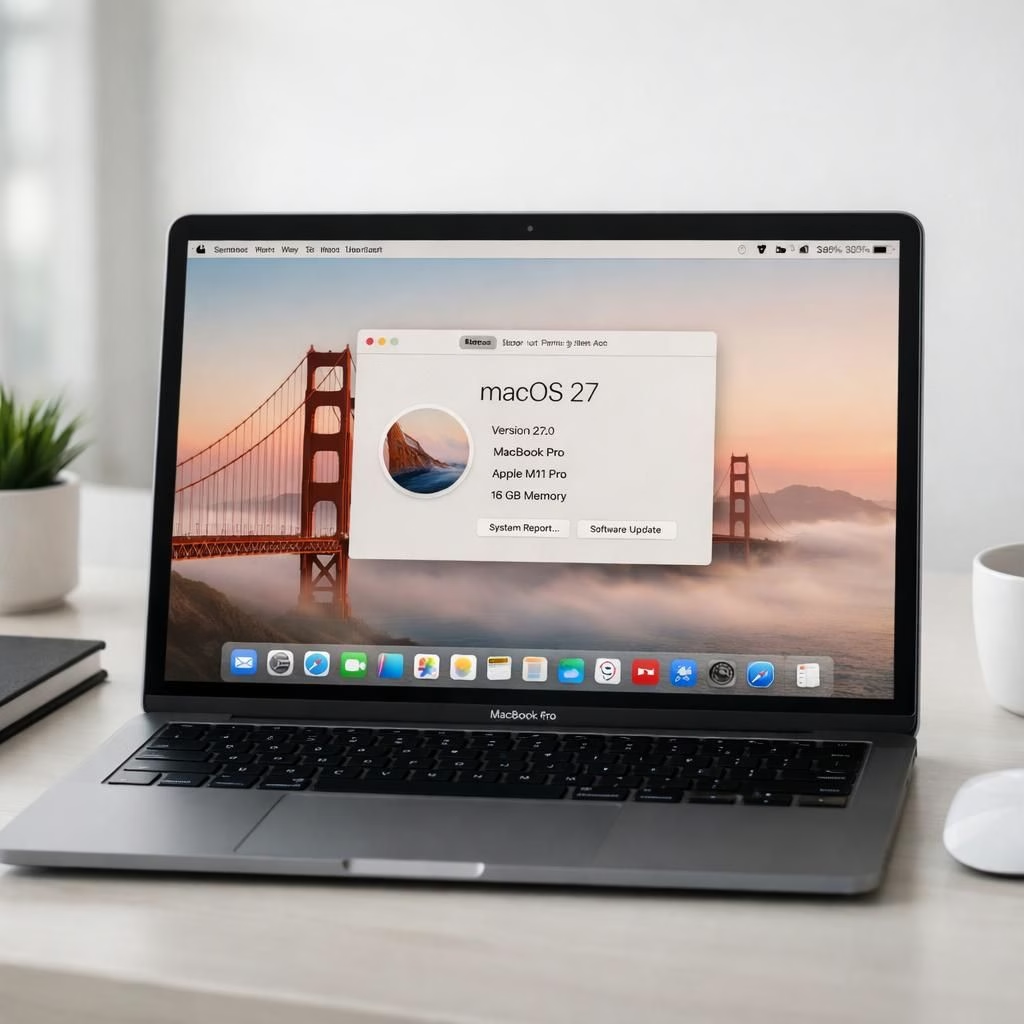
Welcome to a lighthearted tour of macOS 27 and the Golden Gate era—a moment when tech headlines tastefully embrace hype while still delivering something useful. Yes, the chatter about a clean Intel sunset, whispered upgrades to Siri, and tweaks to a glassy interface is real, but the tone remains hopeful. This post translates the noise into a friendly map of what matters to everyday users, developers, and the curious alike. macOS 27 is not a revolution, but it does feel like a well-timed refresh that makes the Mac feel a bit smarter and a touch more confident about the future. The Golden Gate vibe bridges old habits with new edges, without losing the view of the water below.
macOS 27 + Golden Gate: A friendly forecast for 2026
At the core, macOS 27 is shaping up as a sensible evolution. The long-anticipated end of Intel support is not a funeral—it’s a clearance sale for compatibility debt. The code you rely on now gets a more streamlined home on Apple silicon, and that means apps feel snappier, battery life gets a little longer, and heat stays polite. The Golden Gate mood in this forecast is simple: cross the bridge between legacy apps and new benchmarks without coughing up a meltdown. If you enjoyed the confidence of earlier updates, you will likely appreciate the calm, purposeful pace of this refresh.
macOS 27 + Golden Gate: Features that feel obvious yet impactful
Here are four changes that seem obvious in hindsight, yet make a real difference in daily life. macOS 27 lays out a clearer path for migration to avoid the dark forest of disk space and reboot loops for older machines. Second, a smarter assistant that anticipates what you want before you ask, while keeping privacy intact. Third, tweaks to the visual layer offer a crisper, faster interface without shouting about itself. Fourth, small quality-of-life improvements that reduce friction in common tasks, from file management to app updates. The Golden Gate mood appears again as a reminder that progress should feel natural, not forced.
Beyond these four, expect quieter wins: more consistent performance across apps, better energy efficiency on laptops, and a smoother onboarding story for new feature releases. The changes fold into everyday workflows; you won’t need a PhD to enjoy them, just a little curiosity and patience for that first boot after update. The design emphasis leans toward legibility, responsiveness, and a sense that everything has a place. That is the Golden Gate era—bridging old and new that actually carries you across rather than forcing you to swim.
From a developer’s note: Rosetta shifts, runtime paths, and new APIs aim to reduce edge cases where software used to fall through the cracks. The idea is to empower independent developers and big teams alike to ship politely, not aggressively. For end users, that translates to apps that launch faster, keep data safer, and update with fewer surprises. The experience stays calm, even as the pace of change quickens, reflecting the Golden Gate approach to coexistence.
As we watch 2026 unfold, the practical upshot is clear: the Mac platform remains a strong, user-friendly choice for work and play. You get a reliable system that respects your time, honors your privacy, and offers just enough whimsy to keep the interface inviting. For long-time Mac users, the trajectory of these changes feels like a steady path rather than a roller coaster—an invitation to explore new features without fear of losing the things you already love.
If you’re exploring from a power-user angle, you’ll notice the balance between performance, efficiency, and simplicity. That balance is what the Golden Gate atmosphere is all about: a bridge that looks good, sounds reassuring, and delivers on both sides of the river. The result is a platform that respects your routine while gently nudging you toward better habits, smarter tools, and a more cohesive ecosystem.
In the end, the release is not a bold reset; it’s a refined invitation. And if you enjoy this cautious optimism and practical insight, you’re not alone. We’re all here for a smoother ride with fewer headaches and more time to create, connect, and breathe easy as technology fits into life more gracefully.
Special thanks to The Verge for the original coverage on Apple announces macOS 27 Golden Gate, with a thoughtful take that informed this post. For full context, you can read the source here: The Verge — Apple WWDC 2026: macOS 27 announcement features.
Share your thoughts in the comments below to join the conversation about how this update could influence your workflow, creativity, and daily routine. Your feedback helps shape future coverage and ideas for practical, entertaining tech writing.
macOS 27 readiness: practical steps
- Back up your data and verify your backups before installing any update.
- Check compatibility for essential apps and extensions you depend on.
- Free up disk space and review startup items to streamline first boot.
- Update firmware and firmware-related utilities if your Mac supports it.
FAQ
-
What is the Golden Gate era in macOS 27?
The Golden Gate concept describes a balanced approach to bridging legacy software and new features without breaking your daily workflow.
-
Should I upgrade if I’m on an Intel Mac?
Official support for Intel-based Macs is winding down, but many apps will continue to run through Rosetta; plan a careful migration and back up first.
-
Will Siri and AI features be more helpful?
Yes—expect smarter suggestions and privacy-conscious improvements that respect your data choices.
-
What about performance and battery life?
Expect improved efficiency and steadier performance across common apps, with better long-term battery life on laptops.
External sources
- TechCrunch — WWDC 2026: Siri revamp and Apple Intelligence
- CNBC — WWDC 2026 live updates
- Apple Newsroom
References
- Original source (linkback): The Verge — Apple WWDC 2026: macOS 27 announcement features