

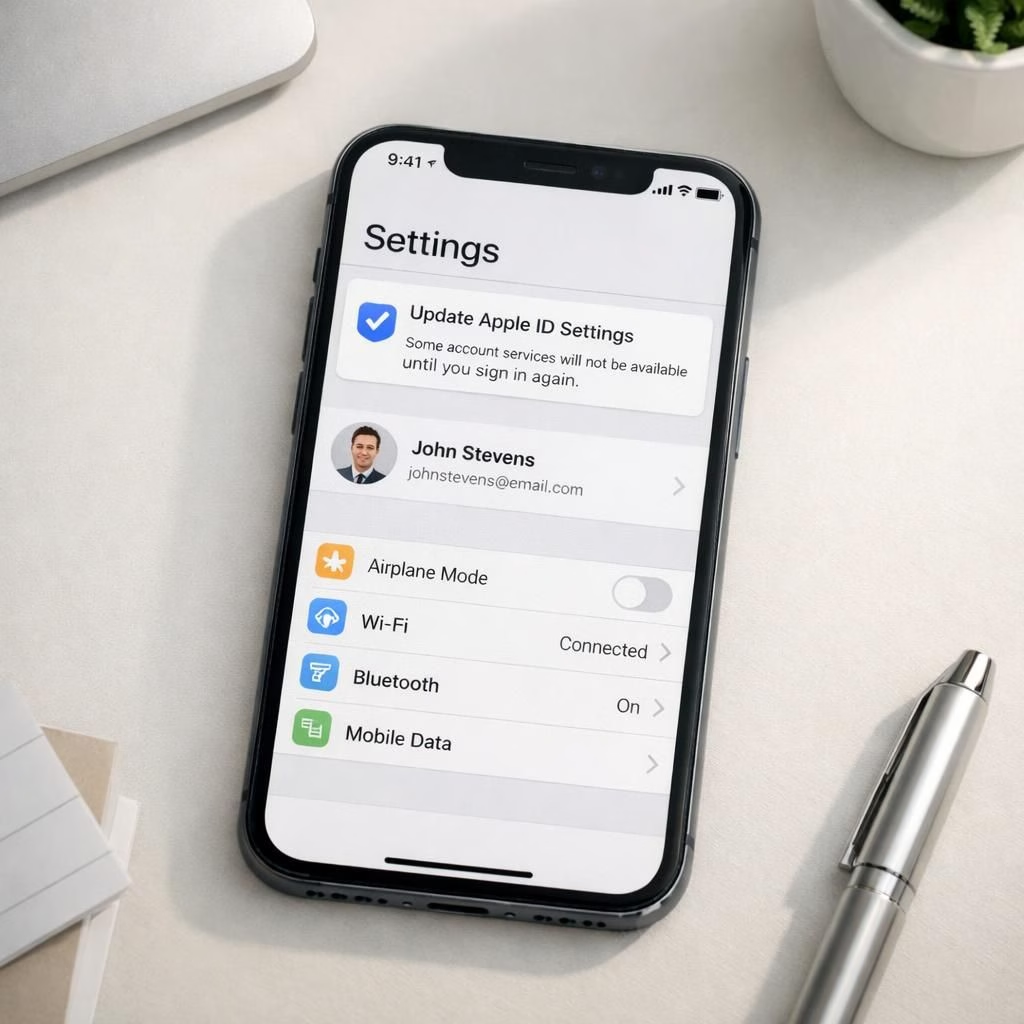
Welcome to a breezy tour of the iOS-update and security landscape in 2026. Apple is nudging hundreds of millions of devices with a hidden patch, and we’re here to translate the tech into plain, practical language that still helps you stay safe. The patch isn’t flashy, but it carries a message: updates matter, security matters more, and your battery life will survive the ride.
First, a quick refresher: the rollout is not a bedtime story with a single villain. It’s a coordinated effort across iPhone, iPad, and Mac ecosystems, delivering a background patch that touches WebKit, system libraries, and app sandboxes. The iOS-update cycle is designed to be quiet and relentless, pushing improvements without fanfare. The intention is clear: close gaps before they become headlines, keep data private, and reduce the attack surface without spoiling your morning coffee.
iOS-update insights: what the patch actually changes (security angles included)
When you hear about an iOS-update, picture a quiet, tireless engineer in a hoodie adjusting knobs behind the curtain. In practice, the 2026 patch addresses a set of issues that could enable trackers, cross-origin tricks, or memory leaks. In plain terms, it makes the door sturdier, the lock smarter, and the alarm louder if someone tries to slip in while you’re checking your photos. The patch also tightens background tasks so apps don’t wake every minute to quirks that waste battery life. This is not about party tricks; it’s about durable security and smoother performance for most users.
From a security perspective, the patch reduces exposure from WebKit vulnerabilities, reduces cross-origin bypass risk, and fixes a set of less-visible flaws that could creep into everyday usage. For iOS-update skeptics, the good news is that these fixes are practical rather than flashy, and they don’t require you to uninstall apps or perform esoteric steps. In many cases, you’ll simply see your phone remind you to install the update, then it quietly does its job.
Security habits after the iOS-update: practical, real-world tips
The core benefit is fewer unexpected prompts, better protection while browsing, and a more robust sandbox for apps that you trust. These gains bolster security in everyday tasks. You should still practice good hygiene: use a strong passcode, enable two-factor authentication, and beware phishing attempts that pretend to be system prompts. The patch isn’t a silver bullet, but it’s a useful shield that reduces the chance of a clever attacker succeeding while you aren’t looking.
Disclosures from the patch cycle warn that some devices may update overnight without fanfare. Don’t panic if your iPhone looks the same in the morning; it’s just doing the quiet, necessary work in the background, which is exactly how we like our patches—efficient and unintrusive. If you want to double-check, go to Settings > General > Software Update to confirm that iOS-update is installed. The moment you see the new version number, you’ve joined the security club, at least for now.
For tech enthusiasts, in the iOS-update era the patch ensures better handling of background scripts, a stronger same-origin policy on WebKit, and a more resilient browser sandbox. This translates to fewer leaks and less risk when you click through a link in your trusted apps. The patch also addresses a broader ecosystem concern: updates should be routine, not dramatic events that disrupt your day. The more predictable the process, the more you can focus on what matters—your work, your family, and your next snack, with security gains.
Why Apple wants you to update now: a practical look at incentives and user impact
The motivation behind these updates is not to nag you; it’s to reduce attack windows and protect data without forcing you to endure a reboot festival. Automations should work as designed, background tasks should be restrained, and critical security fixes should reach hundreds of millions of devices quickly. In the grand arc of device security, timely updates act like a quiet, reliable staircase rather than a dramatic elevator ride to glory.
When you combine these changes with sensible user behavior, you get a safer experience with less friction. The patch is not cornered by trends; it’s a reminder that software needs ongoing care to stay trustworthy. The end result is a smoother, security-friendly experience that lets you focus on what matters most without being distracted by constant security drama.
In the broader picture, updates like this are about consistency. They aren’t dramatic stunts; they’re a steady investment in trust, privacy, and usability.
Special thanks to Forbes for the original reporting: Forbes original article.
Internal links (relevant reads): see the Siri AI upgrade article for a deeper dive into how Apple plans updates in practice.