

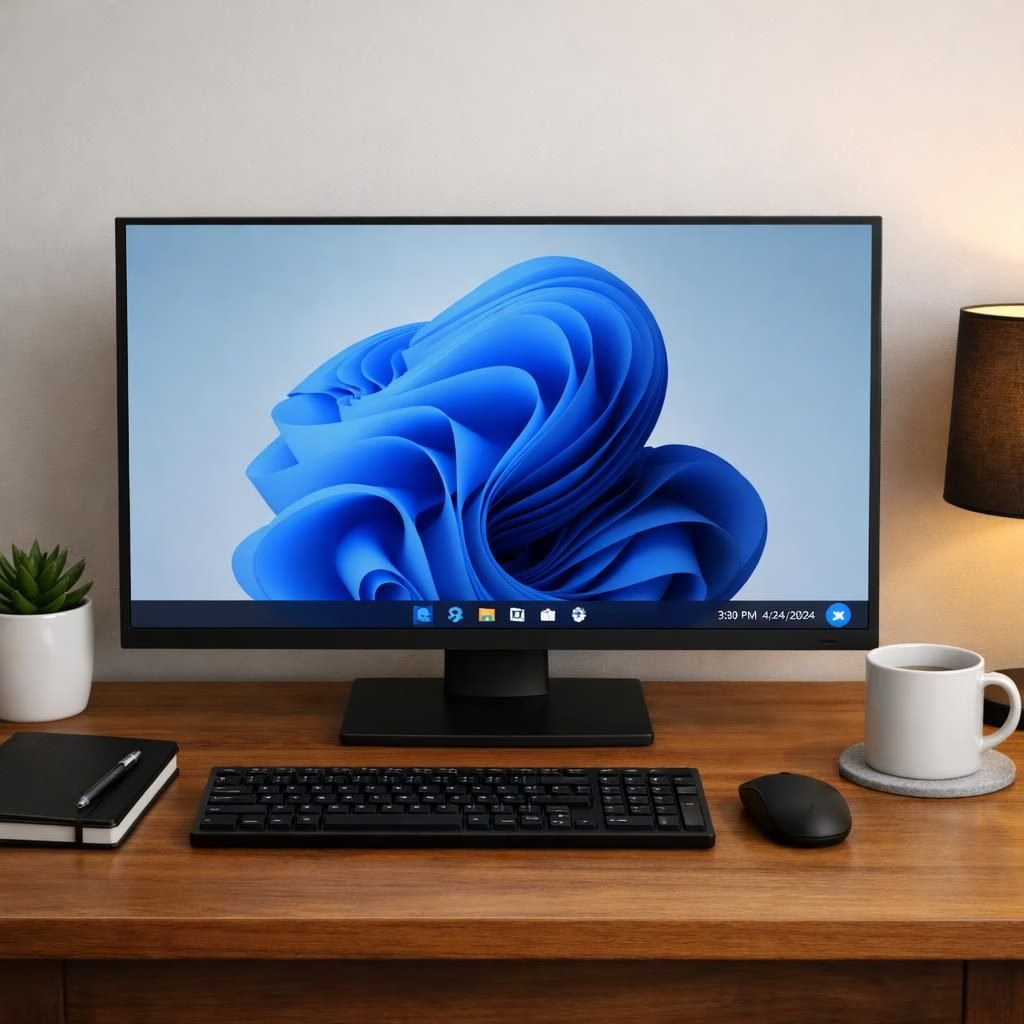
Windows 11 has had rough years. Yet 2026 brings a hopeful tone. Copilot AI finally learns to behave. Pavan Davuluri, EVP of Windows and Devices, sent an open letter on March 20. He listened to real user pain and laid out a concrete plan. The goal is clear: fix bugs, calm the UI, and roll changes out in previews through April. If you thought Windows 11 was trying too hard, this reset will feel refreshing. The message is simple: listen, fix, and avoid reinventing the start menu every fortnight. The corrections point to better focus and fewer surprises. Copilot AI should help, not shout for attention while you work.
Windows 11 taskbar moves forward with Copilot AI polish
The six headline changes are a practical UX update. Microsoft listened, and the plan reads like a product brief for grown-ups who still enjoy a good restart button.
- Moveable taskbar: The long-standing request to place the taskbar at the top or on the sides is granted. Windows 11 gains layout flexibility with a touch of personality. Preview builds begin this month, with broader availability in April. It isn’t a radical rebuild, just a thoughtful improvement that reduces friction.
- Copilot AI entry points trimmed: Microsoft will trim down Copilot AI entry points across apps like Snipping Tool, Photos, Widgets, and Notepad. The aim is to reduce clutter while keeping helpful features close at hand. AI should assist, not crowd your attention.
- Windows Update restart control: Users can skip updates during device setup, restart or shut down without being forced to install pending updates, and pause updates for as long as needed. The emphasis is predictability and control, not a surprise reboot during a meeting.
- File Explorer overhaul: The plan promises faster launches, less flicker, and lower latency for search, navigation, and context menus. Large file transfers should be more reliable. Speed becomes a real feature you can feel, not a rumor you hear in the hallway.
- Lower RAM usage: Windows 11 aims to lower the baseline memory footprint, especially on 8GB machines. With Mac alternatives in view, a leaner OS helps OEMs offer balanced configurations and keeps everyday tasks snappy.
- Insider Program simplification: Cleaner channel definitions, better visibility into build contents, and higher-quality builds before testers. The result is clarity, less confusion, and a more constructive feedback loop.
These changes show a clear intent to improve daily usage without forcing another mystery beta. Focus on stability and performance on modest hardware matters. The cleaner Insider experience makes Windows 11 feel more like a trusted partner than a moving target. In particular, Copilot AI touches on how this ecosystem should feel: helpful, but not disruptive.
Copilot AI: streamlined prompts for Windows 11 users
Beyond the headlines, the philosophy is simple: features should be genuinely useful and well crafted. The team promises fewer, better Copilot AI touchpoints, which should reduce cognitive load while keeping the most helpful ideas within reach. For users with low-end hardware, cutting RAM usage translates into better responsiveness for everyday tasks. The result is a Windows experience that respects your workflow rather than interrupting it with novelty.
The broader message focuses on mature, iterative development. 2026 is a year for measured, quality improvements, not drastic overhauls. If you dread updates, you’ll appreciate a steadier cadence and more predictable behavior from the Windows Update system. If speed and reliability matter, you’ll notice File Explorer improvements in real-world use—launching folders, searching large libraries, and moving big data with less drama.
Feedback from users remains essential. The Insider Program will stay clearer and easier to navigate, helping you decide which builds are actually helpful. The improvements to the update process mean you can work, present, and relax without worrying about a disruptive reboot in the middle of your meeting.
Original article and thanks: Original article. Thank you to the author and team for the original material that inspired this recap.
Have thoughts? Share them in the comments below!
Practical steps to prepare for the update
- Review Insider Program settings in Settings > Update & Security > Windows Insider Program to choose your preferred channel.
- Back up important files or enable a system restore point before preview builds.
- Pause updates during important meetings or deadlines using Windows Update controls.
- Check your hardware readiness, especially if you have 8GB RAM or less, and consider closing unused apps to keep things responsive.
FAQ
- When will these changes roll out? Preview builds start this month, with broader availability through the rest of 2026.
- Will Copilot AI features be optional? Microsoft says it will reduce entry points and focus on useful, well-crafted experiences; some features may be on-demand rather than always-on.
- How can I minimize unexpected restarts? Use the updated Windows Update controls to skip or pause updates during critical times.
In short, these moves aim to make Windows 11 feel steadier and more reliable on everyday hardware, while keeping Copilot AI in its proper lane — as a helpful assistant rather than a constant distraction.
References
Times of India linkback: Times of India
Original article: Original article