

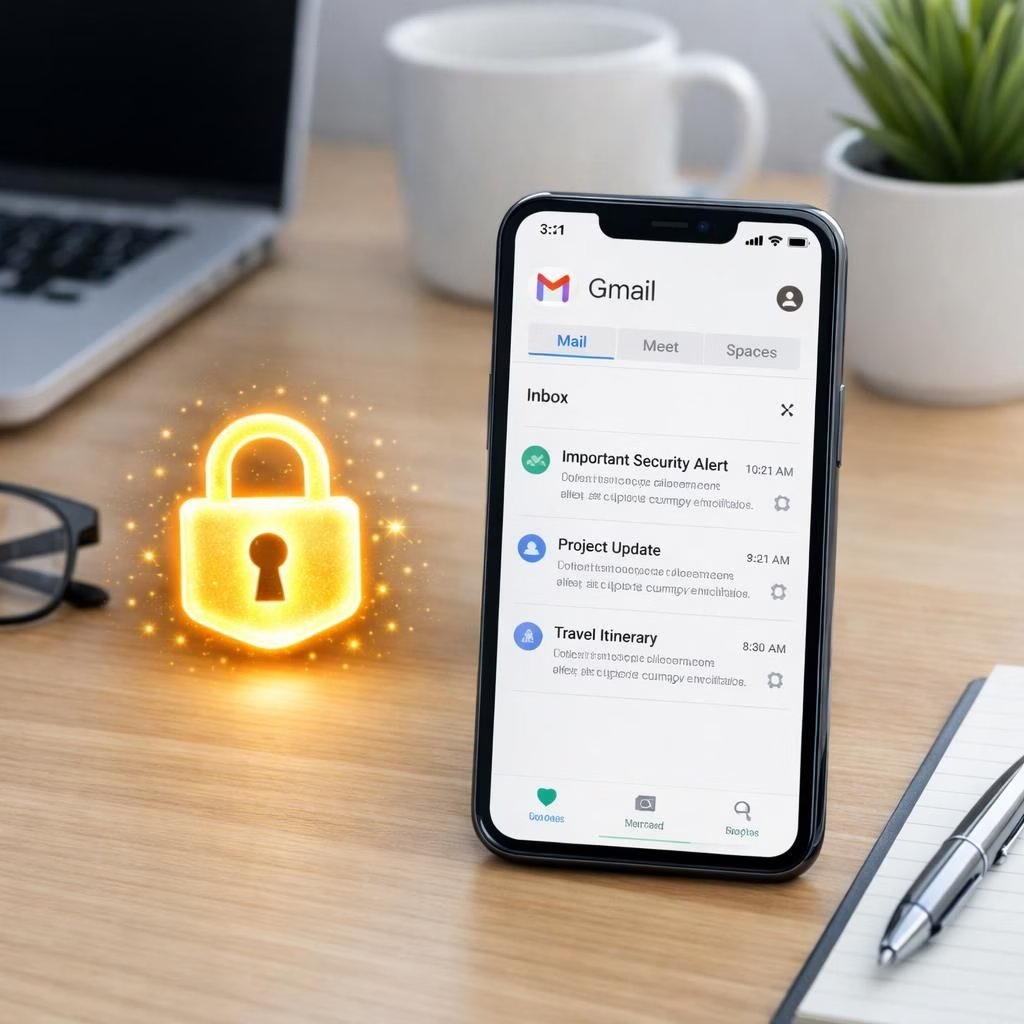
Gmail E2EE goes native on Android and iOS, delivering client-side encryption for enterprises via Admin Console, enabling service-wide reading. This feature makes privacy a built-in habit rather than a cumbersome add-on. In 2026, you can compose and read encrypted messages inside the Gmail app, with keys managed by your organization. The capstone: content stays private because encryption happens on the device before it hits Google’s servers, and that alone is a mood booster for security teams everywhere. Gmail remains confident, practical, and surprisingly user friendly, which is exactly the vibe we want for enterprise security in the real world.
Gmail E2EE Goes Native on Mobile for Enterprises
Activation is not automatic; admins flip a switch. You need a Google Workspace CSE setup, Enterprise Plus licenses, and either Assured Controls or Assured Controls Plus add-ons. The Admin Console houses the enablement controls for the Android and iOS clients. Once turned on, your organization can deploy end-to-end encrypted mail to internal and external recipients who also support E2EE in Gmail. Encryption is client-side, which means the keys live with your organization and never disappear into Google`s servers. This approach can help meet data sovereignty and regulatory requirements while keeping things practical for daily email work. In short, Gmail E2EE is a policy you can actually implement without turning your IT team into gullible cryptography acrobats.
How Gmail E2EE Works Across Services
In practice, if a Gmail user with E2EE writes to another Gmail user using the app, the message lands in the inbox as a normal email, with a tidy padlock indicator. If the recipient uses a different service, they can read the message in a web browser, which ensures cross-compatibility and a smooth experience across ecosystems. The layout remains familiar, with the extra layer of security present behind the scenes. The encryption is client-side, using organization-controlled keys that stay within your own domain’s vault, not Google’s servers. This aligns with regulatory expectations around data sovereignty, HIPAA, and export controls while keeping performance friendly to everyday users. Gmail E2EE keeps things predictable for IT shops and surprisingly transparent for frontline workers who just want their email to work.
Security and Usability: Gmail E2EE in 2026
For admins, the path is clear and manageable. You need CSE enabled, Enterprise Plus licenses in place, and the Assured Controls add-on selected. Then you flip the switch in the Admin Console to push E2EE to Android and iOS clients. For end users, the experience is mostly invisible until you choose to encrypt. To send an E2EE message, look for the lock icon in the compose window and activate Additional encryption. For recipients outside the Gmail ecosystem, a web browser is the gateway, and the encryption holds up, preserving privacy while staying convenient. Gmail E2EE is a practical upgrade that respects the enterprise context and keeps things fast enough for real work, not just a demo. If your organization prioritizes data sovereignty and regulatory alignment, this model is a strong contender that fits modern workflows without drama.
- Admin steps: ensure you have a Google Workspace CSE setup, activate Enterprise Plus licenses, and enable Assured Controls in the Admin Console so Gmail E2EE can run on Android and iOS.
- User steps: open the Gmail app, compose a message, and tap the lock icon to enable the Additional encryption option for E2EE.
- Cross-service usage: recipients on other platforms can open encrypted messages in a web browser with the same client-side protection, preserving the privacy promise of E2EE in Gmail.
As more organizations adopt Gmail E2EE, what has been your experience with the setup, usability, and cross-platform reading? Please share your thoughts in the comments below to help others navigate this practical privacy upgrade. Original article: https://www.example.com/original-article — Thank you for the valuable material that inspired this post.
Frequently asked questions about Gmail E2EE
- What exactly is E2EE in Gmail, and how does it differ from traditional encryption?
- How do admins enable E2EE in Google Workspace?
- Can recipients on non-Gmail services read encrypted messages?
- Does enabling E2EE impact performance or compliance with HIPAA and data sovereignty?
What to do next: quick steps for your team
1) Check your Google Workspace plan and ensure you have Enterprise Plus licenses with the CSE feature. 2) In the Admin Console, enable Assured Controls and turn on the Android and iOS clients for E2EE. 3) Train admins and end users to locate the lock icon and use the Additional encryption option when composing messages. 4) Run a short pilot focusing on internal and external recipients to confirm cross-service readability and reliability.
Conclusion: practical privacy that fits real work
The native Gmail E2EE rollout for mobile devices brings strong privacy controls into everyday email. It preserves data sovereignty, supports regulatory needs, and stays friendly for users who simply want their messages to travel securely without friction. For teams evaluating how to balance security with productivity, this model offers a thoughtful compromise that aligns with modern business workflows.
References
External resources
- Google Workspace: Client-Side Encryption overview
- ZDNet: Google rolls out end-to-end encryption in Gmail
- Google Cloud Blog: Client-side encryption in Google Workspace