

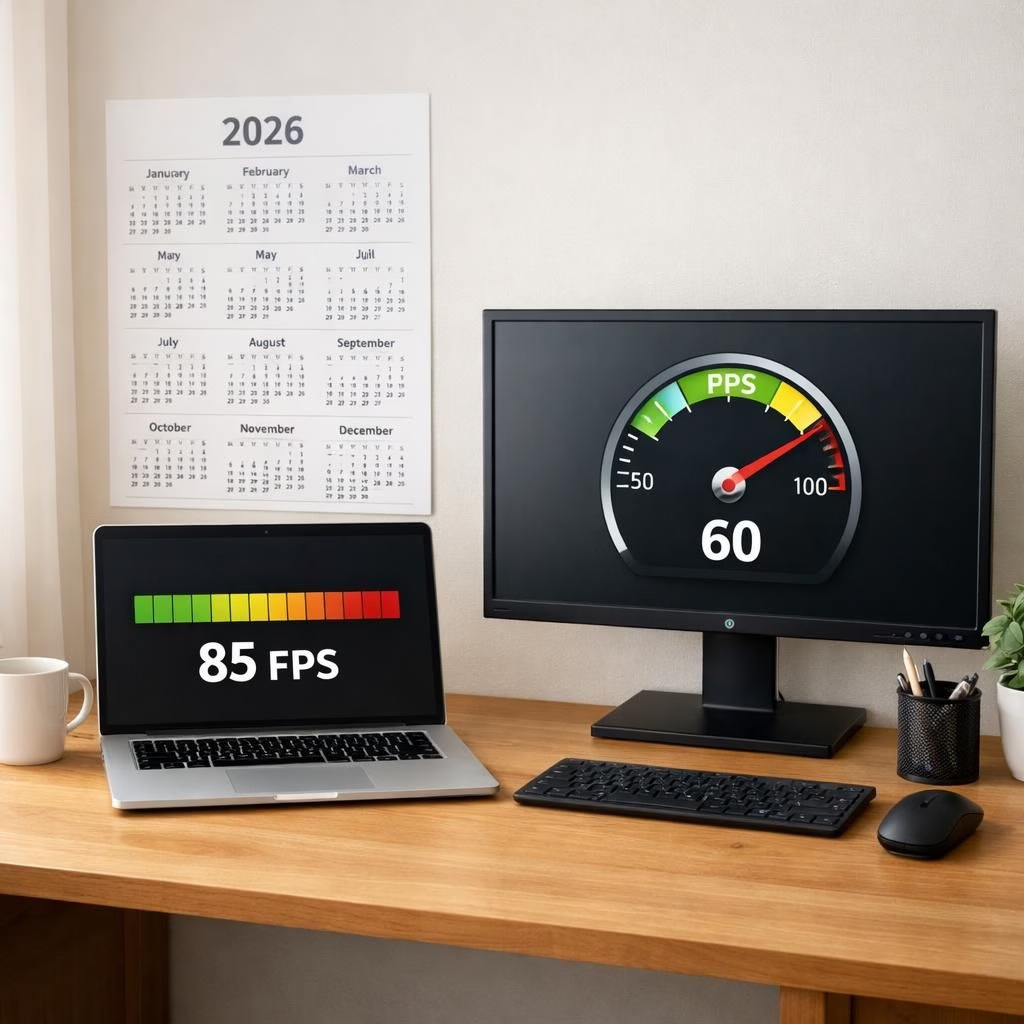
Shoppers and PC enthusiasts welcomed news that the framerate estimator and Steam FPS previews are stepping out of beta into daily gaming life. Steam will estimate the FPS you should expect in a game based on your hardware, then present a ballpark figure before you click buy. The Steam FPS previews and the framerate estimator aim to replace rumor with data you can actually parse, helping you plan your setup around real numbers.
framerate estimator: How it builds its forecast from hardware
Behind the scenes, the framerate estimator treats your PC as a set of measurable traits: CPU threads, GPU horsepower, VRAM, resolution target, and even the operating system’s quirks. The framerate estimator aggregates coarse metrics and feeds them into a lightweight model that maps hardware profiles to plausible framerates. In practice, that means your laptop with a mid-range GPU at 1080p sees a different forecast than a gaming desktop with a high-refresh panel. These numbers are not promises, but they serve as a practical compass, especially in 2026 when games push optimization and hardware diversity. The forecast assumes standard settings: 1080p, a typical image quality preset, and a clean system with current drivers. The result is a forecast that helps you compare titles without a spreadsheet, while still encouraging you to validate with in-game testing or longer-term measurements.
Steam FPS previews: What to expect before you press buy
Steam FPS previews translate the forecast into a consumer-facing summary. They reflect the intersection of hardware, game engine demands, and the developer’s optimization choices. In other words, you get a reading that is helpful, not magical. The previews help you decide which title to sample first, whether to tweak quality settings, or whether a purchase is worth the risk of post-purchase regret. For many players, these previews reduce the mental load of choosing between a glossy trailer and an opaque performance target. The feature is especially welcome for potential SteamOS fans or for players who juggle a mix of Windows and Linux environments, as it provides a shared reference point across platforms. The goal is to demystify performance, so you can approach a new title with curiosity and a plan rather than guesswork.
- Steam FPS forecasts should be treated as guides, not guarantees.
- Compare across titles using the same hardware baseline.
- Remember that drivers and game patches can shift results.
- Pair the forecasts with in-game benchmarking for confirmation, then check the Steam FPS data for consistency.
As we move through 2026, the practical impact of a framerate estimator and Steam FPS previews is clear: players gain a clearer sense of how a title will feel on their setup before buying. The vision is to empower informed decisions and reduce hype versus hardware reality. In a world where new titles tout ray tracing, faster loading, and parity in performance, a transparent forecast helps you plan, optimize, and enjoy more of what you buy. The framerate estimator becomes a helpful kitchen timer for your gaming dish, while Steam FPS previews serve as a tasting note for your wallet.
Original reporting and inspiration: Ars Technica — thank you for the thoughtful coverage and for the data that made this rewrite possible.
Join the discussion in the comments below and share how the Steam FPS previews shaped your 2026 gaming plans.
Putting the framerate estimator to work on your hardware
To get the most from these forecasts, start with a clear baseline: the same games, same resolutions, and the drivers you actually use. Compare a few titles you own, not just trailers, and note how the numbers shift when you tweak quality presets. Use a simple testing loop: run the game, capture a few minutes of gameplay, and sanity-check the forecast against observed fps at your settings.
Practical steps to test yourself
- Choose a representative title and set 1080p with a medium preset.
- Record the in-game FPS using your preferred method.
- Compare the observed FPS to the forecast in the framerate estimator.
- Iterate by adjusting settings and re-checking with the same hardware baseline.
FAQ
- What is the framerate estimator? It is a model that uses hardware metrics to estimate plausible FPS given standard settings.
- Will the FPS previews guarantee I’ll reach a certain FPS? No; forecasts are guides. Actual results vary with drivers, patches, and settings.
- How should I use these forecasts? Use them as a baseline for comparison and pair them with in-game benchmarks.
- Are these forecasts available on all platforms? The concept aims to be cross-platform, including SteamOS and Windows; details may vary.
References
- Ars Technica (original reporting)