

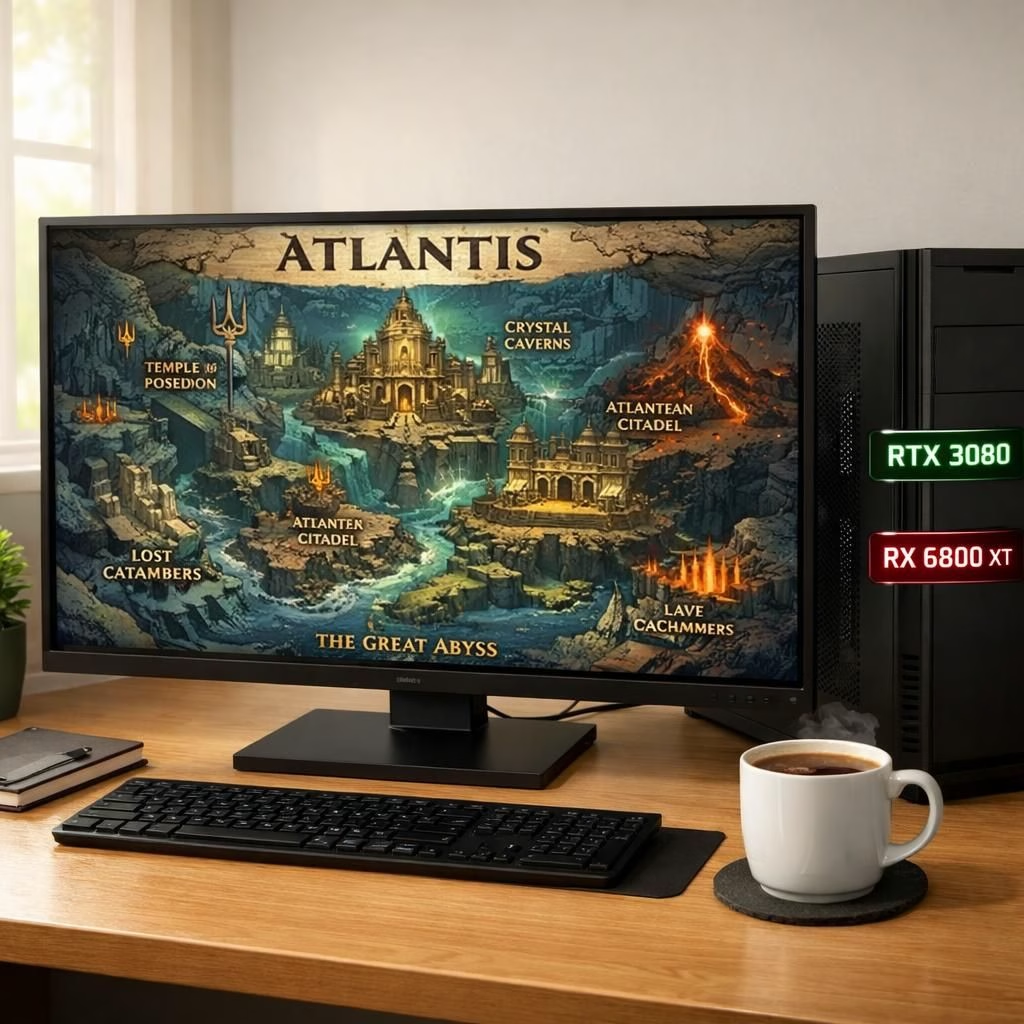
In this playful yet practical guide, Tomb Raider and Legacy of Atlantis collide on PC, inviting players to explore what 2026 hardware can realistically handle without turning their living room into a data center. You don’t need the latest silicon to enjoy the spectacle, but a comfortable frame rate helps when the action leaps across Atlantis’s submerged halls.
Tech outlets like VideoCardz have highlighted a hardware reality that gamers should respect. The buzz points to a healthy bar: graphics cards around the RTX 3080 class or AMD’s RX 6800 XT tier, paired with fast storage and a solid CPU. If you want crisper shadows, smoother texture streams, and fewer micro-stutters, those GPUs remain dependable choices for a satisfying run of Legacy of Atlantis on 1440p.
Beyond the GPU, a capable CPU matters. A midrange desktop from the last few years keeps the game from bottlenecking. Look for CPUs with six or more cores and good single-thread performance. Pair a PCIe 4.0 SSD for quick level loads and a decent amount of memory. A 16GB baseline is common, with 32GB offering comfortable headroom for modern engines and background tasks. The point is to prevent stutters when Atlantis reveals its shimmering caverns and colossal statues.
Tomb Raider Legacy of Atlantis: Hardware Reality Check
When you pop into the game, you’ll notice how the studio blends architectural grandeur with practical performance. The RTX 3080 and RX 6800 XT twins deliver high frame rates at 1440p with high, not ultra, settings. If your monitor’s refresh rate is 120 Hz or more, these GPUs keep pace with the action, avoiding the familiar choppiness that breaks immersion. The experience across Legacy of Atlantis shows you can balance detail with performance.
Ray tracing is a nice feature in small doses, but it’s not mandatory for a satisfying adventure. If the scene becomes heavy, turning down path tracing or reflections can free up cycles for combat and exploration. In real terms, Tomb Raider shows that you can enjoy Atlantis’s depth without paying a toll in latency, as long as you balance detail with performance. The same philosophy applies to Legacy of Atlantis, where thoughtful settings tweaks yield more stability than a heroic overclock.
Storage speed matters too. An SSD speeds up loading screens between tombs, caverns, and underwater cities. A well-chosen SSD keeps loot drops and scripted sequences feeling snappy rather than stuttering. In 2026, most players find that a healthy storage subsystem reduces the most disruptive pauses, letting the story flow like a well-tuned engine.
Under the Hood: Tomb Raider Legacy of Atlantis Tips
Here are practical tips to get the most from your setup without turning your rig into a fossil. First, aim for a balanced build. A modern six- to eight-core CPU with ample RAM keeps the game from stalling during heavy action. Second, pick a GPU that can sustain target resolutions while maintaining a safe comfort margin. The RTX 3080 and RX 6800 XT are excellent anchors for 1440p gameplay, especially when you don’t mind dialing a few settings down.
Driver updates can unlock extra headroom, so keep your software fresh. If you want more frame consistency, consider enabling features that upsample rather than render every pixel at full resolution. DLSS from NVIDIA or FSR from AMD can offer big perceptual gains with little loss in image quality on many scenes from Tomb Raider and Legacy of Atlantis. This approach helps your GPU stay calm in the presence of Atlantis’s sweeping battles and water effects.
Quality of life matters too. Quick SSD storage reduces loading times, and sufficient RAM prevents memory-swapping that ruins tempo. If you have a room-temperature problem, better case airflow helps the CPU and GPU breathe, which pays off in longer sessions without thermal throttling. Most players discover that the right combination of settings creates a cinematic balance between spectacle and control.
Performance planning is part of any ambitious run. Don’t chase ultra fidelity at every turn. Instead, target a steady frame rate that matches your monitor and your comfort with motion. This mindset aligns with how the original Tomb Raider games delivered excitement in tighter hardware eras, while Legacy of Atlantis offers modern texture work and environmental shading that still respects the player’s time and wallet.
If you’re evaluating the experience through a hardware lens, remember that 2026 brings mature driver support, accessible upgrades, and clearer guidance from reputable outlets. You’ll be able to enjoy the fusion of Tomb Raider’s adventurous DNA and Legacy of Atlantis‘s mythic scale without the usual hardware anxiety.
In short, you don’t need the fiercest GPU on the market to enjoy the adventure. The RTX 3080 and RX 6800 XT middle-ground provide strong performance when paired with a capable CPU and fast storage. You can achieve a satisfying balance between visuals and responsiveness, letting you explore underwater cities without a constant fear of lag. The key is to know your target resolution and frame rate, then tune from there rather than chasing every available setting.
As with any ambitious release, the community’s insights help. Players share your own tips, tricks, and experiments in the sections below. If you’re currently running a rig that’s a few generations old, you’ll still be able to enjoy the atmosphere and puzzles with practical compromises. The joy is in the journey, not in chasing the last percentile of frame time.
Special thanks to VideoCardz for kicking off this conversation and for their coverage of Tomb Raider Legacy of Atlantis PC requirements. Original article: VideoCardz. Thank you for the inspiration!
Want to share your experience or your own hardware recipe? Please join the discussion in the comments and tell us how you tuned your setup for the Tomb Raider Legacy of Atlantis adventure.
Practical setup checklist
- Balance CPU, GPU, and storage to fit your target resolution and frame rate.
- Use a PCIe 4.0 SSD for fast loads between tombs and caverns.
- Aim for a baseline of 16 GB RAM (32 GB for multitasking and future engines).
- Consider upscaling options like DLSS or FSR to keep frame times steady without heavy rendering.
- Keep drivers and game patches up to date for best stability.
Frequently Asked Questions
- What GPU is typically enough for Tomb Raider Legacy of Atlantis at 1440p?
- A midrange RTX 3080 or RX 6800 XT-class card usually offers solid 1440p performance with sensible settings.
- Is ray tracing worth enabling for this game?
- Ray tracing is optional; turning down path tracing or reflections can improve frame time without sacrificing core visuals.
- Do I need 32GB of RAM for best results?
- 32GB is comfortable for multitasking and modern engines, but 16GB can suffice for many players at 1440p with balanced settings.
In short, you don’t need the fiercest GPU to enjoy the adventure. With an RTX 3080 or RX 6800 XT paired with a capable CPU and fast storage, you can balance visuals and responsiveness for underwater cities without constant lag. Tune to your target resolution and frame rate, then enjoy the journey instead of chasing every pixel.
Special thanks to VideoCardz for kicking off this conversation and for their coverage of Tomb Raider Legacy of Atlantis PC requirements. Original article: VideoCardz article above.