

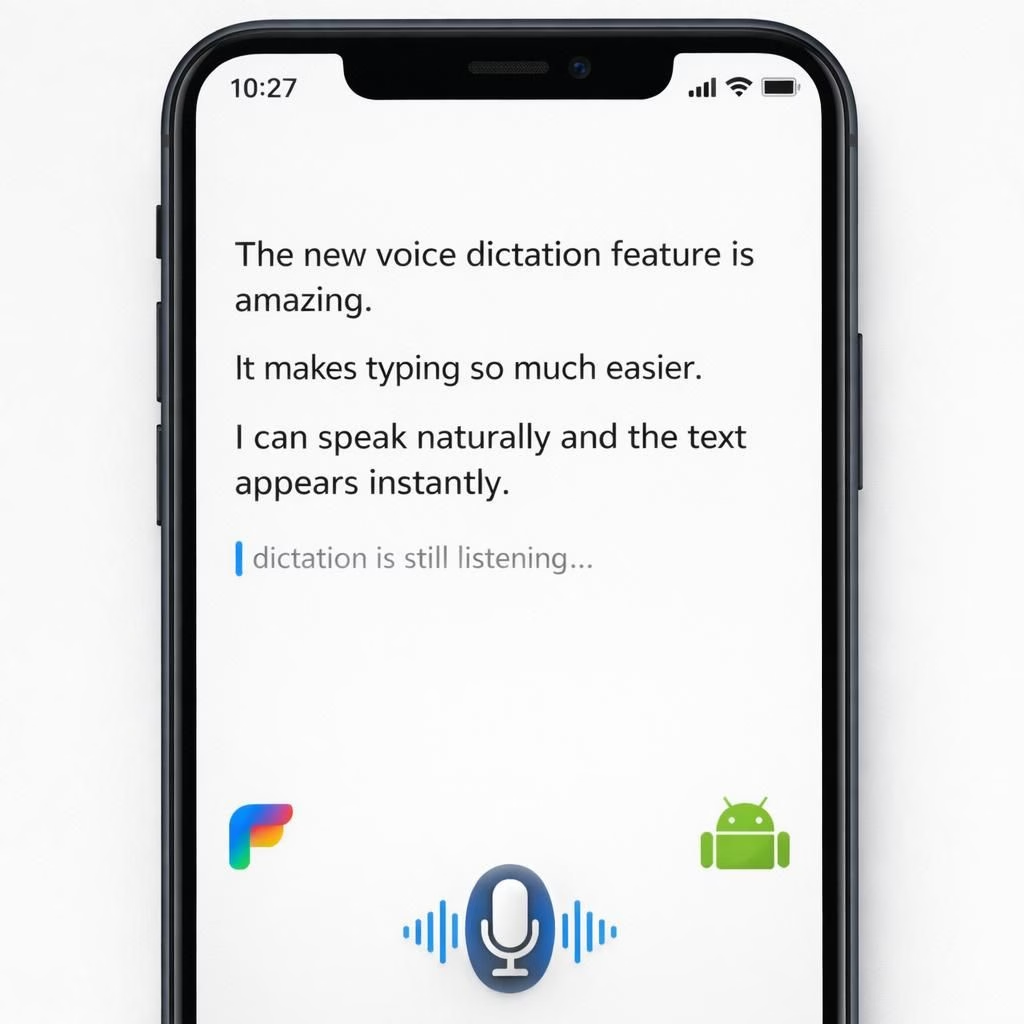
Flow on Android: The Why and the How
Flow has quietly become the snappy sidekick for Android voice typing, a light-footed upgrade that doesn’t dump Gboard, but nudges it toward smarter dictation. In practice, Flow stays in the background, letting you speak and watch the words appear with surprisingly tidy punctuation. For Android users who love their keyboard but crave a whisper of AI help, this upgrade is a welcome nudge rather than a revolution.
Flow doesn’t replace Gboard; it interoperates with it, using on-device models to predict punctuation, capitalization, and turn-of-phrase suggestions. The goal is low-latency feedback that feels like magic but is rooted in practical engineering. On Android devices with reasonable AI horsepower, Flow sits in the app layer, listening as you talk and immediately offering clean text with fewer stumbles. The result is faster typing, fewer backspaces, and a calmer mind when you dictate long notes or quick messages. For Flow to work well, you still need a decent microphone and a quiet room; the tech isn’t a magic wand, it’s a clever co-pilot. The synergy between Flow and Android typing habits makes the experience smoother without sacrificing control.
Android-friendly improvements with Flow
On the Android side, Flow reduces the friction points that used to derail dictation. It improves punctuation placement, recognizes common voice commands, and respects your preferred phrasing. It supports capitalization at sentence starts, proper nouns, and quotes, so you don’t spend extra time tapping the shift key. The result is text that reads more like your speech and less like a staccato ramble. For many users, this means a more reliable flow of thoughts to words, especially when you are multitasking or writing on the go. The technology stays lean by processing most work on-device, which helps privacy and speed. The added advantage is compatibility with multiple apps on Android, not just messaging, so Flow becomes a helpful assistant in emails, notes, and search prompts.
What Flow does well, and where it still asks for patience
Flow shines when you speak clearly and keep a steady tempo. It catches filler words, trims them, and suggests a clean result. It also handles names, places, and industry terms with a higher success rate than older dictation tools. However, it isn’t flawless. Some complex sentences still benefit from a quick human touch, and very loud environments can muddle the mic. Flow remains a collaboration: you provide the ideas, and Flow handles rhythm and polish. The balance of speed and accuracy is the sweet spot. For longer notes, Flow’s confidence scores guide you to correct any misfires before you send, saving time in the long run. The approach emphasizes a gentle, human-friendly AI assistant that respects your style and your tools.
Flow in practice: tips to maximize your Android dictation
- Speak at a natural pace; Flow performs best with clear enunciation.
- Use punctuation commands sparingly until you get the hang of it.
- When in doubt, dictate in shorter phrases to help Flow choose correct capitalization.
- Keep your Android device updated to enjoy the latest improvements from Flow and related AI assistants.
In the broader tech press, Flow has drawn attention for its approach to AI-powered dictation without demanding a keyboard replacement. TechCrunch, Forbes, The Tech Buzz, Republic World, and 9to5Google have all covered the trend with varying degrees of enthusiasm. The consistent takeaway is that the best dictation tools respect your existing setup and augment your workflow instead of forcing a change in how you type. Flow offers a calm middle path: it augments Android voice input while leaving Gboard able to do its usual job when you want to switch to manual typing or use a different keyboard for a moment. This balance matters for teams and individuals who rely on mobile productivity and dislike disruptive overhauls.
Balancing speed, privacy, and control
Privacy-conscious users appreciate that much of Flow’s work happens on-device, reducing the data sent to the cloud. This design choice aligns with Android‘s emphasis on user control and local processing. For people who worry about sensitive notes, Flow’s model can be tuned to minimize off-device data exchange, which helps with compliance and trust. In everyday use, Flow keeps control with you. It suggests edits, but you decide whether to accept or discard them. That human-in-the-loop vibe is what makes the Android workflow feel less like a gimmick and more like a friendly upgrade to a familiar routine.
What the future may bring for Flow and Android
As models improve and on-device hardware becomes even more capable, Flow will likely push into more nuanced grammar rules, improved vocabulary handling, and smarter context inference. Android devices will benefit from tighter integration with the operating system, allowing for even smoother dictation across apps. The goal remains simple: let your voice carry the message, while your keyboard remains available as a trusted fallback. The combination promises to reduce friction in daily communication without overhauling the tools you already love to use on Android. The broader lesson is that good dictation tools don’t erase your voice; they amplify it—carefully, and with a light touch.
Original source and thanks to the original material: Original article link (thank you to 9to5Google). I’m grateful for the inspiration and the detailed coverage that sparked this broader look at Flow on Android.
Want to share your thoughts on Flow for Android? Tell us in the comments below and join the conversation.
Frequently asked questions about Flow on Android
Q: Is Flow the same as Gboard?
A: No. Flow augments Android voice input without replacing Gboard; it runs on-device and adds smarter punctuation and context-aware suggestions.
Q: Does Flow work offline?
A: Flow prioritizes on-device processing, with cloud checks optional for some features; most of the work happens locally to protect privacy.
Q: How do I enable Flow on Android?
A: Flow typically appears as a companion option when you set up voice typing on supported devices. Check Flow’s app settings and grant microphone access to get started.
Q: Will Flow slow me down or replace my keyboard?
A: Flow is designed to speed up dictation while leaving your preferred keyboard available for traditional typing.
Conclusion: a calm upgrade to daily typing
Flow on Android offers a measured, helpful nudge toward smarter dictation without forcing a change in your workflow. It stays lean, respects privacy, and keeps your keyboard in reach as a trusted fallback. If you value speed, accuracy, and control, this approach can smooth out daily notes and messages without a major disruption to how you type.