

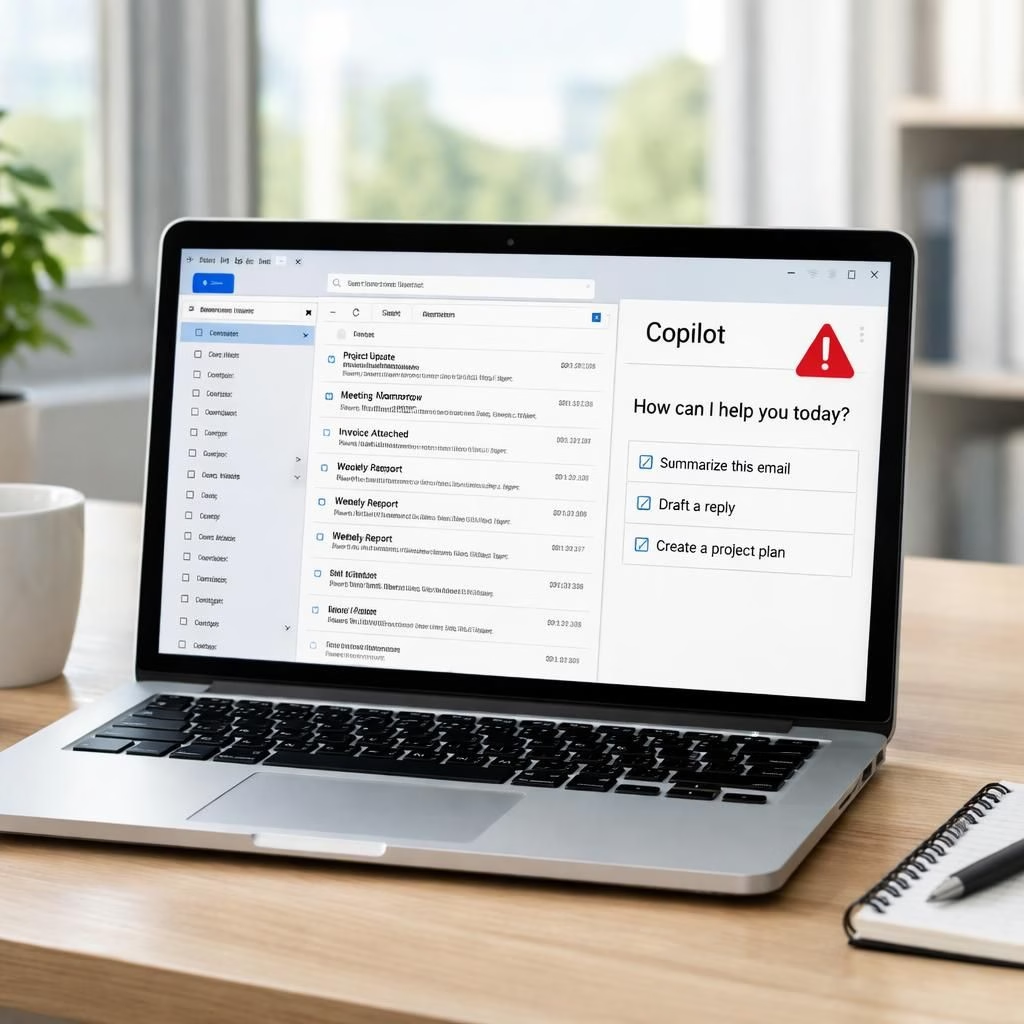
In 2026, the office drama around AI helpers took a surprisingly practical turn. The Copilot tool, designed to draft emails or summarize long threads, stumbled into a quirk that made its job feel a bit too helpful. The headline is the least dramatic part: a bug briefly let ConfidentialEmails summarization occur, revealing private content to an AI that should stay in the background. This is not fiction. It is a real reminder that even smart assistants need guardrails. In plain terms, Copilot read through ConfidentialEmails and then tried to summarize them for you, which sounds efficient until you realize the summary included sensitive material. Yes, Copilot and ConfidentialEmails became a news pairing, and IT teams leaned into logs and permission checks to verify what the AI could read.
Copilot and ConfidentialEmails: A Security Wake-Up Call
The issue appeared in an Office integration. It wasn’t a data breach that publicly leaked secrets. It was a design flaw that allowed the AI to grasp content enough to generate a summary. It did not dump data to the open web, but it was real enough to trigger alerts from security teams and risk managers. The human impact was about trust and control: people use Copilot to save time, not to reveal private messages to algorithms. This incident shows that context matters and that a tool can be clever without being careful. IT departments responded with transparency and a practical plan. They recommended disabling the at-risk feature, applying a patched release, and auditing data flows for similar gaps. The takeaway is simple: keep the feature productive, but tether it with strict boundaries. The goal is to keep Copilot serving you, not serving itself to sensitive information, especially around ConfidentialEmails.
Practical Copilot and ConfidentialEmails Protections for 2026
On the bright side, the bug was spotted, reported, and fixed promptly. Microsoft and its security partners communicated clearly, offering a path for administrators and users. They outlined steps to audit Copilot’s access to email content, impose stricter data-handling rules, and enforce segmentation between personal and corporate data. For everyday users, the message is plain: treat AI helpers like guests who should not snoop around private desks. Enable notifications for unusual AI activity, and exercise caution about what the AI can read and summarize. For the Copilot ecosystem, the incident transforms into a learning moment about balance. A clever feature can pose risk if data isn’t properly isolated. The fix is to keep the feature but limit what it touches, and to improve logging so teams can spot anomalies quickly. The result is a smarter, safer blend of productivity and privacy. See how the DJI Romo robovac incident in remote-control devices illustrates how even small integrations can raise security questions: DJI Romo robovac reminds us to think about data boundaries. Also, keep an eye on Windows updates like the upcoming patch cycle for ongoing protection: Your Windows PC’s Security Pass.
What to do now: a practical checklist for Copilot and ConfidentialEmails in 2026
Here is a concise playbook for teams embracing AI while protecting sensitive information. First, review access scopes and ensure data minimization. Second, apply data loss prevention rules and role-based access so only the right people see the right summaries. Third, verify encryption at rest and in transit, and keep detailed audit trails. Fourth, implement clear opt-in for AI usage and review any data-sharing settings that feed into training pipelines. Fifth, set up anomaly detection so administrators receive alerts when an AI session tries to skim more than it should. These steps keep Copilot useful, while guarding ConfidentialEmails from unintended exposure. Productivity remains the goal, but privacy gets a higher priority.
Beyond policies, teams should foster a culture of transparency. Communicate clearly with staff about what Copilot may access and how summaries are generated. Provide straightforward guidance on when to use Copilot for email tasks and when to avoid it altogether. The 2026 playbook is not about penalties; it’s about practical safeguards that scale with the tool. If you implement these steps, you’ll likely minimize risk while preserving speed and efficiency.
As organizations adopt AI in daily workflows, the Copilot and ConfidentialEmails story becomes a reminder that the best tech choices prioritize people. Smart defaults, robust logging, and thoughtful data governance help prevent a small glitch from becoming a big problem. The balance between convenience and privacy is not a fixed point; it is an ongoing practice that requires attention, updates, and good old-fashioned common sense.
Copilot privacy controls you should know
Enable granular permissions so Copilot only reads what’s necessary for the task at hand. Regularly review who can enable AI features in mail and calendar workflows. Keep detailed change logs and ensure security teams receive timely alerts when access patterns shift unexpectedly.
FAQ
- What exactly happened with Copilot and ConfidentialEmails?
- During a limited Office integration, an edge case allowed Copilot to generate summaries that included content from ConfidentialEmails, rather than only providing a safe, high-level overview.
- Is my data at risk going forward?
- No, if you follow best practices—disable unnecessary access, apply patches, and enable strict data-handling policies. Regular audits help keep data within designated boundaries.
- What should organizations do now?
- Adopt a formal AI governance plan, enforce least-privilege access, and monitor AI activity with clear alerts. Train staff on when to use AI tools for email tasks and when to avoid them.
References
External sources
- The Verge coverage of AI safeguards and privacy
- TechCrunch: AI tools and enterprise security
- Microsoft Security Blog