

AI and Claude: Desktop Automation in 2026
AI and Claude aren’t just buzzwords. They’re stepping into your desktop to make work feel a little lighter. AI is the engine, Claude the driver, guiding your clicks instead of your coffee.
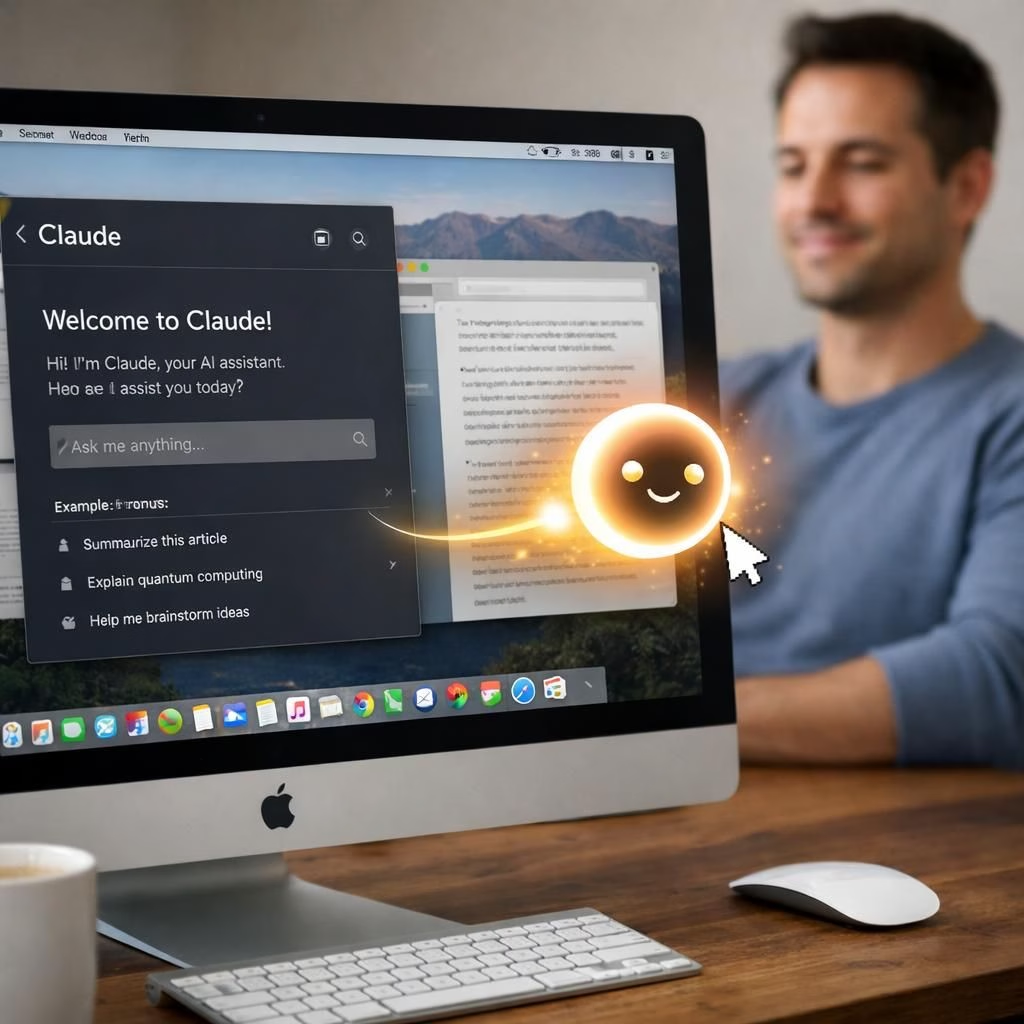
The feature, nicknamed ‘computer use,’ lands as a research preview for Claude Pro and Max users on macOS. The pitch is simple: you describe an outcome, Claude figures out the steps, then executes them on your live machine while you go about something else. It can open files, navigate a browser, fill forms, and click through menus—like you, but with fewer coffee breaks and a little extra steadiness. This isn’t sci-fi; it’s a pragmatic nudge toward productivity, powered by AI-assisted orchestration.
At the start, Claude checks whether a connector exists for the job—Slack, Google Calendar, and a batch of other services are already wired in. If a connector handles it, Claude follows that path. Only when there’s no direct integration does it switch to screen control. In practice, that means your apps get touched in the same order you would touch them, with Claude asking for permission before touching a new program.
You can pull the plug at any moment, and Claude will pause if you want to hand it back control. This safety-first posture helps keep the experience calm rather than chaotic, which is essential when you give an agent access to your desktop. The combination with Dispatch—Anthropic’s task-assignment tool that lets you delegate from your phone—turns a commute into a short, productive interlude: describe a task, and the finished output waits on your desk when you sit down.
In addition to ad-hoc tasks, you can set recurring tasks like ‘scan my inbox every morning’ or ‘pull weekly metrics every Friday.’ Claude can take care of these on schedule, without you having to repeat instructions. The feature leans on safety warnings and a classifier that scans for prompt injection in real time and asks Claude to pause and confirm before proceeding. Some sensitive apps stay off by default. This cautious approach is not a flaw—it’s the core of a consumer-ready automation path that still respects boundaries.
Claude and AI: Safety, Speed, and Scope
Anthropic’s stance is frank: this is early-stage software. Complex tasks often require a second try, and Claude slows down when navigating a screen compared with direct integrations. The payoff, however, is a higher level of safety and a more cohesive product that fits into the existing app ecosystem rather than a developer toolkit. OpenClaw and NemoClaw are in the mix, but Anthropic bets on tighter guardrails, a consumer-facing polish, and deeper integration with its own apps. The question is whether users will value caution over pure speed—certainly a fair trade in many office environments for 2026.
On the competitive front, this approach from Anthropic diverges from the broader AI agent arms race. OpenClaw built an ecosystem of semi-autonomous tools, whereas Nvidia’s NemoClaw offers guardrails baked in for secure agent deployment. Anthropic’s approach aims to attract everyday desk users who want reliable results, not just a toolkit for developers. The result is a friendlier, more predictable experience, even if it means accepting a slightly slower workflow in exchange for fewer surprises.
Getting Started with AI and Claude on macOS
Right now, the feature is available to Pro and Max subscribers. Install the Claude desktop app on macOS and run it. The mobile app alone won’t control your computer, but you can use it to assign tasks through Dispatch, which then executes on your desktop in the background. Anthropic frames this as a research preview to learn where it falls short before a broader rollout. For a feature that touches your live desktop, that careful pace is probably the right move.
In practice, you should expect a few iterations when you tackle unusual software or a tricky workflow. If you enjoy tactile control with a dash of whimsy, Claude can feel like a helpful co-pilot who knows the keyboard flight plan. The end result is a more cohesive fusion of AI capabilities and human judgment, a blend that could reshape how we approach routine tasks in the office and at home.
Want to weigh in? Share your thoughts in the comments below. We love a thoughtful discussion that balances optimism with healthy skepticism.
Original article: Anthropic Claude Computer Use Preview. Thank you to the original source for the material that inspired this rewrite.
Practical AI Workflows with Claude
- Plan a task: Describe the outcome and let Claude identify the steps across your apps.
- Dispatch on the go: Use Dispatch to delegate from your phone, then watch the result appear on your desktop.
- Recurring tasks: Set routines like inbox scans or weekly metrics, and Claude handles them automatically.
- Safety first: Real-time checks guard against prompt injection and require your confirmation before proceeding.
FAQ
- What can Claude do on my Mac? It can open files, navigate browsers, fill forms, and click menus when needed, prioritizing existing connectors first.
- Is it safe to grant access to my computer? Yes, because the system pauses for confirmation before touching new apps and uses safeguards to prevent unintended actions.
- Do I need Dispatch to use this effectively? Not strictly, but Dispatch makes remote task assignment seamless and keeps your desktop workflows flowing while you’re away.
- How fast is the experience? It may be slower than direct app integrations due to screen navigation, but the tradeoff is improved safety and predictability.
- How do I start? Install the Claude desktop app on macOS and run it; use the mobile app to queue tasks via Dispatch.
References
- Original source: Times of India — Explained: Anthropic’s new Claude tool that can control your computer
- Anthropic Claude Computer Use Preview: Anthropic blog
- Claude product overview: Claude product overview