

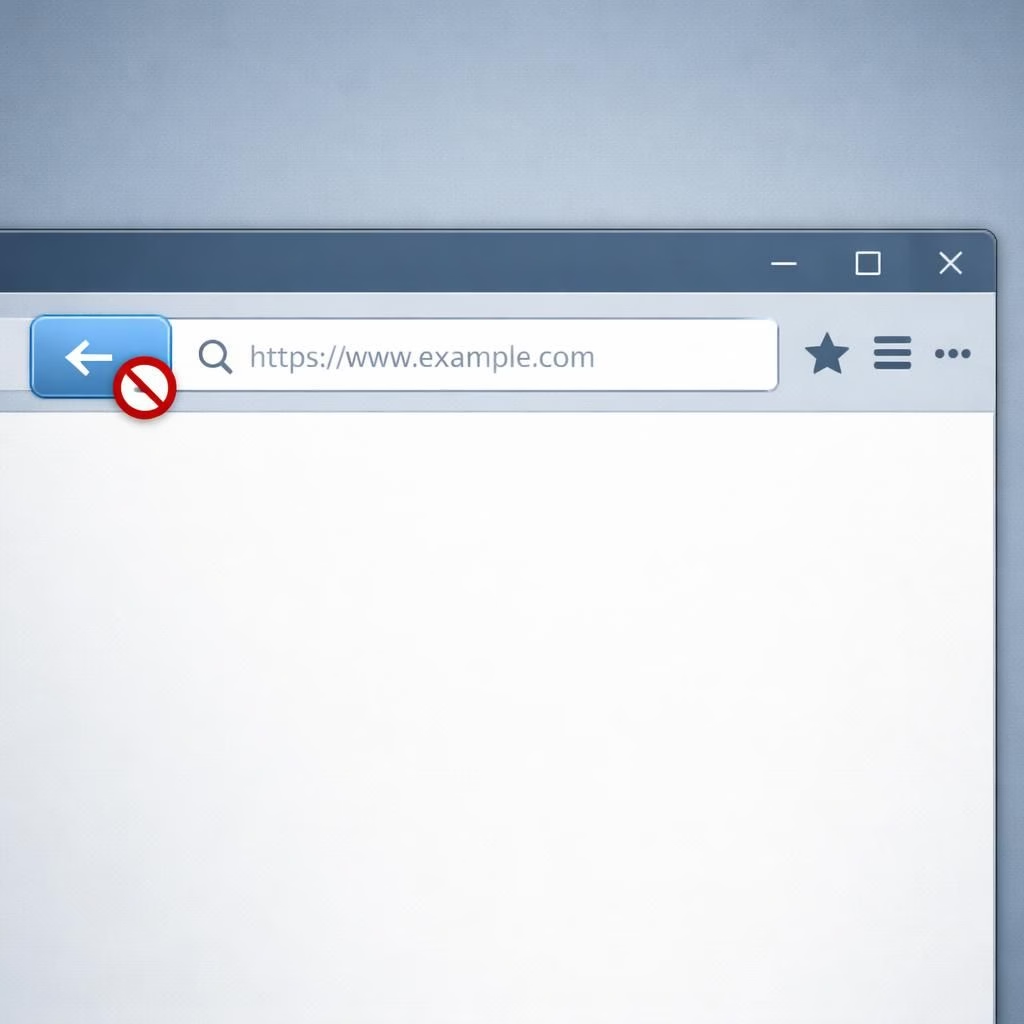
In 2026, the web’s back button hijacking is under the microscope. The Google crackdown on sneaky UX tricks is in full swing.
Back Button Hijacking: How It Works and Why It Offends UX
Back button hijacking occurs when a site manipulates your browser history to trap or mislead you. A page may push fake history states, and pressing back lands you somewhere unexpected. This sudden jolt degrades UX and erodes trust.
In practice, back button hijacking often shows up as subtle redirects. A sequence of pages may reset itself, nudging you forward or looping you back to a prior prompt. There are legitimate uses for history manipulation in advanced web apps, but the boundary between enhancement and obstruction is thin. The important factor is predictability: users should feel in control, not like they’re being led down a lab-coated corridor of clicks. When the back button behaves unexpectedly, it raises questions about accessibility and inclusivity. The best UX keeps navigation honest and transparent, and the term back button hijacking should be a warning flag for designers and developers alike.
Google crackdown: The Long Arm of UX Enforcement You Can Welcome
Google’s 2026 updates to search ranking and UX guidelines aim to curb manipulative practices that degrade user experience. The Google crackdown isn’t about stifling creativity; it’s about ensuring that sites earn trust the old-fashioned way: by delivering clear, reliable, and respectful navigation. When a page traps users or frustrates their exit from the site, it loses visibility in search results.
In practice, pages relying on back-button tricks or deceptive prompts risk penalties, slower indexing, or lower visibility. The net effect is beneficial for everyday users who want simple, honest navigation and for site owners who prefer durable, sustainable traffic over short-lived tricks. This shift also nudges publishers and developers toward better design decisions that pay off in the long run.
What does this mean for publishers and developers? First, aim for transparent flows. Second, test your site with real navigation scenarios: arrive from search, click forward, press back, and land where you expect. Third, document and monitor state so that users can leave a page and return with the browser history intact. The Google crackdown thus becomes a shared responsibility: build with empathy for the user, and you’ll enjoy better results and fewer surprises at launch or during updates.
Two quick strategies to keep UX clean and compliant:
- Avoid back button traps and ensure the back button return goes to the previous, logical page.
- Prefer progressive enhancement and avoid critical changes to the user’s navigation state via history manipulation.
In short, the goal is simple: respect the user’s agency. The back button is a ubiquitous tool that shouldn’t be hijacked for curious experiments. The Google crackdown, when embraced, rewards sites that invest in good UX, faster performance, and accessible design. The result is a healthier web where navigation feels intuitive rather than engineered.
If you have thoughts on back button hijacking and Google’s crackdown, share your experiences. Tell us how you experience navigation on modern sites in the comments.
Original reporting inspiration and thanks: Special thanks to the original articles from BBC, CNET, Mashable, Ars Technica, and Engadget. Source links: BBC, CNET, Mashable, Engadget.
References
BBC article: https://www.bbc.com/news/articles/c05dd2yj3z3o