

Apple and WWDC in 2026: Preview and Practical Takeaways
Apple and WWDC fans alike are buzzing as we count down to the next wave of updates. With WWDC under a month away, the tech world shifts its focus from hardware rumors to software that keeps our devices humming. We’re also peering ahead to fall hardware refreshes, hoping the season stays lively without tipping the budget too far into the red. In short, the 2026 preview emphasizes smarter software, friendlier pricing, and a few delightful surprises that remind us tech can feel human again.
On iOS, the chatter suggests refinements that tighten the user experience without disrupting familiar workflows. Expect UI tweaks that improve accessibility, privacy nudges that feel helpful rather than punitive, and deeper interoperability with Android through better WWDC messaging support—but with the company’s characteristic emphasis on end-to-end security. The 26.5 update, which landed in the public beta this week, brings a handful of fixes and a few headline features that could become daily tools for power users and casual users alike. The end-to-end encryption beta for RCS messages—while not universal—addresses a real user pain point: keeping chat data private across ecosystems without demanding a user manual to navigate settings.
Meanwhile, Maps gains a new “Suggested Places” section that leverages recent searches and your location to spark ideas for where to go next. It’s the kind of small enhancement that can save minutes per day and reduce the friction of in-the-moment decisions. And a Pride Luminance wallpaper option adds a touch of seasonal personalization, showing that the company still cares about visual expression in ways that don’t demand a monthly subscription to a theme pack.
WWDC Updates and Education Pricing: Practical Notes for 2026
Apple’s education pricing has long given students and educators a lifeline, but this year the program has shifted toward a verifiable model in more countries. In the United States, Canada, and several other regions, education customers must verify eligibility via UNiDAYS. The change isn’t about raising barriers; it’s about ensuring the program reaches the right people who genuinely benefit from discounted pricing. In parallel, some regions report that Apple Watch and other hardware categories remain eligible for education pricing, delivering about a 10 percent discount relative to standard pricing. It’s a modest improvement that can compound over time for families and schools who plan ahead.
The move toward verification might feel bureaucratic, but it signals that the program should remain focused on helping learners gain access to essential tools. The verification process is largely automated and familiar to students who already navigate campus systems. The net effect is a fairer distribution of discounts, paired with continued access to the ecosystem in classrooms and creative spaces. The result is a win for students who value reliability, compatibility, and long-term software support—three things that never go out of style.
macOS 27, Safari, and the Hardware Rhythm
Bloomberg’s take on macOS 27 hints at a “slight redesign” to improve readability within the Liquid Glass interface. The idea is to refresh the aesthetic without forcing users to relearn their favorite shortcuts. If the redesign lands as described, expect cleaner typography, more legible menus, and improved contrast options that help people work longer without fatigue. A new Safari feature, initially revealed by MacRumors, promises to automatically organize browser tabs into groups. This aligns with the broader trend of reducing cognitive load by letting the browser handle clutter while users stay focused on tasks. Word is that iOS 27 and iPadOS 27 will mirror this tab-grouping capability, offering a unified cross-device experience that makes sense for people juggling multiple projects.
While the exact hardware lineup remains under wraps, the rhythm points toward a steady cadence: a premium next-generation iPhone lineup in the fall, a new Apple Watch family possibly arriving around the same window, and a few refreshes that emphasize battery life, durability, and subtle design refinements. The idea is not to chase every rumor but to deliver solid upgrades that feel worthwhile and coherent with the software ecosystem users already love. And yes, for skeptics who love a good spec sheet, there are still whispers about camera improvements and processor efficiency—the kind of incremental gain that compounds into a smoother daily experience.
Apple Watch, Wearables, and the Security Mindset
Rumors around Apple Watch focus on design changes and software features that expand health sensing, performance, and user convenience. WatchOS 27 is expected to bring meaningful quality-of-life improvements, with potential changes to battery optimization and on-device intelligence that feel practical rather than flashy. Touch ID teased in code has not yet become a confirmed feature for the next-gen watches, but the rumor mill continues to churn with possibilities. The core message remains: wearables will expand capabilities around health, connectivity, and security, while staying aligned with privacy and ease of use. It’s not a revolution in wearables—more like a thoughtful evolution that makes daily routines simpler and safer.
Apple’s Steve Jobs Coin: A Small, Bright Note in a Big Week
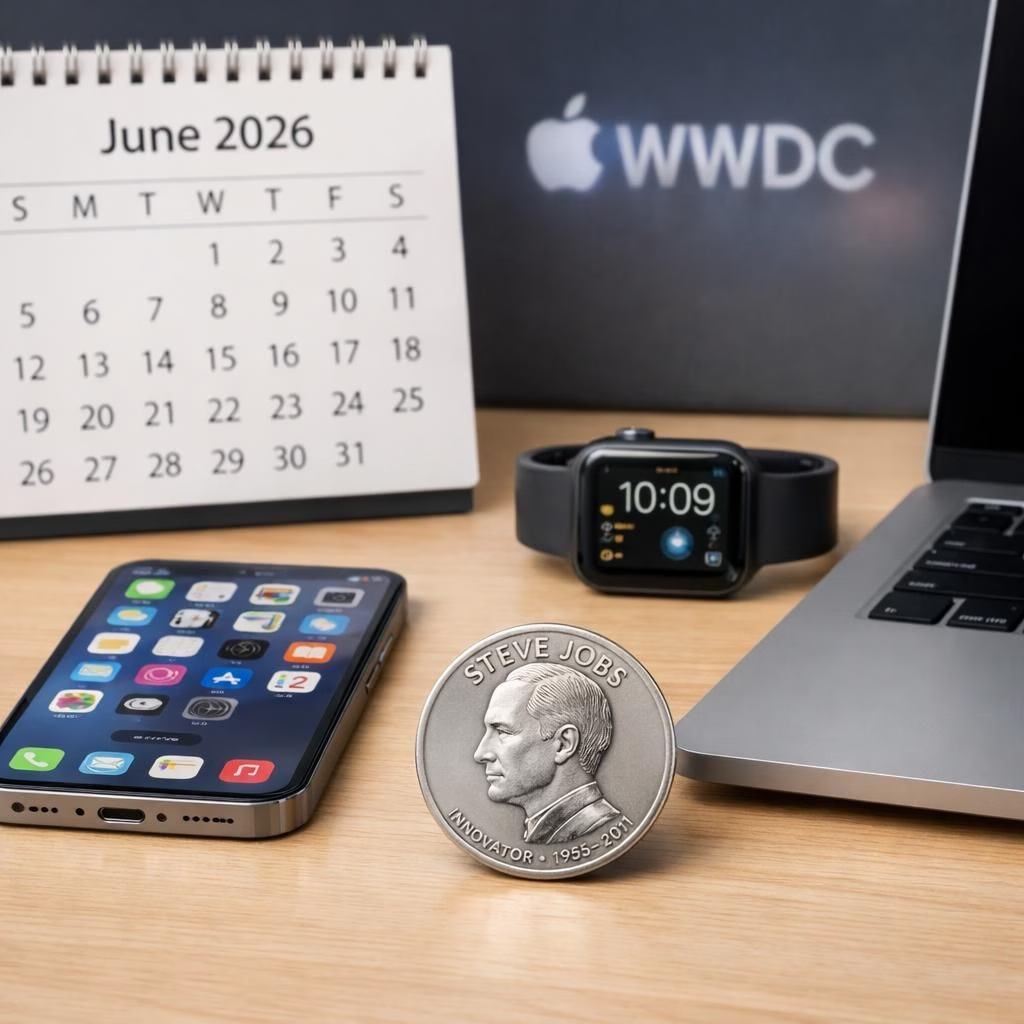
The United States Mint this week introduced a new $1 American Innovation Coin featuring Steve Jobs. The coin captures a youthful Jobs in a turtleneck, jeans, and sneakers, reflecting a moment of reflection against a Northern California backdrop. The portrait and scene aim to celebrate a tech pioneer whose work reshaped modern computing. The coin is part of a broader program that honors innovators from all states and territories. It’s a delightful reminder that technology’s story is partly about people, not just products, and a nice touch of historical context amid the week’s heavier tech news. The coin sold out quickly, underscoring the public’s affection for the Jobs era and the ongoing appetite for collectible moments that pair history with innovation.
Weekly Roundup and Future-Proofing Your Setup
Beyond the headline beats, this week’s coverage emphasizes practical takeaways for everyday users. We highlight improvements to security and privacy in iOS 26.5, the potential for a more readable Mac interface in macOS 27, and the efficiency gains in Safari’s new tab-grouping approach. The education pricing adjustments are a reminder that affordability remains a core concern for families and schools, and that Apple’s approach—balanced between discounts and verification—seeks to keep access fair while preserving program integrity. The Jobs coin adds a cultural layer, showing that technology stories aren’t just about devices but about the people and eras that shaped them.
As we move toward the WWDC keynote on June 8, 2026, expect a blend of polished software updates, a measured hardware cadence, and thoughtful touches that reflect Apple’s long-standing values: user focus, privacy, and a dash of playfulness. If you’re excited about iOS 26.5, macOS 27, WWDC 27, or the idea of education discounts becoming more discoverable and trustworthy, you’re in good company. The key is to stay curious, test the features, and give feedback that helps the ecosystem improve for everyone.
Have thoughts, predictions, or questions about Apple, WWDC, or the education pricing changes? Please share your thoughts in the comments: your insights help us all navigate the evolving world of Apple technology together.
Practical steps to get ready for WWDC
- Mark the official WWDC schedule and watch streams when they go live.
- Try iOS 26.5 beta on a spare device to get a feel for changes.
- Review privacy settings and data sharing options across devices.
- Experiment with cross-device features like RCS messaging to understand interoperability.
FAQ: WWDC Questions You Might Have
- What is WWDC? It is Apple’s annual developer conference where the company showcases software updates and platform changes that developers leverage.
- Will hardware like the iPhone 18 Pro be announced at WWDC? Hardware announcements typically land later in the year; WWDC focuses on software and developer tools, while new iPhone hardware usually surfaces in fall.
- How will the education pricing verification affect me? The change helps ensure discounts reach eligible students and educators, with automated checks and region-specific rules.